
USB PD 3.1 Fast Charging Explained: Watts, EPR, and Cables
Confused by USB PD 3.1, 240W cables, and EPR? Learn how the latest charging standard works, what your devices actually need, and how to buy the right gear.

Quick answer USB PD 3.1 is an updated fast-charging standard that expands USB-C power output from a maximum of 100W up to 240W, enabling power-hungry workstations and gaming laptops to charge over a single standard cable.
Buying a charger used to be simple: you grabbed whatever came in the box. Today, phone and laptop makers often skip the bundled wall adapter entirely, leaving you to navigate a confusing sea of wattages, specifications, and cable ratings. You might see terms like "Extended Power Range" or "PD 3.1" stamped on chargers and wonder if your phone will blow up if you plug it in.
Think of USB Power Delivery like a smart municipal water system. The charger is the water main, the cable is the pipe, and your device is the faucet. Even if the main can supply high pressure, the faucet decides how much water actually flows through. USB PD 3.1 simply widens the main pipe system so heavy machinery can draw more water without requiring a completely separate plumbing line.
Key takeaways
- USB PD 3.1 increases maximum power delivery from 100W to 240W by introducing higher voltage levels up to 48V.
- To charge past 100W, you need an Extended Power Range (EPR) cable equipped with a digital E-Marker chip rated for 240W/5A.
- High-wattage chargers are fully backward compatible and will not damage smaller devices like smartphones or earbuds.
- Samsung and Google Pixel fast charging depends on Programmable Power Supply (PPS) support, not just raw total wattage.
What Is USB PD 3.1 and How Is It Different?
USB Power Delivery (USB PD) is the universal standard developed by the USB Implementers Forum (USB-IF) that allows devices to negotiate power contracts over a USB-C connection. The previous standard, USB PD 3.0, was limited to a Standard Power Range (SPR) top speed of 100W (20V at 5A). While 100W is plenty for smartphones, tablets, and thin productivity laptops, high-performance gaming laptops and mobile workstations still relied on thick, proprietary barrel-plug power bricks.
USB PD 3.1 breaks that 100W ceiling by introducing Extended Power Range (EPR), pushing maximum output up to 240W. This standard is further refined by updates like USB PD 3.2, which introduced Adjustable Voltage Supply (AVS). To avoid changing the physical USB-C connector size, the protocol increases voltage while holding electric current steady at 5A.
| Feature | USB PD 3.0 (SPR) | USB PD 3.1 / 3.2 (EPR) |
|---|---|---|
| Maximum Power Output | 100W | 240W |
| Maximum Voltage | 20V | 48V |
| Maximum Current | 5A | 5A |
| Voltage Steps | 5V, 9V, 15V, 20V | 28V (140W), 36V (180W), 48V (240W) |
| Fine Voltage Tuning | PPS (20mV steps) | AVS (100mV steps, mandatory >27W) |
| Required Cable Rating | 3A (60W) or 5A (100W) | 240W / 48V 5A EPR Cable |
Dynamic communication happens automatically before power flows. When you plug a device into a charger, they negotiate a power contract. The charger advertises its capabilities, the device requests what it can safely handle, and the charger monitors the connection, cutting power instantly if voltage deviations occur.
Standard Power vs. Extended Power Range (EPR) Explained

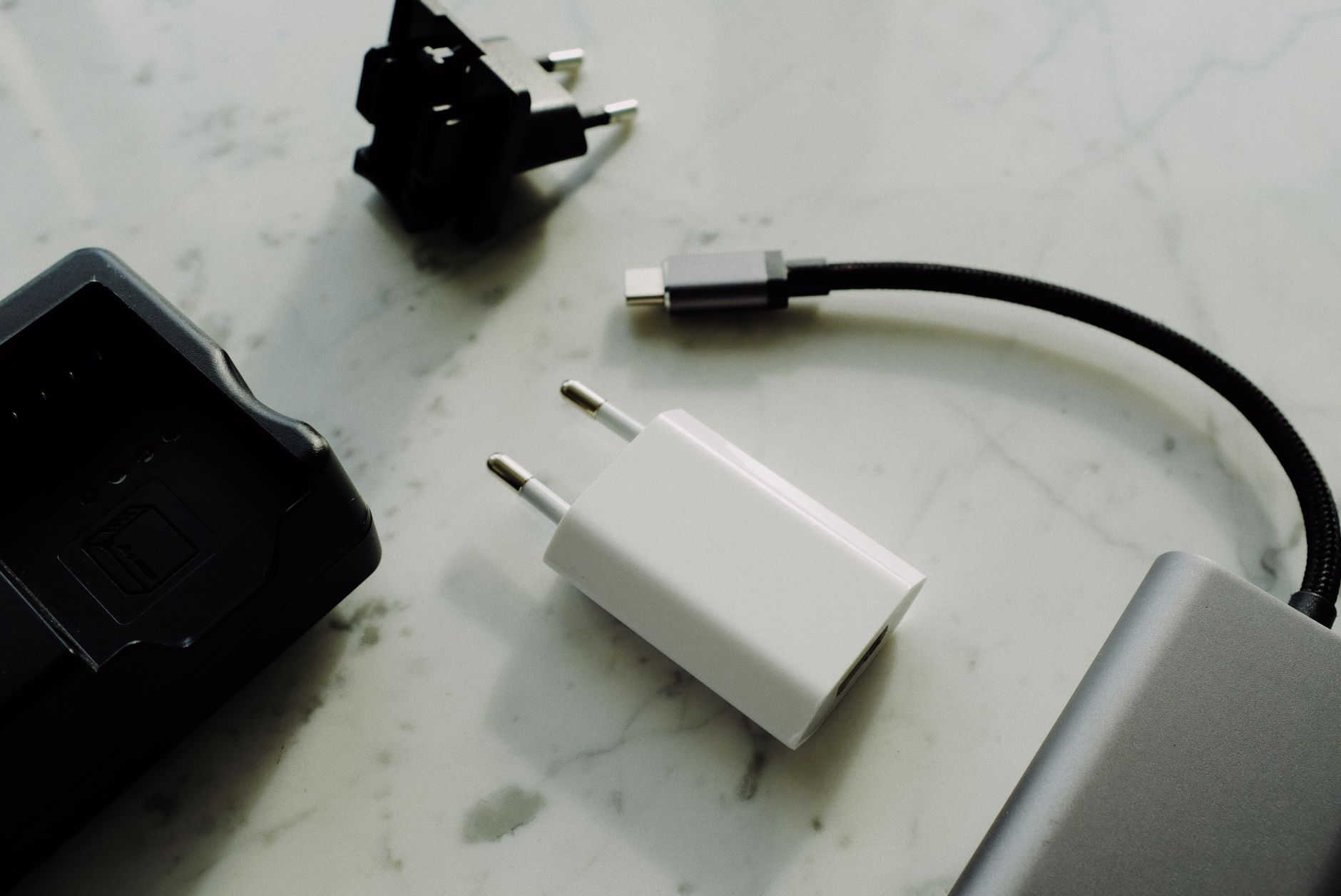
Photo by ready made on Pexels
To deliver more power, electrical systems can increase either current (amperes) or voltage (volts). Pushing current above 5A would require significantly thicker, stiffer copper wires inside USB cables, making them cumbersome and prone to overheating at the connector pins. EPR solves this by capping current at 5A and scaling voltage upward through three new fixed voltage rails: 28V (140W), 36V (180W), and 48V (240W).
Alongside fixed voltage rails, modern specifications use dynamic voltage tuning to reduce heat. Programmable Power Supply (PPS) allows devices to adjust voltage in tiny 20mV increments. This lets the device's internal battery management system control power delivery precisely, reducing internal heat generation by 30% to 40% during fast-charging cycles.
Under newer USB PD 3.2 updates, Adjustable Voltage Supply (AVS) builds on this by offering 100mV step adjustments across the higher voltage ranges. AVS is mandatory on power supply capabilities rated above 27W. By continuously tweaking the voltage to match what the battery needs at any given second, AVS prevents efficiency loss and keeps high-power laptops cooler while charging.
Regulatory changes are accelerating this shift. European Union universal charger mandates through 2026 require standardized USB-C power delivery across portable electronics. As a result, manufacturers are rapidly adopting GaN-based (Gallium Nitride) PD 3.1 and PPS chargers to replace proprietary wall plugs worldwide.
How Many Watts Do Your Devices Actually Need?
Not every gadget requires 240W. Plugging a small device into a massive power supply is perfectly safe, but buying a giant 240W wall adapter for an e-reader is an expensive overkill. For deeper details on matching charger specs, check our comparison of Anker Prime vs. Ugreen Nexode chargers.
- Smartphones: Most current devices (such as Google Pixel, Samsung Galaxy, or iPhone models) require between 18W and 45W for maximum speed.
- Tablets & E-readers: Typically draw between 30W and 65W. For dedicated reading hardware, see our guide on how to choose the right e-reader.
- Thin & Light Laptops: Standard productivity ultrabooks draw between 65W and 100W over standard USB PD.
- Workstations & Gaming Laptops: High-performance machines with discrete GPUs require 140W to 240W, fully utilizing PD 3.1 EPR.
Tip: If your Samsung or Google Pixel phone charges slowly on a multi-port 100W charger, check the charger's spec sheet for PPS support. Without PPS, the phone will fall back to lower standard power profiles regardless of total available wattage.
Why the Right USB-C Cable Matters for 100W+ Charging
You cannot achieve 140W or 240W speeds with a basic USB-C cable you found in a drawer. Standard, low-cost cables are only rated for up to 60W (3A) and rely on basic passive construction. To dive deeper into wire construction, read our complete guide on USB-C cables, charging speeds, and data rates.
To charge between 60W and 100W, a cable must contain a built-in E-Marker (Electronic Marker) microchip that communicates its 5A rating to the charger. For 100W to 240W charging, you need an EPR-rated cable equipped with a specialized E-Marker chip that digitally certifies its 48V/5A handling capabilities. EPR cables also feature thicker internal wire gauges (typically 21AWG to 22AWG) and reinforced insulation to handle elevated voltages safely.
Cable Identification and Price Expectations
Before buying cables, keep these budget and hardware guidelines in mind:
- 60W (3A) Standard Cables: Usually bundled with phones and basic accessories. Costs around $5 to $10. Fine for phones, but caps charging at 60W.
- 100W (5A) SPR Cables: Feature standard E-Marker chips. Costs around $10 to $15. Great for ultrabooks and tablets.
- 240W (5A) EPR Cables: Require 48V certified E-Marker chips and thicker gauge wire. Costs around $15 to $35 depending on length, durability, and data transfer specifications.
Warning: Never use uncertified or physically damaged cables for EPR charging. Pushing up to 48V through sub-par insulation risks electrical arcing and permanent damage to your device's charging port.
Are USB PD 3.1 Chargers Backward Compatible?
Yes, USB PD 3.1 chargers are fully backward compatible with older devices and legacy power standards. The USB PD specification requires chargers to start at a safe baseline voltage of 5V. Higher power levels are only delivered after the connected device actively requests them.
If you plug an older smartphone rated for 18W into a 240W USB PD 3.1 charger, the phone will negotiate its standard 9V/2A contract. The charger simply supplies the requested 18W and leaves the remaining headroom untouched. High wattage capacity never forces excess electricity into a connected battery.
Common Mistakes When Upgrading to USB PD 3.1
- Assuming any USB-C cable handles 240W: Using an unrated cable causes the charger to safely cap power at 60W or 100W, wasting your charger's potential.
- Ignoring PPS support for phones: Buying a high-wattage laptop charger without PPS will result in slower fast-charging performance on phones that rely on dynamic voltage adjustments.
- Paying for 240W gear for basic laptops: If your laptop only draws 65W, buying a heavy 240W EPR adapter adds unnecessary bulk and cost to your travel bag.
Pros
- Single cable standard for everything from earbuds to high-end gaming laptops.
- Dynamic negotiation prevents overcharging and electrical damage.
- AVS and PPS lower operating heat and prolong device battery life.
Cons
- EPR 240W cables are noticeably thicker and more expensive than basic cables.
- Navigating charger spec sheets for PPS and AVS compliance can be confusing.
Bottom line USB PD 3.1 is an essential upgrade for anyone using high-performance laptops who wants to ditch heavy, proprietary power bricks. If your primary devices are smartphones, tablets, or ultrabooks under 100W, a standard USB PD 3.0 charger with PPS support remains the most cost-effective choice.
FAQ
What is the difference between USB PD 3.0 and USB PD 3.1?
USB PD 3.0 caps power delivery at 100W (20V at 5A). USB PD 3.1 introduces Extended Power Range (EPR), raising maximum output up to 240W (48V at 5A) to power demanding laptops and workstations over USB-C.
Do I need a special USB-C cable for charging over 100W?
Yes. Charging above 100W requires a dedicated Extended Power Range (EPR) cable equipped with an E-Marker chip certified for 240W and 48V operation.
Will a 140W USB PD 3.1 charger damage my phone?
No. USB PD chargers use smart negotiation to supply only the power requested by your device. Your phone will safely draw its normal charging power (such as 18W to 45W) and ignore the rest.
How do I know if my device supports Extended Power Range (EPR)?
Check your device's technical specifications for mention of USB PD 3.1, Extended Power Range, or charging requirements exceeding 100W. EPR is primarily found on newer gaming laptops, workstation notebooks, and heavy-duty power banks.
Sources
Facts in this article were checked against these pages on October 18, 2026:
- PD 3.1 Fast Charging Explained (Up to 240W) (kytchargers.com)
- INIU | PD & QC Explained — Full Guide to Fast Charging (iniushop.com)
- USB-C Power Delivery: Fast Charging Up to 240W | Belkin US | Belkin (belkin.com)
- USB PD 3.1 Explained: What the 240W Charging Era Means for Your Devices (bwoohk.com)
- USB-C PD Fast Charging Guide: PD 3.1, PPS & EPR | WOWOHCOOL (wowohcool.com)
- USB-PD 3.1 at 240W — When to Need It & Who Supports It? | CairoVolt (cairovolt.com)
How we researched this: this guide is based on current manufacturer information and reputable sources, listed in the Sources section above, and is updated when things change. Read our editorial policy.
Content Writter



Comments
No comments yet — be the first to share your thoughts.