
How to Choose the Right E-Reader for Your Reading Habits
Find the ideal e-reader for your reading style, budget, and ecosystem preferences with this comprehensive buying guide.
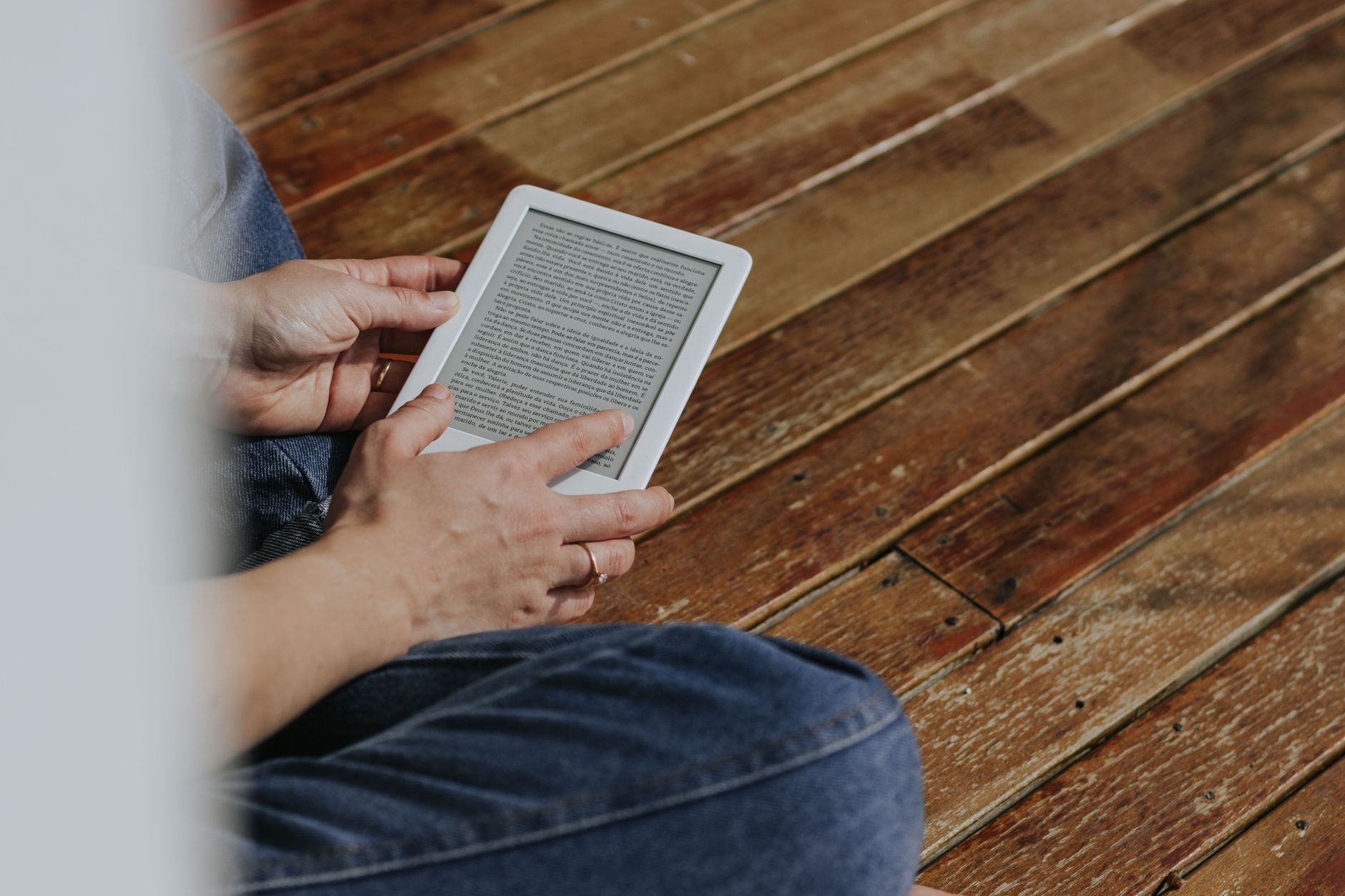
Quick answer To choose the right e-reader, match your preferred bookstore ecosystem (Amazon, Kobo, or open Android apps), decide if you want monochrome or color, and pick a pocket-sized 6-inch model or a larger 7-inch display based on portability needs.
Walking into the e-reader market can feel overwhelming once you start comparing screen resolutions, front lights, and walled ecosystems. Whether you read dense nonfiction, graphic novels, or listen to audiobooks on your commute, picking the right device depends entirely on your daily reading habits.
You do not need to overpay for massive processing power or huge storage if you only read text-based books. This guide breaks down what actually matters so you can find the best match without wasting money.
Key takeaways
- Pocket-sized 6-inch e-readers prioritize ultra-light portability for bags and coat pockets.
- Mainstream choices like Kindle and Kobo offer weeks of battery life, but lock you into distinct software ecosystems.
- Open Android readers give you access to the Google Play Store for third-party reading apps.
- Color E-Ink screens offer a paper-like, muted color palette, but trade away a bit of monochrome background brightness.
Screen Size and Portability: Pocket vs. Full-Size
Size dictates where and how comfortably you can read. Pocket-sized devices generally feature 6-inch displays, such as the basic Kindle, the Boox Go 6, or the Kobo Clara Colour. These weigh very little, sliding easily into a purse or coat pocket for reading on public transit.
Full-size devices usually range from 7 inches up to larger e-paper tablets. A 7-inch screen, found on models like the Kindle Paperwhite and Kobo Libra Colour, offers significantly more text per page and accommodates larger font sizes without forcing you to turn pages constantly. If you read heavy PDFs or comics, skip the 6-inch tier and stick to larger screens or specialized e-paper tablets.
Screen Technology: E-Ink Clarity and Warm Light Features
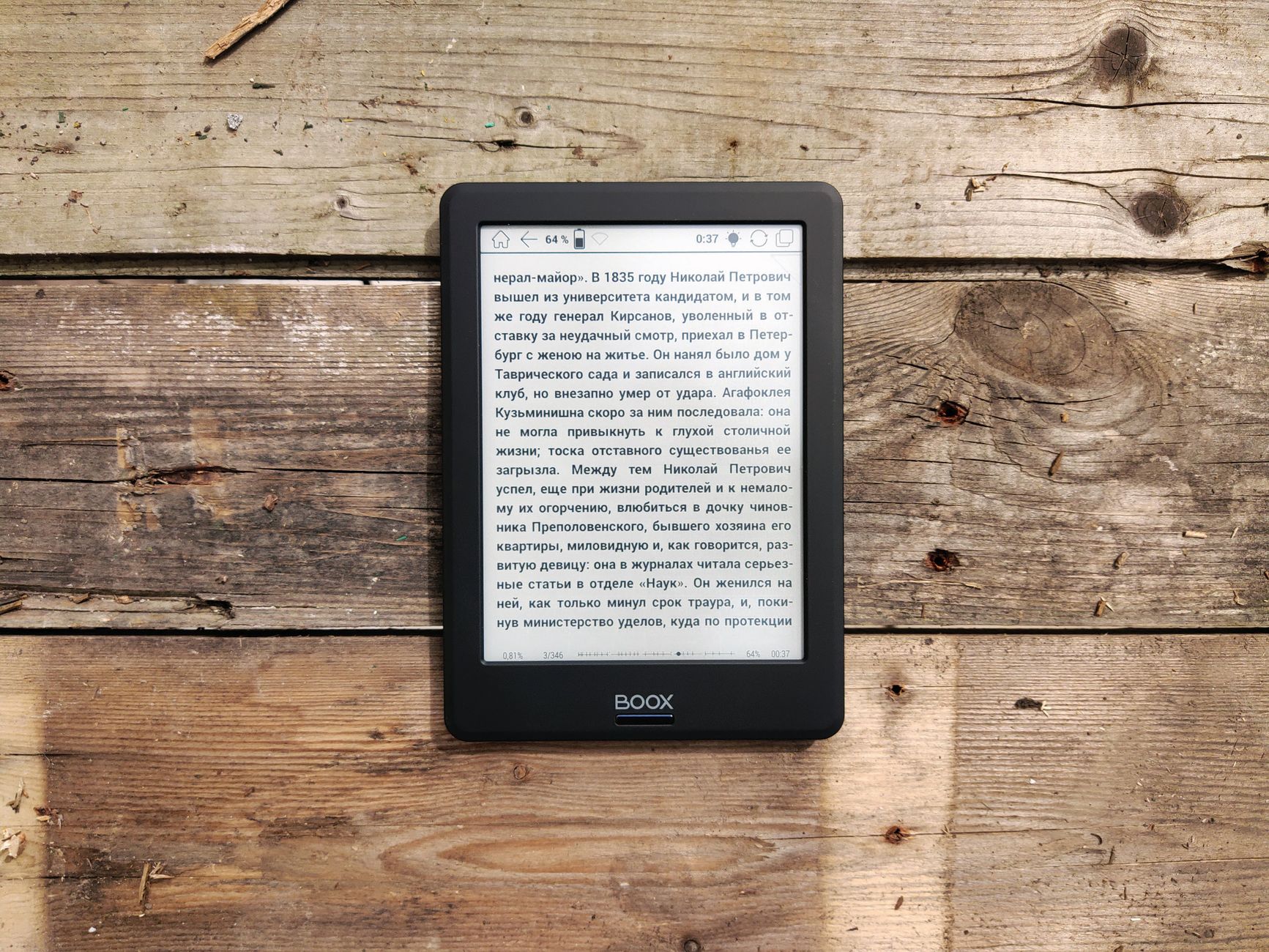
Photo by Andrey Matveev on Pexels
E-Ink Carta panels, such as Carta 1200 or Carta 1300, provide 300 ppi monochrome clarity with zero blue light and glare-free outdoor reading under direct sunlight. Unlike glowing phone or tablet screens, traditional E-Ink reflects ambient light.
At night, warm light features come into play. These dual-tone front lights let you adjust brightness and color temperature from cool blue-white to a cozy amber glow, drastically reducing eye strain in dark rooms. Color E-Ink panels are available on models like the Kobo Libra Colour, Kobo Clara Colour, Kindle Colorsoft, and Bigme B6 Pro Color, adding soft tones for book covers and illustrations.
Warning: Color E-Ink displays use a color filter layer over the screen. This means background whites look slightly darker and more muted than a pure monochrome e-reader. Do not expect an iPad-like bright LCD display.
Waterproofing and Durability for Travel and Bath Reading
If you enjoy reading by the pool, at the beach, or in a relaxing bath, hardware durability matters. Many mid-to-high-end readers carry an IPX8 waterproof rating, meaning they can survive accidental submersion in fresh water.
Basic entry-level models often skip waterproofing to hit lower price points. Always check the official ingress protection rating if you plan to read near water, as a single splash can permanently ruin an unprotected device.
Ecosystem Lock-In: Kindle vs. Kobo vs. Open Android Readers
Software is where e-reader brands differ the most. Amazon Kindle offers the largest book marketplace and seamless Whispersync synchronization, but ties you closely to Amazon's digital store.
If you borrow books from public libraries, Kobo devices feature native OverDrive and Libby integration for public library book borrowing globally. Kobo also makes it easy to connect to a computer and sideload custom fonts or personal EPUB files.
Open Android readers, such as Boox and Bigme devices running Android 14, provide full access to the Google Play Store and third-party reading apps. However, they require more setup and consume battery power faster than closed systems.
Tip: Moving non-ecosystem files like personal PDFs or downloaded EPUBs into walled gardens like Kindle requires emailing files or using specialized conversion tools, whereas open platforms and Kobo handle drag-and-drop file transfers much more smoothly.
Storage Capacity and Audiobook Support
Most standard e-readers come with ample internal storage for thousands of text-based books. You rarely need to upgrade storage tiers unless you plan to store massive graphic novels or extensive audio libraries.
If you listen to audiobooks alongside reading, look for Bluetooth-enabled models that pair with wireless headphones. Kindles support Audible playback, while Kobos support the Kobo audiobook store. Keep in mind that audio playback drains the battery much faster than standard text reading.
Battery Life Expectations
One of the greatest advantages of E-Ink technology is extreme power efficiency. Basic and mid-range e-readers typically boast weeks of battery life on a single charge.
A standard basic Kindle averages up to 6 weeks depending on daily usage, while the Kindle Paperwhite offers up to 12 weeks. Turning off Wi-Fi, keeping front light brightness moderate, and avoiding audiobook streaming will keep your device running for months at a time.
What to Look For: Feature Checklist
- Display Resolution: Look for 300 ppi monochrome clarity for crisp, print-like text.
- Front Lighting: Ensure it includes adjustable warm light for comfortable nighttime reading.
- Library Support: Verify OverDrive/Libby integration if you borrow public library books.
- Physical Controls: Seek out physical page-turn buttons if you dislike relying entirely on touchscreens (especially since Amazon officially discontinued the Kindle Oasis).
- Build Protection: Look for an IPX8 waterproof rating if you read near water.
Common Mistakes to Avoid
Choosing an e-reader is straightforward if you avoid these frequent pitfalls:
- Buying color expecting an iPad: E-Ink color is soft, paper-like, and front-lit. It is poor for vivid video or high-gloss photo viewing.
- Ignoring library compatibility: Check your local library network before committing to an ecosystem, as Kindle library integration is limited primarily to US users.
- Overpaying for storage: Standard e-reader storage comfortably holds thousands of books. Do not pay extra for high-end processing power unless you need a full Android tablet experience.
Comparison of E-Reader Options
| Device Type | Screen Size | Best For | Ecosystem |
|---|---|---|---|
| Basic Kindle | 6-inch | Budget-conscious readers ($149.99) | Amazon Kindle Store |
| Kindle Paperwhite | 7-inch | Dedicated book lovers ($199.99) | Amazon Kindle Store |
| Kobo Libra Colour | 7-inch | Physical buttons & library users ($259.99) | Kobo & OverDrive / Libby |
| Boox Go 6 | 6-inch | Android app flexibility | Google Play Store / Open Android |
Pros
- Zero glare outdoors in direct sunlight
- Weeks of battery life on a single charge
- Substantially reduced eye strain compared to phones or tablets
Cons
- Walled ecosystems can make file management rigid
- Color E-Ink backgrounds are darker than monochrome panels
- High-end models carry steeper price tags
Bottom line If you want straightforward reading and buy most books through Amazon, get a Kindle Paperwhite. If you value public library integration, physical page-turn buttons, and easy file management, choose the Kobo Libra Colour instead.
FAQ
Do I need a waterproof e-reader?
You only need an IPX8 waterproof rating if you read near water, such as a bath, pool, or beach. If you only read indoors or during commutes, a standard non-waterproof model works fine.
Is Kindle the only e-reader that supports library books?
No. Kobo devices feature built-in OverDrive and Libby integration that supports public library borrowing across the US, UK, Australia, New Zealand, and Singapore.
What screen size is best for reading PDFs and comics?
Larger 7-inch screens or larger e-paper tablets provide enough workspace to read PDFs and graphic novels comfortably without constant zooming and panning.
How much storage do I actually need on an e-reader?
Basic storage capacities easily hold thousands of text books. You only need to worry about higher storage tiers if you plan to download heavy audiobooks or large graphic novel collections.
Are color e-readers worth the extra money?
Color e-readers are worth it if you frequently read graphic novels, children's books, or textbooks with highlighted text. For standard prose reading, monochrome models offer sharper contrast and cleaner background whites.
Sources
Facts in this article were checked against these pages on October 13, 2026:
- Ereader Buying Guide for Focused Reading | Viwoods (viwoods.com)
- E-Reader Buying Guide – eWritable (ewritable.net)
- 5 Tips for Choosing the Right E-reader (electronics.howstuffworks.com)
- The best ereader in 2026 | TechRadar (techradar.com)
- Best E-Reader For You: Top Picks Based On Your Reading ... (sunrisegeek.com)
- The Pros & Cons of eReaders - Poudre Libraries (poudrelibraries.org)
How we researched this: this guide is based on current manufacturer information and reputable sources, listed in the Sources section above, and is updated when things change. Read our editorial policy.
Content Writter
Comments
No comments yet — be the first to share your thoughts.