
Wi-Fi 7 Multi-Link Operation Explained: What MLO Means for You
Wi-Fi 7 Multi-Link Operation (MLO) lets devices link to multiple Wi-Fi bands at once. Learn how it cuts latency, stops connection drops, and helps your home network.
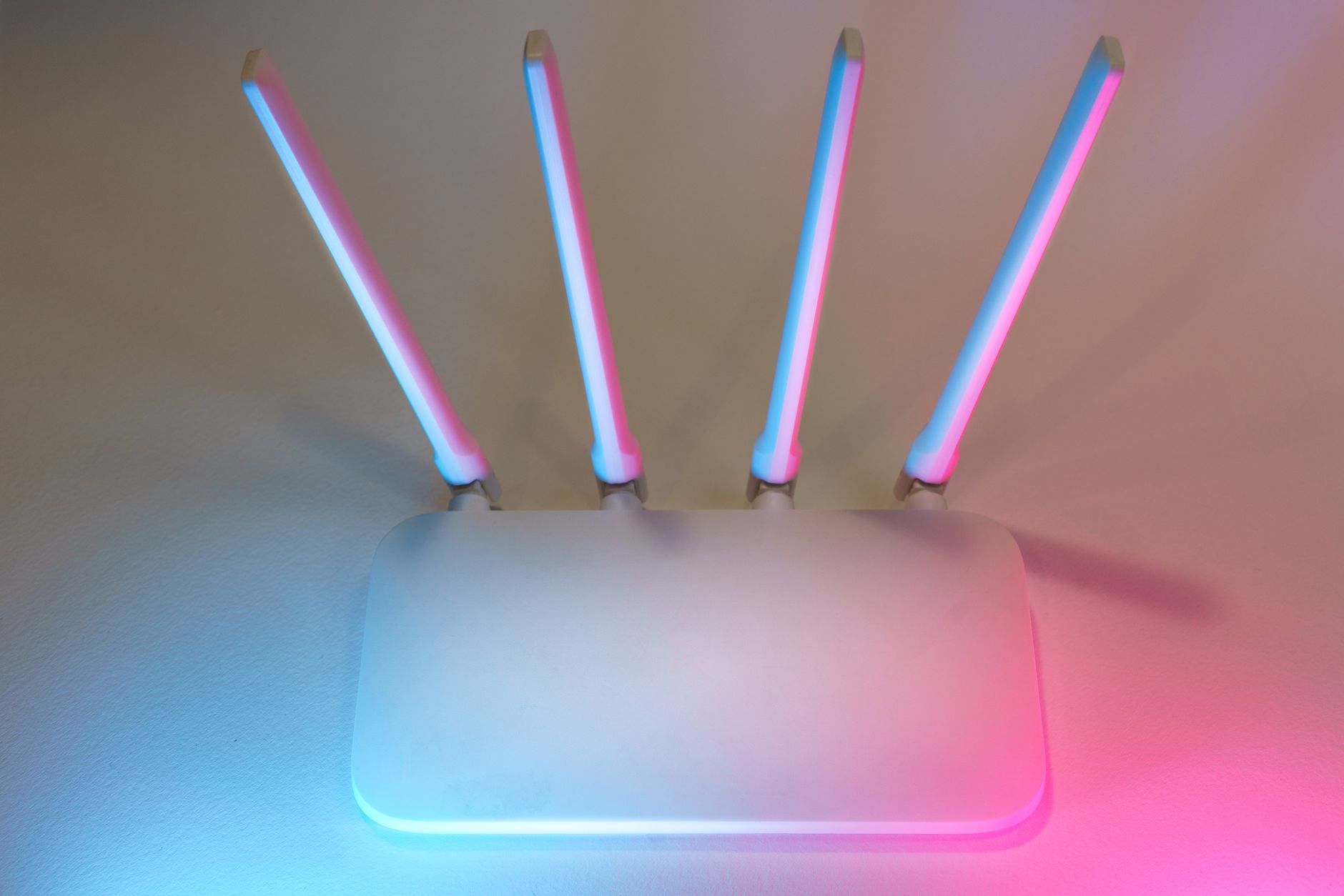
Quick answer: Wi-Fi 7 Multi-Link Operation (MLO) lets your device connect to multiple wireless bands (like 5 GHz and 6 GHz) at the exact same time. Instead of waiting in line on a single band, your device sends and receives data across multiple links to reduce lag and prevent dropped connections.
Every older generation of Wi-Fi forces your phone or laptop to pick a single frequency band. Even if your home router has 2.4 GHz, 5 GHz, and 6 GHz networks, your device picks one and stays there until it loses signal. If that band gets crowded, your stream buffers or your game stutters.
Wi-Fi 7 changes this system completely. With Wi-Fi 7 MLO explained in simple terms, your gadgets no longer have to choose between speed and stability. They can now use several bands together, giving you a faster and far more dependable home connection.
Key takeaways
- MLO lets supported gadgets send and receive data across 2.4 GHz, 5 GHz, and 6 GHz bands simultaneously.
- The feature sharply lowers lag and jitter, which helps live video calls and competitive online gaming.
- You need both a Wi-Fi 7 router and a Wi-Fi 7 client device (phone or laptop) to use MLO.
- Older devices still work on Wi-Fi 7 routers, but they will connect using single-band Wi-Fi as they always did.
- Budget routers often use switched multi-link modes, while premium routers use true simultaneous data streams.
What Is Wi-Fi 7 Multi-Link Operation (MLO)?
Multi-Link Operation is the standout feature of the Wi-Fi 7 standard. In older standards like Wi-Fi 6 and Wi-Fi 6E, your router broadcasted multiple bands, but client devices were strictly single-band at any given moment. A laptop joined either the 5 GHz band or the 6 GHz band.
MLO removes that barrier. It bonds those separate wireless frequencies into one combined path. Think of your Wi-Fi connection like a highway. Older Wi-Fi restricted your car to a single lane. If a slow truck blocked that lane, you were stuck waiting. MLO opens several lanes at the same time. If one lane slows down, your traffic glides over into the open lanes without stopping.
In February 2026, the Wireless Broadband Alliance (WBA), working alongside CableLabs and Intel, completed Phase 2 of its Wi-Fi 7 Field Trials. Their tests confirmed that MLO provides home networks with wired-like stability, proving that wireless traffic can match the consistency of an Ethernet cable even in busy homes.
How MLO Works: Combining Bands Simultaneously

Photo by Mizuno K on Pexels
To use MLO, your router and your device coordinate how data travels across available radio bands. Depending on the chips inside your hardware, MLO works in one of two main ways:
- Simultaneous Transmit and Receive (STR): The device has separate radios that transmit and receive data on multiple bands at the exact same moment. This gives you top aggregate speeds and the lowest possible latency.
- Enhanced Multi-Link Single Radio (EMLSR) or Non-Simultaneous (NSTR): The device listens across multiple bands at once, but it only transmits on one band at a time. It rapidly hops to whichever band is clear. This design uses less power and keeps hardware costs lower.
Most everyday consumer gadgets use EMLSR or NSTR chipsets to preserve battery life and keep costs down. High-end gaming routers and enterprise access points are more likely to support true STR across all bands.
Tip: You do not need to split your Wi-Fi into separate network names like "Home_5G" and "Home_6G". Set up a single network name (SSID), and MLO-enabled devices will automatically combine the best bands in the background.
How Wi-Fi Generations Compare
Understanding how MLO fits into the history of home wireless tech helps show why it is such a big shift:
| Feature | Wi-Fi 5 (802.11ac) | Wi-Fi 6 / 6E (802.11ax) | Wi-Fi 7 (802.11be) with MLO |
|---|---|---|---|
| Supported Bands | 2.4 GHz, 5 GHz | 2.4, 5, and 6 GHz (6E only) | 2.4 GHz, 5 GHz, and 6 GHz |
| Device Band Usage | Single band only | Single band only | Multiple bands at the same time |
| Interference Handling | Waits or switches slowly | Basic channel steering | Instant multi-band failover |
| Latency Stability | Variable | Moderate | Very low and consistent |
The Main Benefits: Lower Latency and Zero Dropouts
Many people assume Wi-Fi upgrades are only about raw download speeds. While Wi-Fi 7 can hit massive theoretical throughput, MLO delivers its biggest improvements in day-to-day responsiveness.
1. Lower Latency and Jitter
Online gaming and video calls do not need massive bandwidth, but they do require packets to arrive on time. Single-band connections suffer from jitter when a neighbor starts downloading a large file or someone turns on a microwave. Because MLO sends packets across whichever band is free first, ping times stay low and flat.
2. Instant Failover Without Disconnecting
If you walk to the backyard, your phone might lose its 6 GHz connection due to physical walls. On older routers, your device would freeze for a second while disconnecting from 6 GHz and reconnecting to 2.4 GHz. With MLO, the 2.4 GHz or 5 GHz link is already active. The transition happens with zero interruption.
Pros
- Greatly reduces lag spikes during online games and calls.
- Prevents sudden disconnects as you move around the house.
- Combines channel speeds for faster large file transfers.
- Balances home network traffic automatically.
Cons
- Requires buying both a new router and new client devices.
- Budget routers use switched MLO (NSTR) rather than true simultaneous STR.
- Small benefit for basic web browsing on slow internet plans.
What Hardware Do You Need to Use MLO?
To get the benefits of Multi-Link Operation, both ends of the wireless link must support Wi-Fi 7. If either end does not, the connection steps down to standard single-band Wi-Fi.
Routers and Access Points
Consumer networking brands like TP-Link, ASUS, Ubiquiti, and eero offer Wi-Fi 7 routers and mesh units. Enterprise setups from Cisco, HPE Aruba, and Juniper Mist also provide Wi-Fi 7 access points. When shopping, check the product specifications carefully to see whether the router supports STR or NSTR modes on its bands.
Phones, Tablets, and Laptops
Modern flagship phones, including recent Samsung Galaxy and Apple iPhone lines, carry native Wi-Fi 7 radios with MLO support. Laptops running Intel Core Ultra or Qualcomm Snapdragon X Elite processors also come with compatible Wi-Fi 7 cards. Windows 11 includes built-in support to manage these multi-band connections cleanly.
Warning: Just seeing "Wi-Fi 7" on a retail box does not mean you will get top-tier STR performance. Read technical spec sheets to see if a budget router relies on NSTR multi-link switching.
Just as modern accessories need the right hardware pairings—like choosing modern USB-C cables to get full data speeds or adopting Qi2 wireless charging for reliable magnetic power—MLO requires a matching modern chain from router to phone.
Does MLO Matter for Everyday Devices?
Do you need to replace every gadget in your home today? For most people, the answer is no. Legacy devices continue to work normally on a Wi-Fi 7 network through backward compatibility. Your older Wi-Fi 6 phone, smart television, or smart home gear will simply connect to a single band like it always has.
MLO makes the biggest difference for high-demand, latency-sensitive tasks:
- Cloud Gaming and Esports: MLO eliminates the random lag spikes that can ruin a competitive match.
- Virtual and Augmented Reality: Wireless VR headsets, like the Meta Quest 3, benefit heavily from low latency when streaming games from a local PC.
- Home Office Video Calls: High-priority Zoom or Teams calls remain smooth even when other people in the house stream 4K movies.
If your home internet plan is under 500 Mbps and you mainly read articles or watch streaming video in the same room as your router, MLO will not change your daily routine much. In a clear room with no wireless interference, an older Wi-Fi 6E setup already provides plenty of speed.
Common Mistakes When Setting Up Wi-Fi 7
Upgrading your network can be tricky. Avoid these common mistakes when looking to use MLO:
- Assuming all Wi-Fi 7 routers are the same: Budget models often rely on NSTR or EMLSR chipsets. If you want maximum performance, look for models that support simultaneous STR operation.
- Expecting faster speeds on slow internet: MLO cleans up wireless congestion between your device and the router. It cannot make a 200 Mbps broadband subscription deliver gigabit downloads.
- Trying to force older devices into MLO: Older phones and tablets lack the physical radio design needed to link multiple bands at once. They will always connect via standard single-band modes.
- Splitting bands into separate SSIDs: Giving your 2.4 GHz, 5 GHz, and 6 GHz channels separate names in your router settings can disrupt the automated band steering that MLO relies on.
Bottom line: Wi-Fi 7 MLO is the most meaningful wireless upgrade in years because it fixes real-world latency and dropped connections rather than just boosting lab speeds. Upgrade if you have multiple gamers, heavy remote workers, or a crowded home network. Stick with your existing Wi-Fi 6 setup if your current coverage is reliable and your internet speed meets your daily needs.
Frequently Asked Questions
What does MLO stand for in Wi-Fi 7?
MLO stands for Multi-Link Operation. It is a core feature of the Wi-Fi 7 (802.11be) standard that allows devices to connect to multiple frequency bands at the same time.
Do I need a new router and phone to use MLO?
Yes. Both your router and your client device must support Wi-Fi 7 to use MLO. If your phone only supports Wi-Fi 6, it will connect using a traditional single-band link.
How does Multi-Link Operation reduce latency?
MLO sends data packets across whichever wireless band is clear first. By avoiding congested channels without waiting for slow packets to clear, it prevents sudden latency spikes and packet loss.
Can older Wi-Fi 6 devices use MLO?
No. Older Wi-Fi 6, 6E, and Wi-Fi 5 devices lack the hardware radios and firmware needed for MLO. They will connect normally via standard backward compatibility on a single frequency band.
Is MLO noticeable for online gaming and streaming?
Yes, particularly for online gaming and live calls where low ping and zero packet loss matter. For standard 4K video streaming, the difference is less noticeable because streaming apps use large buffers to smooth out brief network hiccups.
Sources
Facts in this article were checked against these pages on October 16, 2026:
- Wi-Fi 7 MLO: What Is Multi-link Operation and How Does it Work? | TP-Link (tp-link.com)
- What is Multi-Link Operation (MLO)? | eero Support (eero.com)
- [Wi-Fi 7 Wireless Router] What is MLO (Multi-Link Operation) and how it works? | Official Support | ASUS Global (asus.com)
- Multi-Link Operation (MLO) in UniFi Network – Ubiquiti Help Center (help.ui.com)
- What is WiFi 7’s Multi-Link Operation (MLO)? | TP-Link (tp-link.com)
- Wi-Fi 7 multi-link operation (MLO) explained - Cisco Blogs (blogs.cisco.com)
How we researched this: this guide is based on current manufacturer information and reputable sources, listed in the Sources section above, and is updated when things change. Read our editorial policy.
Content Writter


Comments
No comments yet — be the first to share your thoughts.