
How to Choose the Right Wireless Security Camera
Learn how to pick the right wireless security camera for your home, balance local storage against cloud subscriptions, and choose the best power setup without overpaying.
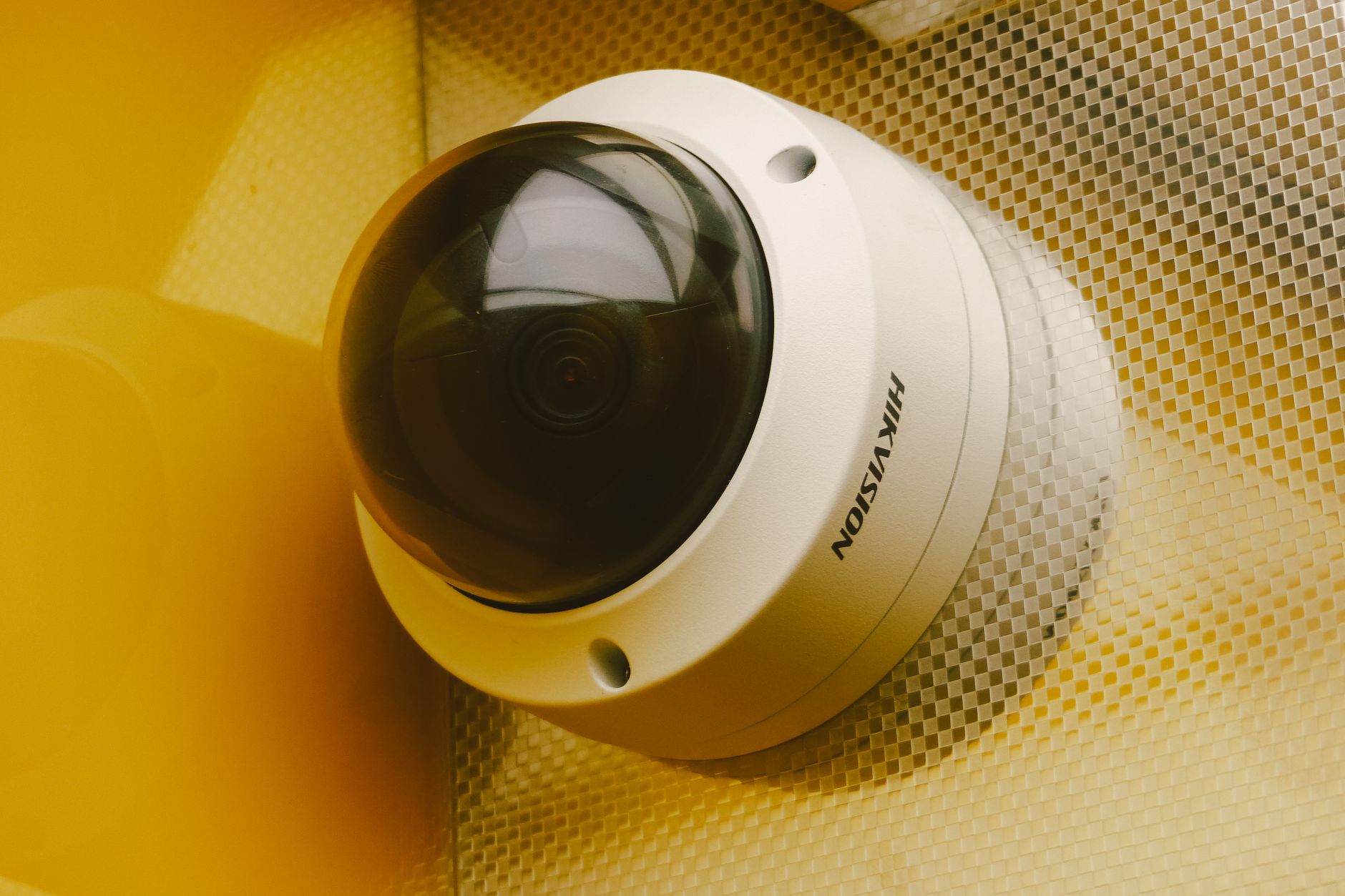
Quick answer: To choose the right wireless security camera, start by picking your power style: solar panels or removable battery packs save you from taking down the entire unit to recharge. Next, avoid monthly fees by choosing cameras with local microSD card slots or home hub storage, and aim for 2K resolution with at least an IP65 weather rating for outdoor use.
Installing home security used to require drilling thick conduits through siding and running complex coaxial cables back to a noisy recorder in a closet. Modern wire-free cameras eliminate that headache entirely. You can mount a battery-powered unit to a fence post or exterior wall in under ten minutes using basic screws.
However, figuring out how to choose wireless security camera gear can quickly lead to frustration once you run into recurring subscription paywalls, weak Wi-Fi signals, and dead batteries. The market is packed with competing ecosystems, from the flagship Arlo Pro 2K HDR (6th Gen) and pan-and-tilt powerhouses like the Reolink Argus PT Ultra to affordable units like the Tapo MagCam 2K+ and eufyCam C37. Understanding a few technical basics ensures you buy hardware that protects your property without creating extra chores.
Key takeaways
- Choose removable battery packs or add-on solar panels to eliminate ladder fatigue and downtime.
- On-device microSD cards or dedicated wireless Network Video Recorders (NVRs) allow you to view recorded events without paying $3 to $30 per month in cloud fees.
- Outdoor cameras need an IP65 rating or higher and an effective Wi-Fi signal within 30 to 50 feet through exterior walls.
- 2K resolution offers the sweet spot between sharp identification detail and manageable network bandwidth.
Battery vs. Solar vs. Wired: Choosing Your Power Setup
The term "wireless" almost always refers to data transmission over Wi-Fi, but you still need to power the unit. How your camera gets its electricity determines where you can place it and how much maintenance it requires.
Fully wire-free units rely on rechargeable lithium-ion (Li-ion) or lithium-polymer (LiPo) batteries. These offer the ultimate placement flexibility for renters who cannot drill exterior holes or homeowners monitoring remote fence lines. However, pay close attention to battery construction. Cameras with built-in internal batteries require you to unscrew or unmount the entire housing every time the battery drains. Models with removable, swappable battery packs let you swap in a charged spare in seconds while the mount stays firmly attached.
Solar-powered setups solve battery maintenance entirely. Many wire-free models, such as the eufyCam C37, either include a built-in solar surface or support a small external solar panel plugged into a weatherproof USB port. Getting just a few hours of direct sunlight each day keeps the internal cell topped off year-round.
Hardwired or plug-in cameras require running a cable to an outdoor GFCI outlet or tapping into existing porch light wiring. You lose the drill-free flexibility of battery units, but you gain continuous recording capabilities without worrying about cold weather draining your cells prematurely.
Tip: If you mount a battery camera out of arm's reach to deter thieves, pair it with a small solar panel. Climbing a ladder every eight weeks to recharge a camera quickly becomes a chore you will avoid.
Local Storage vs. Cloud Plans: Avoiding Hidden Monthly Fees
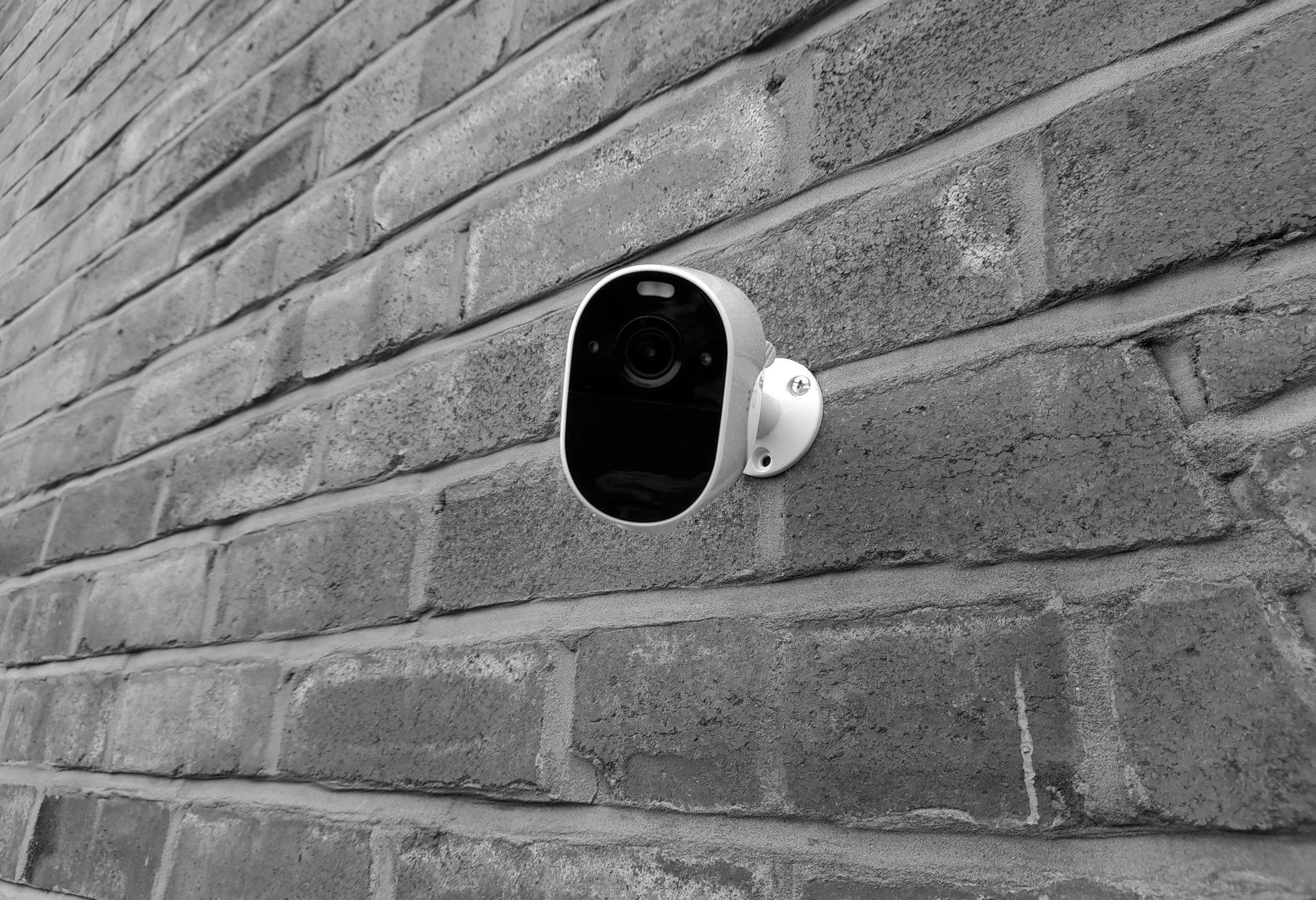
Photo by Please donation on Pexels
A camera that cannot save clips is little more than a live window viewer. Security brands generally split their recording methods into two camps: cloud subscription tiers and local storage hardware.
Cloud subscriptions typically run from $3 to $30 per month depending on whether you are monitoring a single camera or an entire home, and how many days of event history you want to keep. Cloud storage offers an obvious off-site benefit: if someone physically steals or smashes your camera, your footage remains safe in the cloud. Brands like Google Nest integrate tightly with monitoring services, including ADT and its Trusted Neighbor features, which rely on secure cloud pipelines.
If you prefer to own your recordings outright, local storage is the way to go. Cameras from brands like Reolink and Tapo often feature on-device microSD card slots, while others link to an indoor hub or wireless NVR placed safely inside your living room. You can review clips from your smartphone without paying ongoing fees. If you have been looking for ways to trim recurring bills, similar to our guide on how to cancel subscriptions you forgot you were paying for, skipping cloud camera tiers is an easy way to save money annually.
If you prefer a subscription-free doorbell camera at your front entrance, you can also explore how to choose the right video doorbell without a subscription to build out a cohesive setup.
Pros of Local Storage
- Zero monthly or annual subscription fees
- Video clips stay private inside your local network
- Functions even if your internet service provider goes down temporarily
- Instant clip playback from fast microSD cards or home hubs
Cons of Local Storage
- Footage on a standalone camera microSD card is lost if the camera is stolen
- Memory cards can degrade over time and require eventual replacement
- Remote viewing speeds depend heavily on your home internet upload speed
Camera Specs That Matter: Resolution, Field of View, and Night Vision
Marketing spec sheets are full of buzzwords, but only a handful of hardware features directly affect how useful your video evidence will be after an incident.
What to Look For
- Resolution: 1080p (1920×1080) works fine for small porches or indoor rooms. 2K QHD (2560×1440) is the sweet spot for backyards and driveways, offering sharp digital zoom without consuming massive amounts of bandwidth. 4K UHD (3840×2160), found on premium units like the Reolink Argus PT Ultra, delivers the detail needed to read distant vehicle plates or identify faces across a wide lawn.
- Field of View (FOV): Look for an ultrawide viewing angle between 130° and 160°. Premium models like the Arlo Pro 2K HDR (6th Gen) offer a 160° lens, minimizing blind spots along exterior walls.
- Night Vision Modes: Standard black-and-white infrared (IR) night vision uses invisible LED emitters to illuminate dark areas. Color night vision relies on a built-in spotlight or a high-sensitivity sensor to render true color in low light, which makes identifying clothing or vehicle colors far simpler.
- Durability Ratings: Any camera exposed to weather should carry an IP rating of IP65 or higher. This rating certifies that the enclosure resists dust ingress and low-pressure water jets from rain or garden hoses.
Detection Features: Distinguishing People, Pets, and Vehicles
Older motion-sensing cameras relied entirely on passive infrared (PIR) heat detection, triggering a phone notification every time a warm breeze shook a tree branch. Modern systems use on-device computer vision to filter out false alarms.
Smart detection categorizes movement into distinct buckets: people, vehicles, pets, and package deliveries. This lets you configure custom alerts so your phone only chimes when a person steps onto your driveway, while ignoring passing neighborhood cats or swaying bushes. When shopping, check whether the camera performs this detection locally using on-board processing chips or if the feature requires an active cloud subscription.
Smart Home Ecosystem Compatibility: HomeKit, Alexa, and Google Home
Integrating cameras into your existing smart displays makes monitoring your property effortless. Asking a voice assistant to pull up the backyard camera feed on a smart screen in your kitchen saves you from digging for your phone every time the dog barks.
Google Nest hardware excels when tied into Google Home and Android devices, as well as third-party security platforms like ADT. Amazon Alexa works natively with Ring, Blink, and many third-party brands including Reolink, Tapo, and Arlo. If you are building an Apple Home setup, verify HomeKit support carefully before buying, as wireless battery-powered models often require proprietary hub bridges to talk to Apple hardware.
Additionally, modern flagships like the Arlo Pro (6th Gen) now feature dual-band Wi-Fi (2.4 GHz and 5 GHz). While older 2.4 GHz frequencies travel farther through walls, they are prone to heavy network congestion. Having the option to use 5 GHz provides clearer streaming if your camera is mounted within line of sight of an access point. If you want to understand how modern wireless standards handle demanding high-bandwidth video streams across your home, take a look at our breakdown on Wi-Fi 7 Multi-Link Operation explained.
Which Type Fits Your Living Situation?
Every property presents different physical hurdles, from rental lease restrictions to sprawling suburban perimeter lines. Use this comparison table to find the right hardware balance for your living space:
| Living Situation | Recommended Camera Type | Best Storage Option | Key Feature to Prioritize |
|---|---|---|---|
| Apartment / Rental | Magnetic Wire-Free (e.g., Tapo MagCam 2K+) | On-device MicroSD | Adhesive or drill-free magnetic base |
| Suburban Home | Solar / Swappable Battery (e.g., Arlo Pro 6th Gen) | Cloud or Local Hub | 140°–160° FOV and integrated spotlight |
| Acreage / Long Driveway | 4K Pan-and-Tilt (e.g., Reolink Argus PT Ultra) | Dedicated Wireless NVR | High-resolution digital zoom and 360° panning |
| Budget-Conscious Porch | Compact Solar Pan-and-Tilt (e.g., eufyCam C37) | MicroSD Card | Zero recurring monthly fees |
Who Should Buy What
Renters: Stick with compact, magnetic-mount battery cameras. They leave minimal wall impact and can be placed on patio railings or interior window sills without risking your security deposit.
Suburban Homeowners: Choose 2K battery models with swappable batteries or compact solar panels. Mount them along entry points, garage facings, and back patios where your home Wi-Fi signal remains steady.
Who Should Skip Battery Cameras: If you need true 24/7 continuous video recording (CVR), skip battery-powered wire-free models entirely. Constant streaming will drain a battery in a couple of days. Instead, choose a hardwired outdoor camera connected to continuous mains power.
Common Installation Mistakes to Avoid
Even the highest-rated camera will fail to protect your home if it is mounted poorly or configured incorrectly. Avoid these four common missteps:
- Drilling Before Wi-Fi Testing: Never drill mounting brackets into brick or siding without testing network performance first. Wi-Fi signals weaken quickly through exterior masonry and foil-lined insulation, rarely traveling reliably beyond 30 to 50 feet. Stand at your intended mounting spot, open the camera's mobile app, and verify that the live stream connects promptly without dropped frames.
- Relying on Exterior Adhesive Strips: Outdoor tape and adhesive mounts will eventually fail under intense summer heat, freezing rain, and humidity swings. Always use mechanical screws anchored into wood trim, fence posts, or eaves. If you must mount on brick or stucco, use proper masonry anchors.
- Skipping Test Clips: Do not wrap up your installation the moment the live video feed appears. Walk through the camera's detection zone at night to verify exposure levels and check that motion notifications trigger reliably. Also confirm that recorded clips are successfully writing to your microSD card or cloud timeline.
- Mounting Non-Removable Units Out of Reach: Installing a camera with a built-in battery fifteen feet off the ground without an attached solar panel means pulling out a tall extension ladder every few months. Keep integrated-battery units reachable, or use models with swappable power packs.
Bottom line: For most homeowners, a 2K resolution wire-free camera paired with an inexpensive solar panel or swappable battery pack delivers the best balance of convenience, clear video, and reliability. Prioritize brands that offer local microSD card or hub storage if you want to avoid monthly cloud fees, and always test your Wi-Fi signal at the exterior mounting spot before drilling any holes.
FAQ
Do wireless security cameras always require a monthly subscription?
No. Many cameras include on-device microSD card slots or connect to an indoor wireless hub that records event clips locally. While cloud plans offer off-site backup, local storage allows you to detect movement, review past events, and receive push alerts without paying a monthly fee.
How long do battery-powered security cameras really last between charges?
Real-world battery life typically ranges from two to six months depending on trigger frequency and weather. A camera facing a quiet backyard may last half a year, while one pointed at a busy sidewalk can drain in a few weeks. Pairing the unit with a small solar panel keeps the battery charged indefinitely.
Is 2K or 4K resolution actually worth the extra price over 1080p?
Yes, especially for outdoor monitoring. While 1080p is adequate for indoor rooms, 2K and 4K resolutions provide the extra pixel density needed to zoom in on license plates or facial features across a driveway without the image turning into a blurry mosaic.
Can outdoor wireless cameras work reliably through thick exterior walls?
Standard Wi-Fi signals typically travel 30 to 50 feet through standard exterior walls before performance drops. Thick brick, stone, or metal siding reduces this range significantly. If your live feed buffers frequently, you may need to add a mesh Wi-Fi node closer to that side of the house.
What happens to my security footage if someone steals the camera?
If your camera uses a standalone microSD card without cloud backup, the footage is lost with the stolen hardware. To protect against theft without paying cloud subscription fees, choose a system that transmits recordings wirelessly to an indoor hub or NVR stored safely inside your home.
Sources
Facts in this article were checked against these pages on October 19, 2026:
- Outdoor Wireless Security Cameras: How To Choose the Best for Your Home | Vivint (vivint.com)
- Wireless Security Camera Buying Guide | Vivint (vivint.com)
- Selecting the Right Wireless Security Camera System ... (allsecurityusa.com)
- Best Wireless Home Security Cameras of 2026: Versatile Protection - CNET (cnet.com)
- 5 ESSENTIAL THINGS / Before Buying WiFi Security Cameras (youtube.com)
- Best Wireless Cameras 2026: Expert-Tested & Reviewed | Security.org (security.org)
How we researched this: this guide is based on current manufacturer information and reputable sources, listed in the Sources section above, and is updated when things change. Read our editorial policy.
Content Writter


Comments
No comments yet — be the first to share your thoughts.