
How to Choose the Right Video Doorbell Without a Subscription
Avoid monthly fees and keep your home secure by choosing the best video doorbell with local storage or free cloud options.
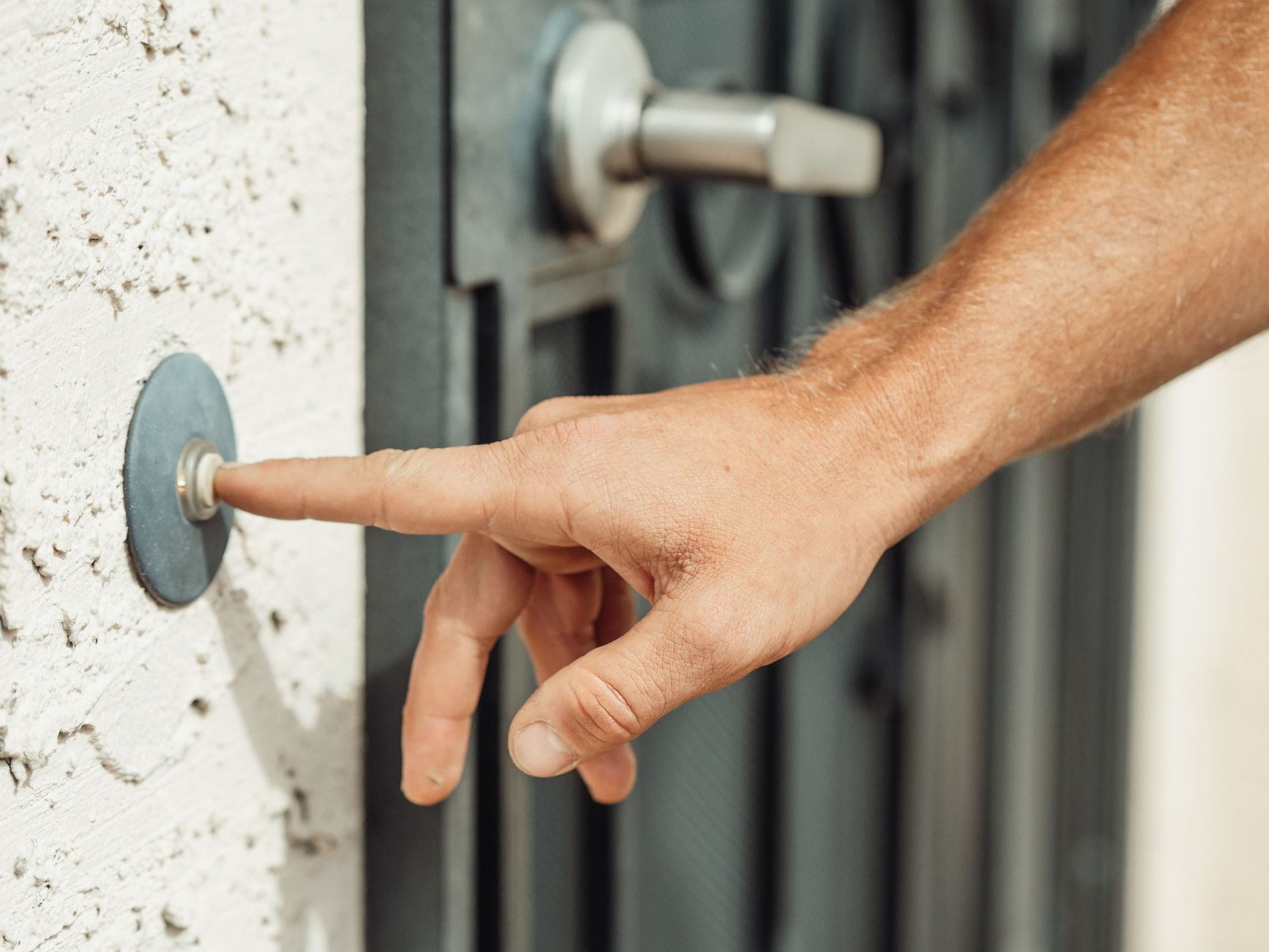
Quick answer You can secure your front porch without monthly fees by buying a video doorbell that uses local storage like a microSD card, onboard memory, or a home base. These models keep your footage private and free while still offering motion alerts and smart detection.
Buying a smart home camera often comes with an invisible catch: ongoing monthly fees. Standard cloud subscriptions cost between three and twenty dollars each month, which adds up to hundreds of dollars over three years just to view recorded clips.
Choosing a video doorbell without a subscription lets you bypass these recurring costs entirely. This guide breaks down local storage types, power choices, and key specifications to help you pick the right hardware for your home.
Key takeaways
- Subscription-free doorbells save you roughly one hundred to three hundred dollars over a three-year span.
- Storage methods include onboard memory, microSD cards up to 512GB, home bases, and local network video recorders.
- Look for high resolutions, wide fields of view, and free on-device AI detection for packages and people.
- Hardwired models offer continuous 24/7 recording, while battery options provide flexible placement.
Why Choose a Video Doorbell Without a Subscription?
Most mainstream security cameras lock motion history and recorded clips behind a paywall. If you stop paying, the device turns into a live-view-only monitor. Standard fees average five to ten dollars per month, quickly inflating the actual cost of your hardware.
Subscription-free models shift storage to your own hardware. You keep full access to motion alerts, live streams, and smart object recognition without ever entering credit card details again. This approach also keeps your video clips off manufacturer servers, giving you better personal privacy.
Local Storage vs. Free Cloud Storage Explained
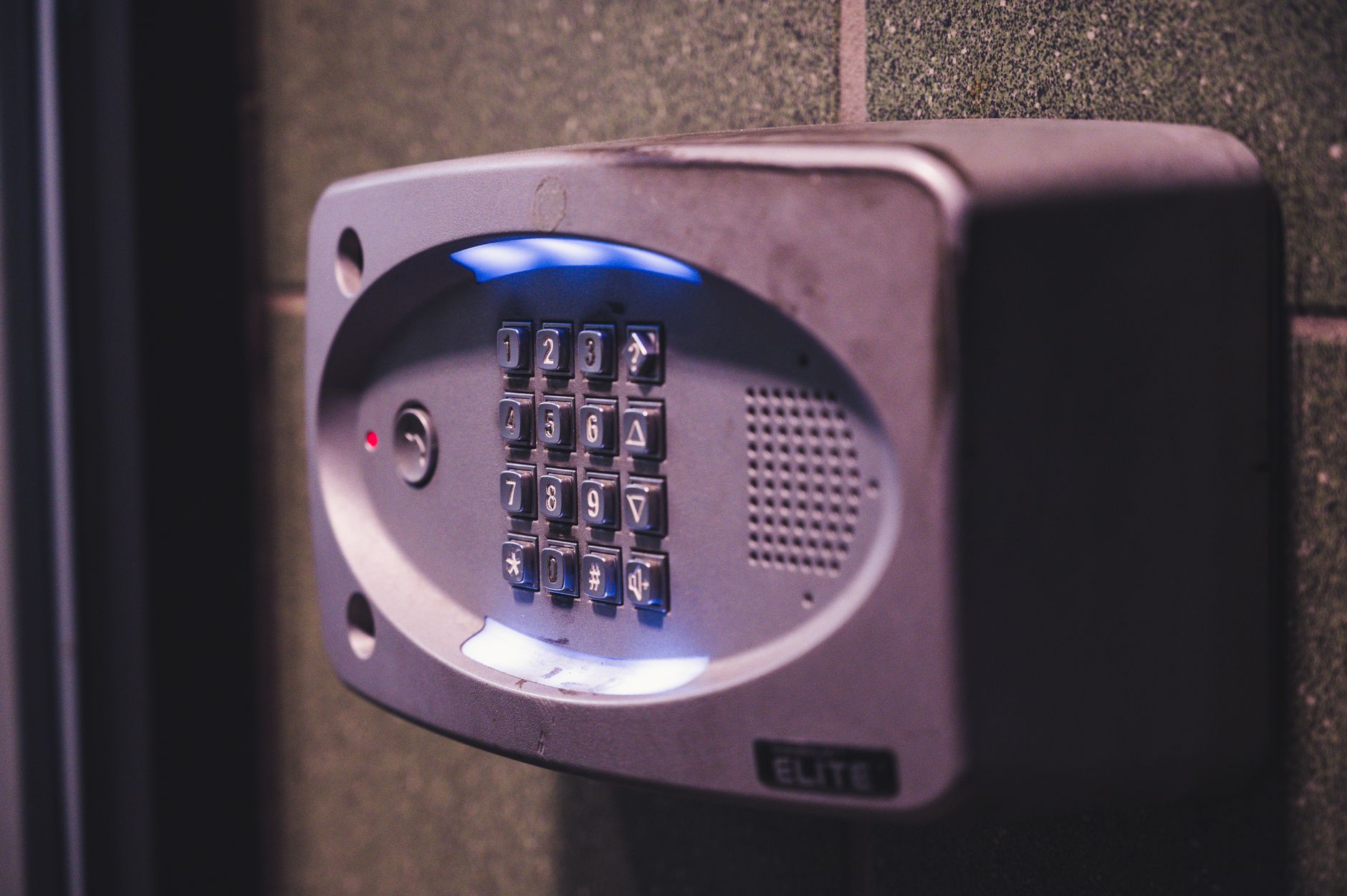
Photo by Brett Sayles on Pexels
Understanding where your footage lives is the most important part of buying a subscription-free camera. Different brands use distinct methods to save video files.
- Onboard memory: Built directly into the doorbell unit, such as eight gigabytes of internal storage.
- MicroSD cards: Removable cards inserted into the doorbell or chime, supporting capacities up to 512GB.
- Proprietary hubs: Base stations placed inside your home that connect to the doorbell wirelessly and store video locally.
- Network video recorders: Professional local setups that route video feeds to a hard drive over an ethernet cable.
- Free cloud tiers: Using existing services like Apple HomeKit Secure Video through an iCloud+ plan you already pay for.
When local storage fills up, the device automatically overwrites the oldest footage with new recordings. You never have to manually delete files unless you want to save a specific clip.
Key Specs to Look For: Resolution, Field of View, and Night Vision
Hardware specifications dictate how well your doorbell captures details in the dark or wide entryways. Use this checklist to evaluate your options:
- Resolution: Aim for at least 2K resolution to read delivery labels clearly. Some value models offer up to 5 million pixels.
- Field of view: Look for a wide-angle lens reaching up to 180 degrees to see packages left directly beneath the door handle.
- Night vision: Infrared sensors provide standard black-and-white night vision, while built-in spotlights deliver full color in the dark.
- AI detection: Ensure the device offers free on-device recognition for people, vehicles, and pets without extra app fees.
Power Options: Hardwired vs. Battery-Powered
Your home setup dictates whether you need a wired or wireless camera. Each power type has distinct installation requirements.
Hardwired models connect directly to your existing doorbell low-voltage wires. They provide continuous power and support round-the-clock recording without interruption. However, check your transformer voltage before buying, and note that some hardwired units require a wireless plug-in chime instead of using your mechanical home chime.
Battery-powered options offer flexible placement on brick, wood, or rental properties where wiring is impossible. The trade-off is routine maintenance, as you must periodically remove the unit or battery pack to recharge it via USB.
Smart Home Integration and Ecosystem Compatibility
Your doorbell should fit smoothly into the smart home platform you already use. Apple users should look for devices supporting HomeKit Secure Video or Matter 1.5 native compatibility. Other households will find wide compatibility with standard smart assistants and manufacturer apps.
Top No-Subscription Video Doorbell Types for Different Homes
Different security needs call for specific hardware categories. Here is how current options compare across popular use cases.
| Type & Use Case | Key Features | Storage Method |
|---|---|---|
| Dual-Lens Package Monitor | Dual cameras watch both visitors and packages on the ground | Built-in memory or home base hub |
| Value-Focused Wide Angle | 180-degree view with high resolution and free AI alerts | MicroSD card slot |
| Apple Ecosystem Option | Native HomeKit Secure Video integration | iCloud+ plan |
| Prosumer PoE Setup | Continuous 24/7 recording via ethernet cable | Local NVR or hard drive |
Pros
- Zero monthly or annual fees
- Clips remain private on your local storage
- Full access to smart alerts without paywalls
Cons
- Initial hardware or hub costs can be higher
- Local storage capacity is finite
- Physical damage or theft of the doorbell loses local files
Common Mistakes to Avoid
Buyers often assume that choosing a subscription-free model means zero upfront costs. Expanding local storage or buying a mandatory home base hub can add unexpected expenses to your initial purchase.
Another common error is ignoring privacy architecture. Always verify whether motion alerts or video thumbnails route through manufacturer cloud servers, even if the primary video files stay local.
Bottom line Choose a local storage video doorbell if you want to permanently avoid monthly fees and prioritize data privacy. Skip them only if you prefer effortless cloud backups managed entirely by a third party.
FAQ
Can you use a video doorbell without paying a monthly fee?
Yes. Many modern video doorbells store footage locally on microSD cards, internal memory, or home base hubs, letting you access live feeds and motion alerts for free.
Where do subscription-free doorbells store video footage?
They save video files directly onto onboard memory, removable microSD cards, local home hubs, or dedicated network hard drives.
Do battery-powered doorbells work well without a subscription?
Yes, battery-powered models offer the same local recording features as wired models, though you must recharge the battery every few months.
Which video doorbells offer free person detection?
Brands like Eufy, TP-Link, Reolink, and Wyze include smart AI detection for people, packages, and vehicles directly on the device without charging an extra fee.
Can I view my doorbell camera remotely without a subscription?
Yes. Even without a paid plan, you can open your manufacturer app to view live camera streams and receive motion notifications over your internet connection.
Sources
Facts in this article were checked against these pages on October 15, 2026:
- Best Video Doorbells Without Subscription (2026 Guide) | EHC (everydayhomecomfort.com)
- Best Video Doorbell Cameras Without a Subscription - Consumer Reports (consumerreports.org)
- Wireless Doorbell Camera No Subscription - Best Buy (bestbuy.com)
- Free Doorbell Cameras: Best Ways to Secure Your Home at No Cost (reolink.com)
- Best video doorbell without subscription, and with local ... (reddit.com)
- A Guide to Subscription-Free Smart Doorbell Cameras | SafeHome.org (safehome.org)
How we researched this: this guide is based on current manufacturer information and reputable sources, listed in the Sources section above, and is updated when things change. Read our editorial policy.
Content Writter




Comments
No comments yet — be the first to share your thoughts.