
How to Cancel Subscriptions You Forgot You Were Paying For
Learn how to find and cancel forgotten subscriptions hiding in your app stores, digital wallets, and bank accounts to stop wasting money.
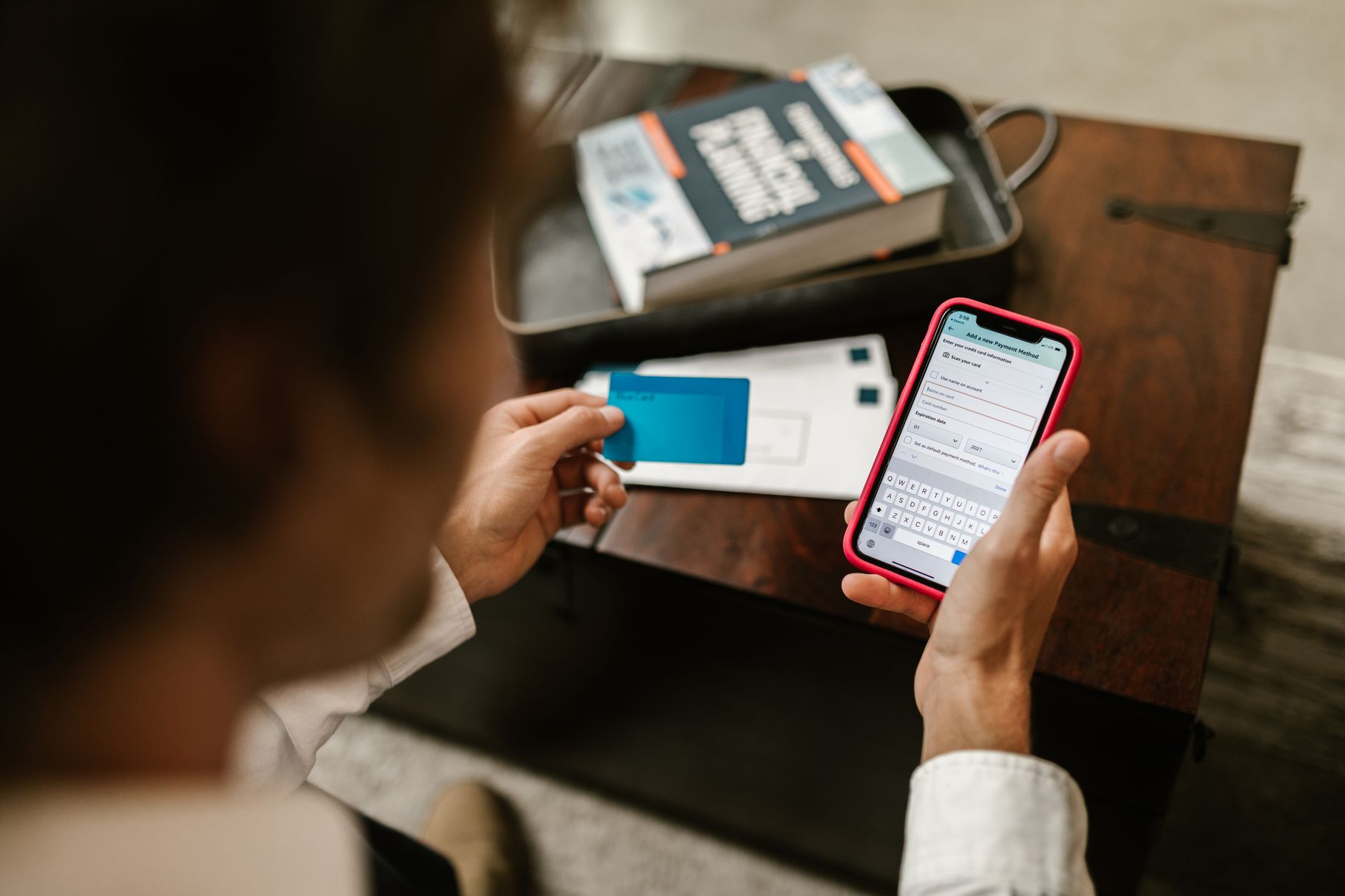
Quick answer To cancel forgotten subscriptions, check your active app store memberships on iOS and Android, review automatic payments in digital wallets like PayPal and Venmo, and scan your bank statements or use automated tracking tools like Rocket Money, Suprascribe, Orbit Money, or Subscription Stopper.
Surveys from 2026 show that 70 percent of participants have forgotten to cancel a free trial, locking them into ongoing paid memberships that quietly drain their bank accounts over time. These small monthly charges slip past unnoticed because they hide inside smartphone app stores, alternative digital wallets, or past billing receipts buried deep within email spam folders.
Cleaning up your recurring charges requires looking beyond your primary credit card statement. You need a systematic review of every platform where digital merchants can request automatic payments.
Key takeaways
- Audit both Apple ID and Google Play settings to catch native app store renewals.
- Inspect recurring billing settings inside digital wallets like PayPal and Venmo.
- Connect bank accounts or email scanning tools to surface hidden charges.
- File chargebacks or report unauthorized renewals if companies refuse to refund accidental charges.
Before You Start
Before diving into your accounts, make sure you have the necessary access ready:
- Your smartphone (iPhone or Android) with your primary account credentials.
- Access to your primary email accounts (including spam folders) used for online sign-ups.
- Logins for your digital wallets, such as PayPal and Venmo.
- Bank and credit card statements from the last three to six months.
- Roughly 30 minutes of uninterrupted time to review and cancel unwanted items.
Check Your iPhone and Apple ID Subscriptions
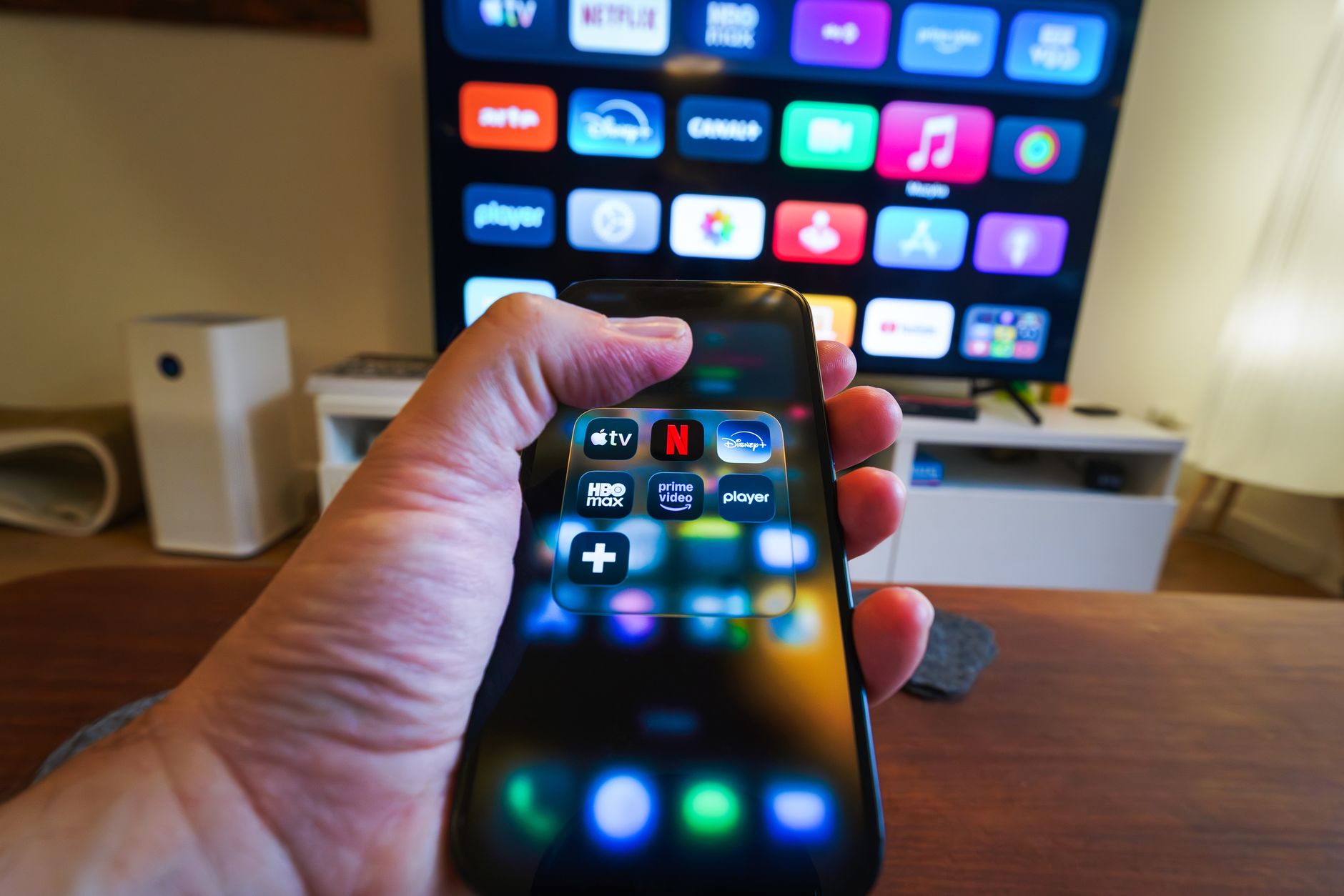
Photo by Jakub Zerdzicki on Pexels
Many app-based services bill through Apple rather than directly through a credit card. Checking your Apple ID ensures you catch mobile apps that continue billing even after you delete them from your phone.
- Open the Settings app on your iPhone or iPad.
- Tap your name at the very top of the screen to access your Apple Account settings.
- Tap on Subscriptions to view a complete list of your active and expired plans.
- Select any unwanted service from the list and tap Cancel Subscription or Cancel Free Trial.
Warning: Deleting an app from your home screen does not cancel the subscription attached to it. You must complete the cancellation inside your Apple ID settings menu.
Audit Google Play Subscriptions on Android
Android users face a similar issue with digital purchases routed through the Google Play Store. These recurring charges renew automatically until you turn them off inside the Google ecosystem.
- Open the Google Play Store app on your device.
- Tap your profile icon located in the top-right corner of the search bar.
- Select Payments & subscriptions from the menu options.
- Tap Subscriptions to see your current recurring charges, select the item you wish to stop, and follow the prompts to cancel.
Hunt Down Hidden Subscriptions in PayPal and Venmo
Digital wallets often store automatic billing agreements authorized years ago for small streaming services, trial software, or digital goods. These charges bypass your direct card statements and pull funds straight from your linked bank account or wallet balance.
- Log into your PayPal account via a web browser or mobile app and go to your account settings.
- Find the Payments tab and select Automatic payments or Manage automatic payments to view active merchants.
- Select any merchant you no longer use and click Cancel or Remove to stop future billing.
- Open your Venmo app, tap the profile tab, and open the settings gear icon.
- Look for Purchasing or Connected Apps to review and revoke automatic payment permissions granted to third-party services.
Scan Bank and Credit Card Statements for Forgotten Fees
Direct merchant billers do not appear in app stores or digital wallets. You must hunt for these charges directly on your financial statements.
- Download or open your bank and credit card statements covering the last three to six months.
- Search the transaction history for recurring dollar amounts that appear every 30 days.
- Look for unfamiliar company names or acronyms that do not match brands you actively use.
- Contact the merchant directly to cancel, or flag the charge with your financial institution if the company is unresponsive.
Use Third-Party Subscription Trackers Safely
Manual audits take time, which is why automated tools have become popular. Applications like Rocket Money connect to your financial accounts via Plaid using bank-level security such as 256-bit encryption. Newer options include email-parsing tools like Suprascribe, launched in September 2026, which connects to Gmail, Outlook, or iCloud to surface subscription receipts hiding in your inbox without storing raw email content. Other dedicated management alternatives include Subscription Stopper and Orbit Money, which specialize in surfacing recurring outflows across different accounts.
Pros
- Automates the tedious process of scanning months of bank records.
- Catches forgotten receipts hiding in email spam folders.
- Alerts you immediately when a free trial is about to convert into a paid fee.
Cons
- Requires granting read-only financial data access via third-party aggregators.
- Some apps charge a monthly fee or take a percentage of saved money.
- May mislabel standard one-off purchases as recurring subscriptions.
How to Get Refunds for Accidental Subscription Renewals
If you notice a free trial automatically converted into a paid subscription before you could stop it, act quickly. Contact customer support immediately and request a courtesy refund due to accidental renewal. If the company refuses to issue a refund or continues charging your card after you cancel, you have additional options.
File a dispute, known as a chargeback, with your credit or debit card company online or by phone. Most major credit card networks allow chargebacks within 60 to 120 days from the statement date of the disputed charge. You can also report fraudulent billing practices to the Federal Trade Commission at ReportFraud.ftc.gov.
Common Mistakes
Warning: Avoid these common missteps when auditing your recurring digital expenses:
- Ignoring spam folders: Failing to check spam and trash folders in your email inbox for billing receipts or renewal notices sent by merchants.
- Relying on memory: Trusting your memory for free trial end dates instead of setting immediate calendar alerts or opting for prepaid fixed terms.
- Failing to document: Neglecting to follow up in writing when disputing an unauthorized or post-cancellation charge with your bank.
If It Still Doesn't Work
If a merchant continues to draw funds after you cancel through their app or website, traditional software methods may fall short. In stubborn cases, contact your bank or credit card issuer directly to place a permanent stop-payment order on the merchant ID. You can also request a replacement card with a new card number to block recurring billing attempts permanently.
Bottom line To keep your monthly budget clean, run a manual audit of your Apple ID, Google Play, and digital wallets twice a year. If you lack the time to review bank logs manually, use an encrypted third-party tracker like Rocket Money or an email scanner like Suprascribe to automate the search.
FAQ
How do I find hidden subscriptions on my iPhone?
Open your device Settings, tap your name at the top, select Subscriptions, and review both active and expired plans to cancel unwanted services.
Where are my active subscriptions stored on Android?
Open the Google Play Store app, tap your profile icon in the top right corner, select Payments & subscriptions, and then tap Subscriptions.
Can I get a refund for an app subscription I forgot to cancel?
Reach out to the app developer or platform support immediately. While refund policies vary, many companies grant courtesy refunds for accidental renewals if requested quickly.
How do I check for recurring charges on my credit card?
Review the last three to six months of your bank and credit card statements manually, or use an automated financial app that flags repeating monthly charges.
Are third-party subscription manager apps safe to use?
Reputable apps like Rocket Money use secure bank-level encryption (such as 256-bit encryption via Plaid) to read your statement data safely without storing your raw banking credentials.
Sources
Facts in this article were checked against these pages on October 16, 2026:
- How to Cancel Subscriptions You Didn't Even Know You Had — EnRich Financial Partners (enrichpartners.com)
- How to Cancel Forgotten Subscriptions | Suprascribe (suprascribe.com)
- How to stop subscriptions you never ordered | Consumer Advice (consumer.ftc.gov)
- Subscription Stopper (subscriptionstopper.com)
- How to find and cancel forgotten subscriptions in 5 minutes (facebook.com)
- 💳 Still paying for subscriptions you forgot about? A quick ... (facebook.com)
How we researched this: this guide is based on current manufacturer information and reputable sources, listed in the Sources section above, and is updated when things change. Read our editorial policy.
Content Writter


Comments
No comments yet — be the first to share your thoughts.