
How to Build a Smart Home Automation System That Actually Works
Learn how to plan, build, and configure a reliable smart home system using Matter, Thread, and local hubs without network congestion or automation conflicts.
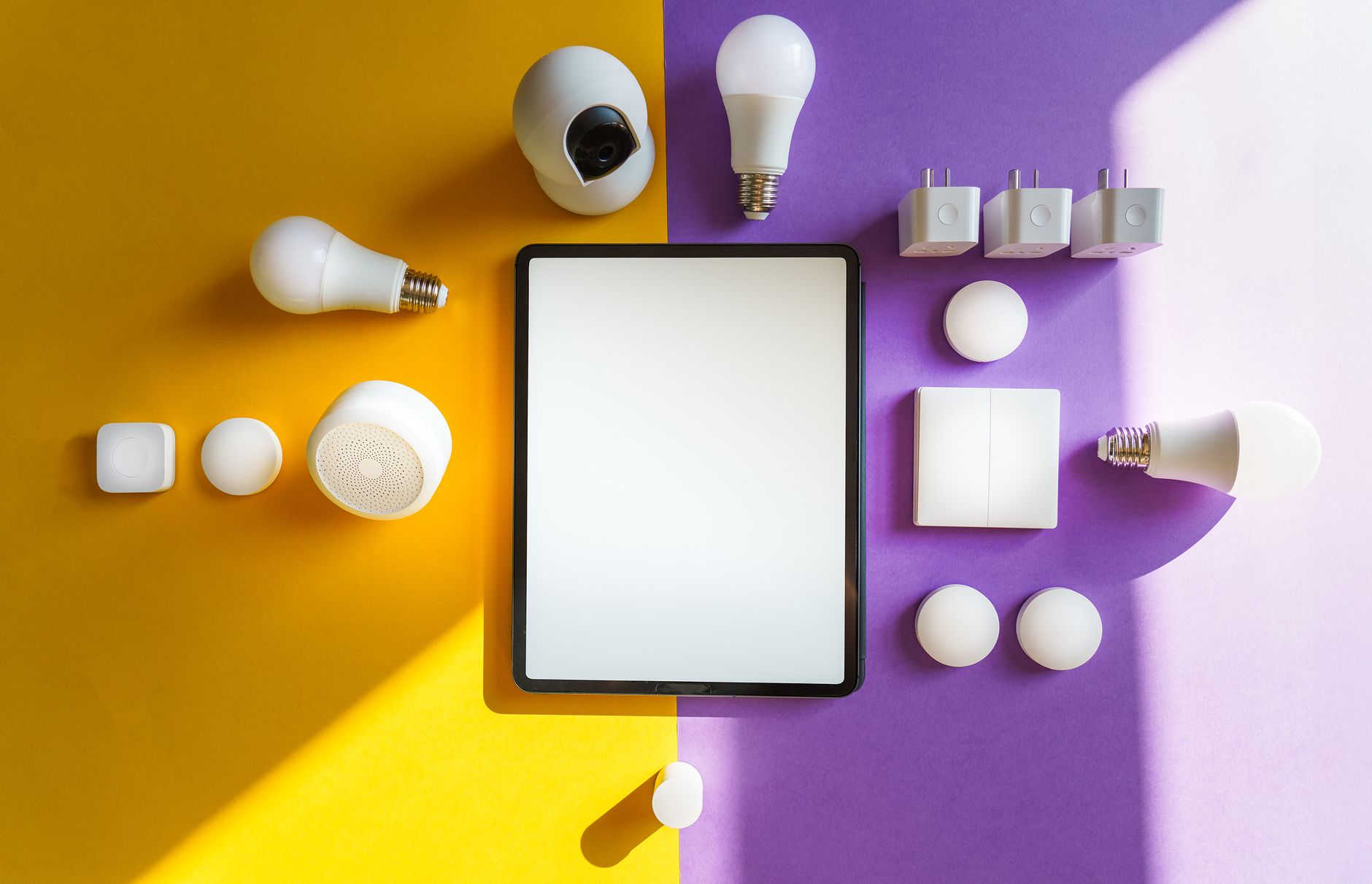
Quick answer: To build a reliable smart home, select a single primary platform (like Apple Home, Google Home, or Home Assistant) and pair it with a local hub that supports Matter and Thread. Prioritize physical manual overrides for every smart light and switch, and run your automation rules locally so they continue working even if your internet connection goes down.
Setting up a smart home often starts with a single smart plug or light bulb. Before long, you find yourself managing five different mobile apps, dealing with voice assistants that pretend they cannot hear you, and troubleshooting devices that randomly go offline. It does not have to be this frustrating.
This smart home automation guide will show you how to design a cohesive, responsive system from scratch. By focusing on local control and modern wireless standards, you can build an automated living space that works reliably for everyone in your household.
Key takeaways
- Choose one primary platform: Avoid app clutter by routing all your devices through a single coordinator like Apple Home, Google Home, Alexa, or Home Assistant.
- Prioritize local processing: Use hubs that run automation rules locally to keep your home running when the internet goes down.
- Adopt Matter and Thread: These modern protocols prevent Wi-Fi congestion and allow devices from different brands to work together.
- Keep manual fallbacks: Ensure family members can still use standard wall switches and physical controls when automations fail.
Choosing Your Primary Smart Home Platform and Ecosystem
Before buying any hardware, you must choose the software ecosystem that will serve as the brain of your home. This platform is where you will build routines, view your security cameras, and control your devices from a single interface. Trying to mix platforms without a clear plan leads to conflicting commands and massive setup headaches.
For most households, the choice comes down to the major tech ecosystems or dedicated local hubs. Your choice should align with the smartphones and computers your family already uses daily.
- Apple Home: Excellent for iOS households. It processes automations locally by default using an Apple TV or HomePod as a home hub, offering fast response times and strong privacy.
- Google Home & Amazon Alexa: Highly compatible and user-friendly, but heavily reliant on the cloud. If your internet connection drops, many of your routines and voice commands will stop working.
- Home Assistant & Hubitat: Advanced, local-only platforms designed for enthusiasts. They require more setup time but offer unmatched customization, privacy, and reliability.
Budget is another critical factor to consider early in your planning. A basic DIY entry-level smart home setup averages around $676, which typically covers a central hub, a few smart plugs, a couple of sensors, and basic smart lighting. In contrast, high-end, professionally installed custom systems can easily scale past $15,000 for whole-home integration.
Understanding Smart Protocols: Matter, Thread, Wi-Fi, and Zigbee
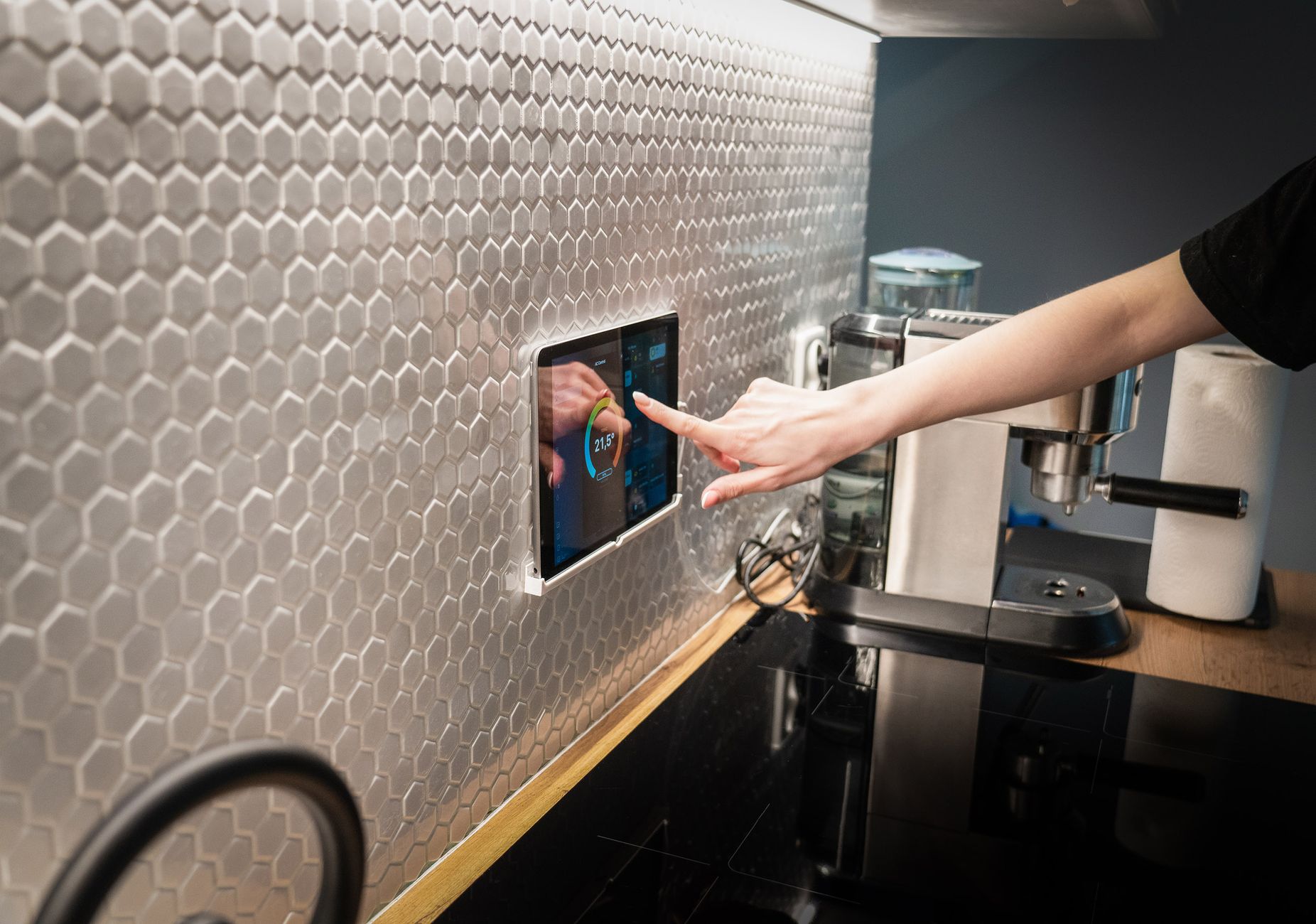
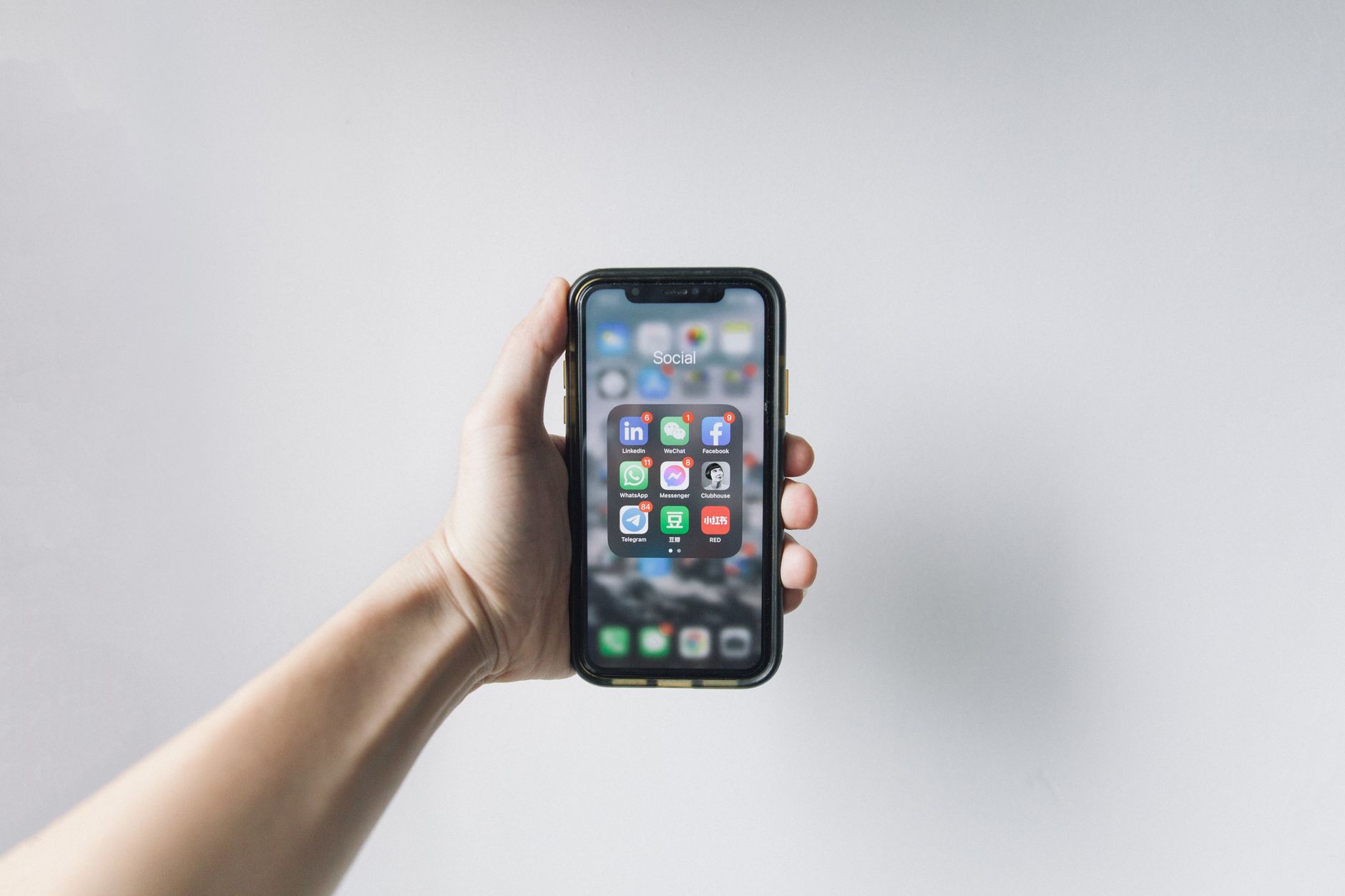
Photo by Jakub Zerdzicki on Pexels
Smart devices need a way to talk to each other and to your hub. Relying entirely on standard Wi-Fi is one of the most common mistakes beginners make. When you connect dozens of smart bulbs, plugs, and switches directly to a basic home router, you quickly congest the 2.4GHz wireless band, causing slow response times and frequent disconnects.
To keep your network clean and fast, you should understand how different smart home protocols operate. The table below outlines the key differences:
| Protocol | Connection Type | Power Consumption | Best Used For |
|---|---|---|---|
| Wi-Fi | Direct to Router | High | Cameras, Smart Displays, Video Doorbells |
| Zigbee | Mesh (via Hub) | Low | Sensors, Smart Bulbs, Battery Devices |
| Thread | Mesh (Self-Healing) | Very Low | Battery Sensors, Locks, Modern Bulbs |
| Matter | Universal Layer | N/A (Runs on Wi-Fi/Thread) | Cross-brand compatibility |
Zigbee and Thread are mesh technologies. Instead of every device connecting directly to your router, each mains-powered device (like a smart plug or light switch) acts as a repeater, passing the signal along to the next device. This extends the range and reliability of your network far beyond what Wi-Fi can achieve.
Matter is not a wireless protocol itself, but a standardized software language that runs on top of Wi-Fi and Thread. It allows a device bought from one brand to talk directly to a hub from another brand without using cloud servers. Choosing a platform and hardware that support Matter ensures your devices will remain compatible across different ecosystems for years to come.
Tip: If your network is struggling under the weight of too many smart devices, your smart TV might also suffer. Read our guide on how to fix a smart TV that keeps losing Wi-Fi to optimize your home network layout.
Essential First Devices: Lighting, Plugs, and Sensors
When starting out, resist the urge to buy every smart gadget on the shelf. Start with a dedicated smart home hub and a few basic devices to learn how your chosen platform handles automation rules.
Selecting Your Central Hub
A dedicated hub acts as the local coordinator for your smart home. Modern hub options cater to different budgets and technical skill levels:
- Home Assistant Green: A plug-and-play local automation hub equipped with 4GB of RAM and 32GB of storage. It features USB expansion ports to easily add Zigbee or Thread dongles.
- Hubitat Elevation C-8 Pro: A powerful, local-only processing hub that supports Matter 1.5, Z-Wave 800 LR, Zigbee 3.0, and Bluetooth out of the box.
- Aqara Smart Home Hub M3: An advanced controller featuring a Matter controller, Thread border router, built-in infrared (IR) blaster, and Power-over-Ethernet (PoE) support.
- SwitchBot Hub 3: A unique hybrid controller with an IPS screen, physical dial, IR blaster, and long-range Bluetooth that reaches up to 200 meters.
- Amazon Echo Hub: An 8-inch wall-mountable touchscreen controller with built-in Alexa and multi-protocol hub support.
- Tapo Smart Hub H100: A budget-friendly entry hub that includes a built-in siren for basic security automations.
Smart Lighting: Bulbs vs. Switches
One of the biggest decisions you will make is choosing between smart light bulbs and smart wall switches. Smart bulbs are easy to install, making them perfect for renters. However, if someone flips the physical wall switch to the "off" position, the bulb loses power and can no longer be controlled by your automations or voice assistants.
Smart wall switches replace your existing physical switches. They keep your bulbs powered at all times, allowing you to use your voice, an app, or your hand to control the lights. This preserves what tech enthusiasts call the "spouse and family approval factor"—your smart home should still function like a normal house when guests or family members prefer using physical controls.
Pros of Smart Switches
- Keep light fixtures online even when turned off manually.
- Control multiple standard bulbs with a single smart switch.
- Maintain a traditional look and feel for guests.
Cons of Smart Switches
- Require handling electrical wiring during installation.
- Do not allow you to change the color of the light.
- Cannot be easily uninstalled if you rent your home.
Setting Up Your First Multi-Device Automations
An automated home is more than just a home controlled by a smartphone app. True automation means your devices react to your daily routines without you needing to pull out your phone or issue a voice command.
Automations rely on simple logic: When an event happens, if certain conditions are met, then perform an action.
- Timed Events: Driven purely by clock schedules. For example, you can set your smart motorized blinds to close automatically every evening at 6:00 PM, or program your outdoor porch lights to turn on at sunset and turn off at sunrise.
- Triggered Events: Driven by sensor data or state changes. For instance, when a motion sensor in the hallway detects movement between 11:00 PM and 6:00 AM, it can trigger your hallway smart plug to turn on a dim nightlight.
- Geofencing: Uses your smartphone's GPS location to trigger actions. When your phone leaves a designated radius around your house, the system can automatically lock your smart door lock, turn off all lights, and set your thermostat to an energy-saving mode.
If you use geofencing, you must grant your smart home app background location access on your phone. To protect your personal data while using these features, check out our guide on how to stop apps from tracking you on iPhone. Additionally, if you upgrade your phone, make sure you follow the proper steps to transfer your eSIM to a new phone without losing service so your geofencing presence detection continues to work without interruption.
Troubleshooting Unresponsive Smart Home Devices
Even the most carefully planned smart home will occasionally experience a device that shows up as "unresponsive" or "offline" in your app. Before you factory reset the device, follow these troubleshooting steps to identify the root cause.
First, check for physical power. Ensure a wall switch has not been turned off, cutting power to a smart bulb. If the device uses batteries, check the battery level in your smart home app; low battery voltage can cause a device to drop its wireless connection repeatedly before it dies completely.
Second, address wireless range and interference. If a Zigbee or Thread device is offline, try placing a mains-powered smart plug midway between the offline device and your hub to act as a signal repeater. For Wi-Fi devices, check if your router is overwhelmed by too many connected clients.
Warning: Avoid placing smart hubs directly next to your Wi-Fi router. The 2.4GHz Wi-Fi signal from your router can easily drown out the weaker Zigbee or Thread signals from your hub, leading to frequent device dropouts.
Advanced Routines and Local Automation Strategies
Once your basic devices are working smoothly, you can move on to advanced local logic. Advanced systems combine multiple triggers and conditional checks to prevent routines from colliding or firing at inconvenient times.
For example, instead of a simple motion-activated light, you can add a conditional check: "If motion is detected in the living room, turn on the ceiling fan—but only if the temperature sensor reads above 74 degrees and the television is currently turned off." This prevents the fan from turning on automatically when you are sitting quietly watching a movie.
Running these complex routines locally rather than in the cloud is crucial for speed and privacy. To understand how local processing keeps your data secure and makes your home react instantly, read our deep dive on local AI vs. cloud AI and its impact on privacy and speed.
Additionally, modern smart homes are increasingly integrating with home energy management ecosystems. By linking smart EV chargers, solar PV systems, and home battery storage under a single unified controller, you can automate your home to run high-energy appliances only when solar production is at its peak or when grid electricity rates are at their lowest.
Bottom line: Building a smart home that works requires focusing on local control and physical manual overrides. If you want a reliable system that your whole family can use, buy a dedicated local hub like the Hubitat Elevation C-8 Pro or Aqara Hub M3, and focus on Matter-compatible smart switches rather than cheap, cloud-dependent Wi-Fi bulbs.
FAQ
Do I need a smart home hub if I have Matter devices?
Yes, you still need a Matter controller (which acts as a hub) to coordinate your Matter devices, manage security credentials, and run your automation schedules locally. Devices like an Apple TV, HomePod, or an Aqara Hub M3 serve as these necessary controllers.
Why do my smart home routines stop working randomly?
This is usually caused by cloud latency, local Wi-Fi congestion, or IP address changes on your router. Switching to local-first protocols like Thread or Zigbee, and assigning static IP addresses to your Wi-Fi smart devices, will eliminate most random routine failures.
Should I choose Apple Home, Google Home, or Alexa as my main platform?
If your household uses iPhones and Macs, Apple Home is the best choice due to its speed, local processing, and privacy. If you prefer voice control and use a mix of Android and iOS devices, Alexa or Google Home offer broader compatibility, though they rely more heavily on the cloud.
Can smart home devices from different brands work together?
Yes, as long as they support the Matter standard or are connected to a multi-protocol hub like the Hubitat Elevation C-8 Pro or Home Assistant Green. These hubs bridge the gap between different brands, allowing them to share sensor data and trigger unified routines.
Sources
Facts in this article were checked against these pages on October 4, 2026:
- A Complete Guide To Building A Smart Home - Make It Right® (makeitright.ca)
- An IoT-Based Smart Home Automation System (pmc.ncbi.nlm.nih.gov)
- Case Study: Smart home automation system design | Ignitec Product Design Bristol (ignitec.com)
- How I’m Starting a New Smart Home from Scratch! (youtube.com)
- What is a Smart Home? Everything You Need to Know |Definition from TechTarget (techtarget.com)
- Planning a DIY Home Automation System (instructables.com)
How we researched this: this guide is based on current manufacturer information and reputable sources, listed in the Sources section above, and is updated when things change. Read our editorial policy.
Content Writter

Comments
No comments yet — be the first to share your thoughts.