
Local AI vs. Cloud AI Explained: Privacy, Speed, and Battery Impact
Learn how on-device AI differs from cloud tools in privacy, speed, and battery life so you can choose the right option.

Quick answer Local AI runs entirely on your device for instant privacy and offline use, while cloud AI uses remote servers to handle massive, complex tasks.
When you ask your phone or laptop to summarize a document, edit a photo, or draft an email, you might be using computing power sitting right inside your device, or you might be sending your data across the internet to a massive data center. This choice between running tasks locally or in the cloud shapes how fast your device responds, how much battery it uses, and how private your personal information remains.
Understanding local AI vs cloud AI helps you figure out why certain features work without an internet connection while others require a steady Wi-Fi signal. Modern software often combines both approaches behind the scenes, shifting simple jobs to your local hardware and saving the heavy lifting for remote servers.
Key takeaways
- Local AI runs directly on your device hardware with zero data leaving your phone or laptop.
- Cloud AI relies on remote server clusters running frontier models like GPT-5, Claude 3.7 Sonnet, and Gemini 2.0 Ultra.
- Local processing wins on initial response latency and offline access, while cloud processing wins on raw output generation speed.
- Running models locally drains your device battery and requires capable hardware, whereas cloud AI offloads compute to save power.
- Most modern operating systems use a hybrid approach, handling privacy-sensitive tasks locally first before escalating to the cloud when needed.
How Cloud AI and On-Device AI Process Your Data
Think of local AI like a small, highly trained assistant sitting at your desk who knows your work habits and never shares your notes outside the room. Cloud AI acts like a massive corporate research department located in another city, equipped with infinite books and computers to tackle extremely complex questions.
When you use local open-weight models like Qwen 3.5 9B, Gemma 2, or Llama 3 on your device, every prompt and file stays inside your hardware. Zero data leaves your machine, which allows for true air-gapped operation even when you are completely offline. On the other hand, cloud-based tools require an active network connection to send your requests to external server clusters.
| Feature | Local AI | Cloud AI |
|---|---|---|
| Data Location | Remote server clusters | |
| Internet Needed | No | Yes |
| Upfront Cost | Requires capable hardware | Zero hardware cost |
| Ongoing Cost | Free ($0 marginal cost) | Subscriptions or token fees |
The Privacy Advantage of Running AI Locally
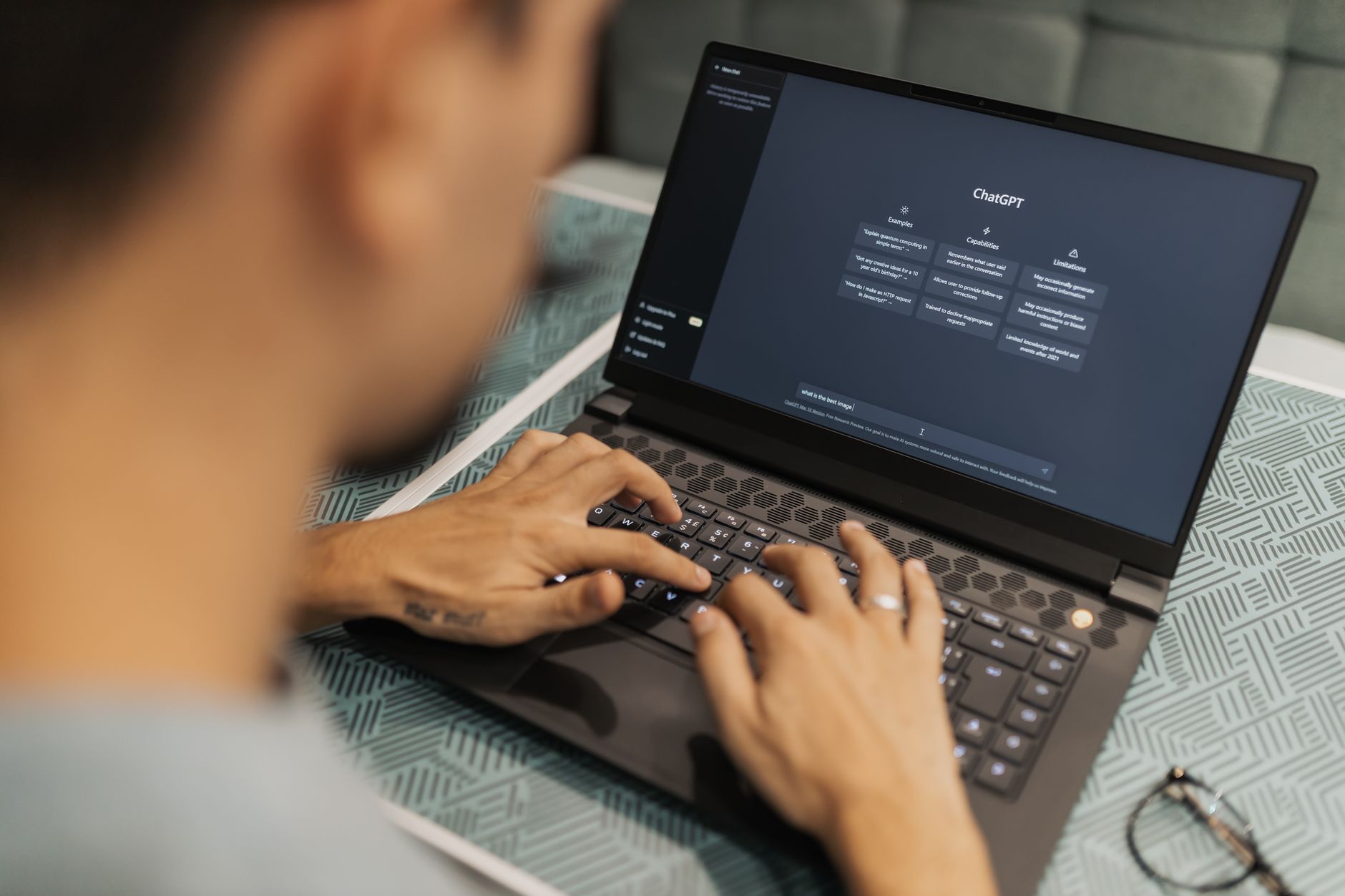
Photo by Matheus Bertelli on Pexels
Privacy stands as the single biggest reason to favor on-device processing. When you type personal thoughts, financial data, or sensitive work notes into an app, keeping that information off third-party servers eliminates the risk of cloud data exposure and network breaches.
For everyday writing, basic Q&A, and text summarization, small language models running locally handle roughly 80 to 90 percent of standard consumer needs without sending a single byte over the web. This makes local tools ideal if you handle confidential documents or simply want to keep your personal life private.
Speed, Latency, and Offline Capabilities Compared
Speed is not a single number when comparing these technologies. Local AI wins easily on initial response latency. Because your requests do not travel across the internet, the time it takes to see the very first word appear on your screen is practically instant.
Cloud AI takes longer to start responding because of network delay and round-trip travel times. However, once a remote server cluster begins generating text, its raw output throughput leaves local hardware far behind. If you need to generate massive blocks of data or parse huge datasets, remote servers finish the job faster.
Tip: Turn off your Wi-Fi when traveling to test which of your device features still work offline using local models.
Battery Life and Hardware Requirements for Local AI
Running advanced models requires significant computing power. Local AI forces your device chip to work hard, which generates heat and drains your battery quickly. If you run local models continuously on a laptop or phone, expect shorter battery life and warm device casings.
Cloud AI flips this equation. By offloading all heavy compute tasks to remote servers, your phone or laptop stays cool and preserves battery power. The trade-off is that you must have a stable internet connection to get any work done.
Pros
- Complete data privacy
- Works completely offline
- Instant initial response time
- No recurring subscription fees
Cons
- Drains battery and heats devices
- Requires powerful local hardware
- Lower raw output generation speed
- Cannot handle complex frontier reasoning
Which Everyday Tasks Still Require Cloud Power
While open-weight local models have closed the capability gap for everyday tasks, they still cannot replace frontier cloud models for everything. Complex reasoning, multi-step agentic workflows, and advanced multimodal features like real-time voice translation or complex image generation require massive data center hardware.
Personal devices simply do not have the physical space or power capacity to fit the giant GPU clusters needed for top-tier reasoning models like GPT-5 or Claude Opus. For those heavy tasks, modern apps seamlessly escalate your request to the cloud.
How to Tell Which AI Features Run on Your Device
Most modern operating systems use a hybrid architecture that blends local and cloud processing automatically. You can usually check your device settings under privacy or AI menus to see which features process on-device versus online.
If a feature works smoothly while your device is in airplane mode, you are using local AI. If the app displays a loading spinner waiting for a network connection or warns you about data sharing, it relies on the cloud.
Common Mistakes to Avoid
Many users make the mistake of assuming cloud AI is always faster for everything, ignoring the lag caused by network latency. Another common error is expecting a small local model to handle complex coding logic or advanced multi-step reasoning meant for cloud data centers.
Conversely, users often route simple tasks like basic text editing through cloud services unnecessarily, risking privacy and wasting bandwidth when local models could handle the job instantly.
FAQ
Is local AI safer for personal data than cloud AI?
Yes. Local AI keeps all data on your physical device, eliminating third-party server exposure and network breach risks.
Can I run AI tools on my phone without an internet connection?
Yes, provided the specific feature uses an on-device model designed to operate completely offline.
Does running local AI drain my battery faster?
Yes. Heavy on-device processing requires significant compute power, which heats your device and drains battery life much faster than cloud processing.
What hardware do I need to run AI locally on a PC?
You need a modern processor with a dedicated neural processing unit or a capable graphics card with sufficient memory to load open-weight models.
Why can't all AI features run directly on my device?
Frontier models require massive datacenter GPU clusters and infrastructure that far exceed the physical size and power limits of personal devices.
Bottom line Use local AI for privacy-sensitive daily tasks, offline writing, and instant response needs. Turn to cloud AI when you need heavy reasoning, complex generation, or multimodal power, and let modern hybrid systems handle the switching automatically.
Sources
Facts in this article were checked against these pages on October 2, 2026:
- Local vs Cloud AI Coding: Latency, Privacy & Performance Guide (sitepoint.com)
- Cloud AI vs Local AI: Which Is Safer for Your Data? (sigmabrowser.com)
- Cloud AI vs. Local AI: Which Is Best for Your Business? | webAI (webai.com)
- local-llm.net
- Local LLM vs Cloud AI: Privacy, Speed & Cost Compared (2026) — LLMCheck (llmcheck.net)
- Local AI vs Cloud AI: What’s Faster? (youtube.com)
How we researched this: this guide is based on current manufacturer information and reputable sources, listed in the Sources section above, and is updated when things change. Read our editorial policy.
Content Writter


Comments
No comments yet — be the first to share your thoughts.