
How to Choose the Right Under-Desk Walking Pad
Learn how to choose walking pad treadmills that fit your standing desk, stride length, and daily routine without wearing out early or causing distracting noise.
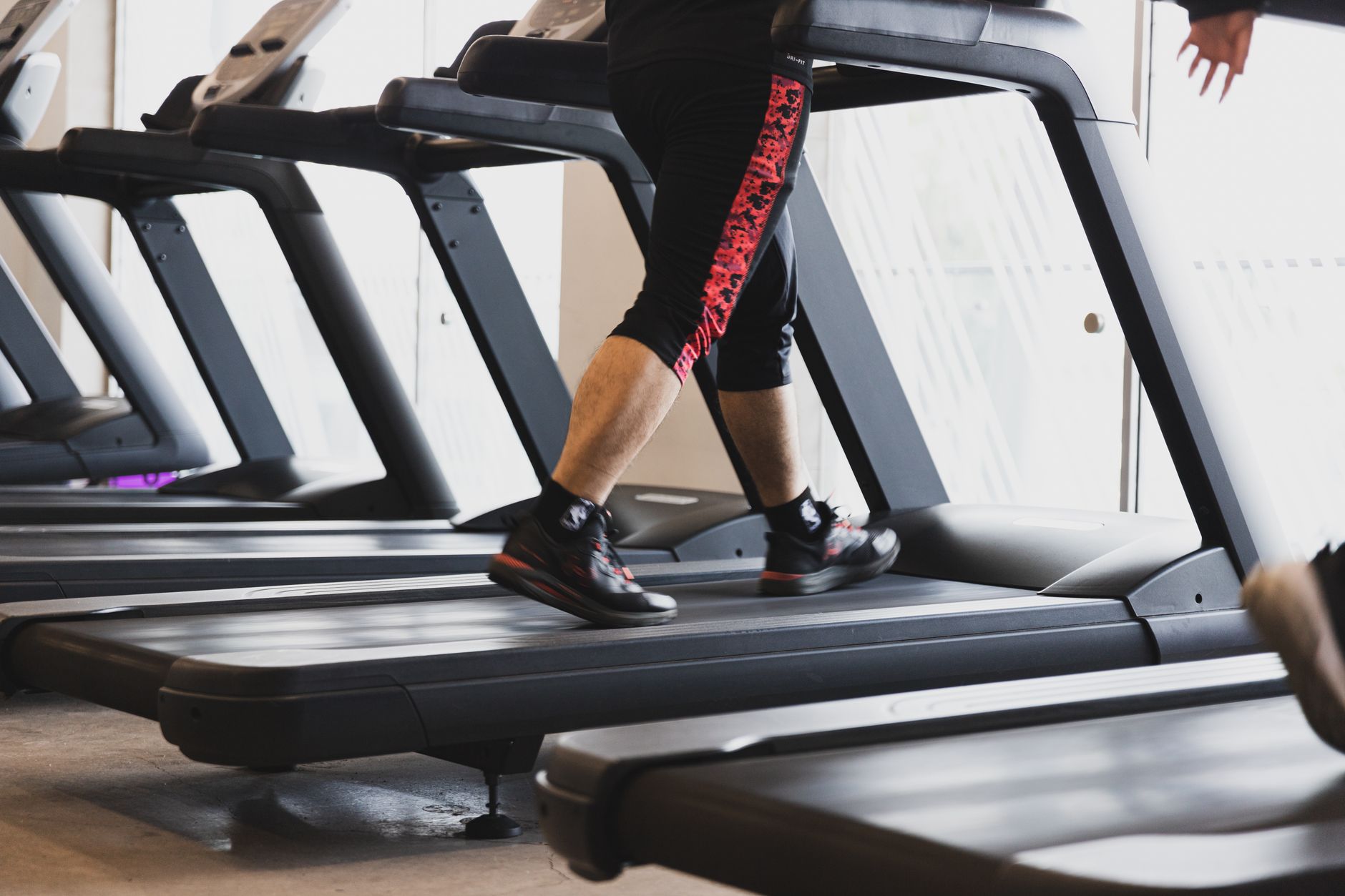
Quick answer To pick the right walking pad, choose a flat or hinged deck with a weight limit at least 15% to 20% higher than your body weight to protect the motor from friction burn. Prioritize a deck length that fits your natural stride, verify quiet belt operation for phone calls, and always look for front wheels to make daily storage painless.
Sitting in an office chair for eight hours can drain your focus and stiffen your joints. Under-desk treadmills offer a simple fix, letting you log miles while reading reports, sending emails, or listening to presentations without leaving your computer setup.
Yet picking the wrong machine brings real headaches: underpowered motors that overheat under standard walking drag, decks too short for a normal stride, or loud squeaks that show up on your team microphone. If you already took time setting up ergonomic equipment like learning how to choose the right monitor for working from home, pairing it with the right walking pad takes careful attention to deck size, weight capacity, and motor durability.
Key takeaways
- Always leave a 15% to 20% safety margin between your body weight and the manufacturer's maximum weight rating.
- Standard walking speeds range from 0.5 to 4.0 mph, but comfortable typing usually peaks between 1.0 and 2.0 mph.
- Single-piece flat decks run quieter and offer better durability than hinged folding treadmills, though hinged options store in tighter spots.
- Integrated transport wheels are non-negotiable since most walking pads weigh roughly 50 pounds.
Motor Power and Speed: Why Continuous Horsepower Matters
When you browse treadmill listings, brands often advertise peak motor ratings. A peak rating only shows the maximum bursts of output a motor can deliver for a few seconds under zero strain. For an under-desk treadmill, what actually matters is continuous duty capability: the steady power delivered while your body weight repeatedly pulls against the belt with every step.
Walking creates more sustained friction on an electric motor than running. When you run, your feet spend noticeable fractions of a second airborne. When you walk, one foot is almost always dragging directly on the deck surface. A weak motor running near its limits will heat up quickly, causing speed stuttering or premature electrical failure.
Standard walking pads offer speeds between 0.5 and 4.0 mph. Light strolls at 1.0 to 1.5 mph work best when you need to type emails or take handwritten notes. Pushing toward 3.0 or 4.0 mph suits fast-paced podcasts or casual reading. If you want to run above 4.0 mph, you will need a 2-in-1 hybrid model like the UREVO Strol 2E or UREVO Foldix, which include fold-up handrails required for balance at higher speeds.
Deck Size and Weight Capacity: What Fits Your Stride and Setup
Buying a pad with the wrong dimensions leads to an awkward, unnatural stride. While ultra-compact options save floor space, they force taller walkers to take unnaturally short steps, which causes hip and knee fatigue.
- Compact decks (34 to 38 inches long): Best for small apartments or shorter walkers under 5'6". The Egofit Walker Pro, for instance, offers a 34.3" by 16.5" walking belt within a tiny 5.8-square-foot footprint.
- Standard decks (40 to 45 inches long): The sweet spot for users between 5'7" and 6'1" who want a natural gait without having to stare down at their feet.
- Extended decks (46+ inches long): Recommended for walkers over 6'1" or anyone using a hybrid unit for light jogging.
Width also impacts balance. Narrow 15-inch decks leave little room for drift when your eyes are locked on your screen, while 16.5-inch to 18-inch surfaces let you walk without grazing the side rails.
Warning: Always maintain a 15% to 20% weight buffer. If you weigh 220 pounds, do not buy a treadmill rated for a maximum of 220 pounds. Sustained belt friction will degrade the motor and deck board. Look for a pad rated for at least 260 pounds.
Standard entry-level walking pads typically carry limits between 220 and 265 pounds. Heavy-duty options like the TrailViber provide reinforced frames, while commercial-grade office machines like the InMovement Unsit support users up to 400 pounds.
Foldable vs. Flat: Picking the Right Storage Style
Under-desk walking pads come in two distinct designs: rigid flat pads and hinged folding pads.
Hinged units, popularised by Kingsmith WalkingPad models like the P1, C2, and Zed1, fold in half along a center joint. This reduces their length by 50%, letting you slide them upright inside a closet or beneath low furniture. However, the hinge mechanism adds moving parts, and users often feel a slight seam beneath the belt.
Rigid flat pads, such as the DeerRun Q1 Classic Pro, WellFit TM037, or Marra W50, have zero deck joints. They are structurally stiffer, have fewer failure points, and tend to emit less mechanical rattle over time. The trade-off is length: you need a flat storage spot at least 48 to 55 inches long.
Pros of Rigid Flat Pads
- Fewer moving parts and longer frame lifespans
- Quieter operation without hinge creaks
- Smoother, seam-free belt surface underfoot
- Lower price point compared to folding models
Cons of Rigid Flat Pads
- Cannot be folded to fit tight vertical closets
- Requires a long under-bed or behind-door storage footprint
- Harder to maneuver through narrow hallways
Noise Levels and Shock Absorption in Shared Spaces
A treadmill that sounds quiet in an empty garage can sound surprisingly loud inside a home office during a meeting. Noise comes from two sources: motor hum and footfall impact.
Single-piece stationary pads generally run quieter than hinged units. Hinged decks introduce small vibrations around the central joint that can produce rhythmic clicking. Look for multi-layer composite belts with integrated rubber cushioning, which absorb the thump of your heels before the sound travels into the floorboards.
If you take frequent video calls, stay between 1.0 and 1.8 mph. At this pace, motor hum remains low enough for microphone noise-suppression algorithms to filter out completely. Placing a dense, high-density rubber equipment mat underneath the machine also keeps motor vibration from reverberating through wooden floorboards into the room below.
Incline, Apps, and Controls: Which Extra Features Are Worth It
Most walking pads are strictly flat to keep you stable while typing. However, a growing number of models now integrate incline features to increase heart rate and calorie burn at slow speeds.
The Egofit Walker Pro uses a fixed 5% incline built into its small frame. Models like the TrailViber, Jog Well, and WellFit TM037 incorporate adjustable incline systems. Adding a gentle grade engages your glutes and calves without needing to increase belt speed, which makes it easier to keep your hands steady on the keyboard.
For controls, simple is best. A compact infrared handheld remote with start, stop, and speed toggles remains the most reliable input method while working. Companion smartphone apps can log distance and speed, but pulling out your phone to pause a treadmill when someone walks into your office is frustrating compared to clicking a physical button.
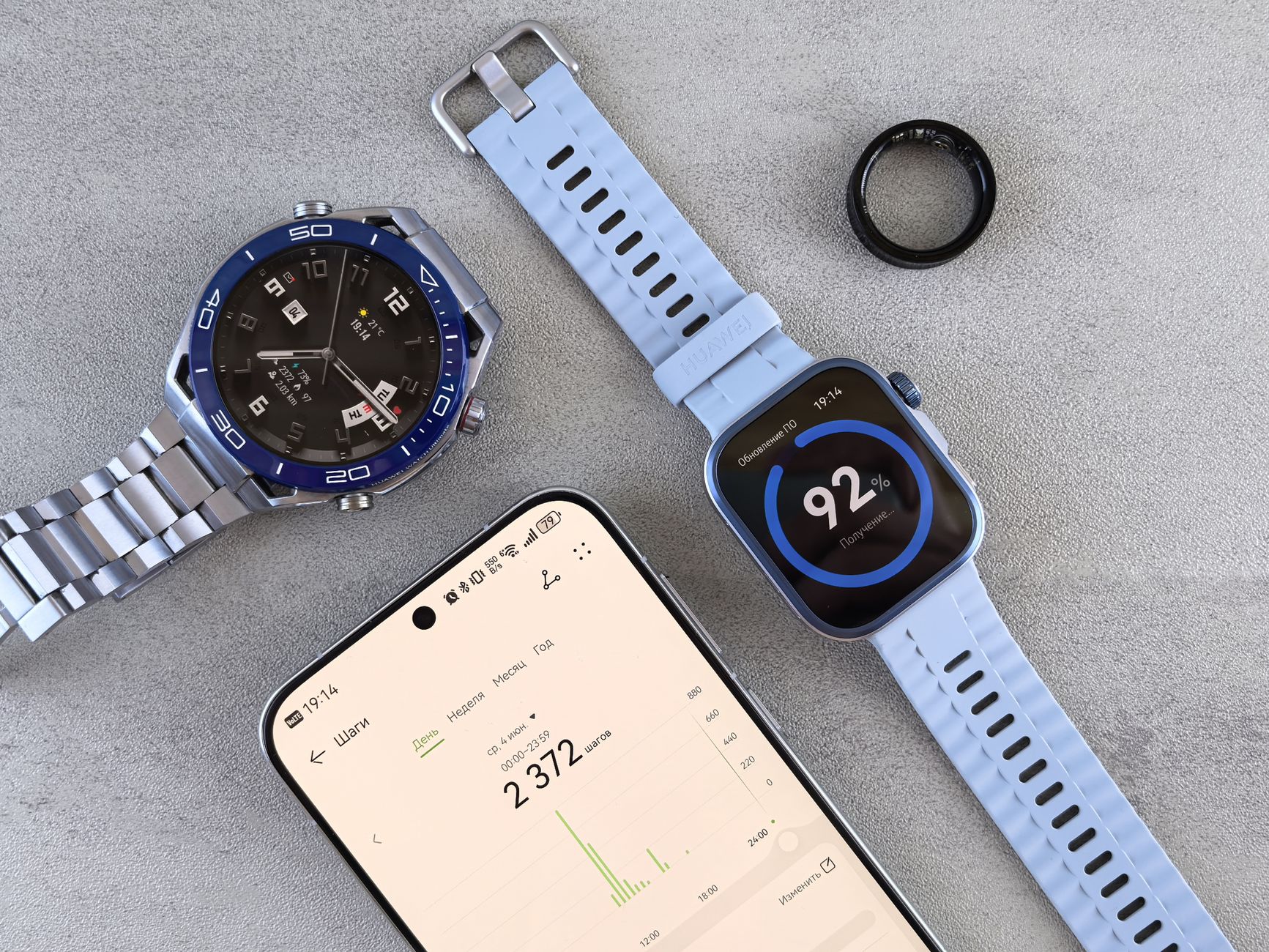
Tip: Smartwatches on your wrist will not count your steps while your hands rest on your keyboard or mouse. To track your daily movement accurately on an under-desk pad, slip your fitness tracker into your pocket, strap it around your ankle, or clip it to your shoe laces.
Which Type of Walking Pad Fits Your Daily Routine
Review the breakdown below to match your working habits with the appropriate build class:
| User Profile | Recommended Design | Weight Capacity | Deck Style | Key Model Examples |
|---|---|---|---|---|
| Casual Walker (1–2 hrs/day) | Budget Plug-and-Play | 220–265 lbs | Flat, single deck | DeerRun Q1 Classic Pro, CyberGoing |
| Small Apartment Dweller | Ultra-Compact or Hinged | 220 lbs | Folding or short deck | Egofit Walker Pro, WalkingPad C2 / P1 |
| Dual Walker & Runner | 2-in-1 Folding Hybrid | 265–300 lbs | Flat with fold-up bar | UREVO Strol 2E, UREVO Foldix |
| Incline Enthusiast | Incline Compact | 250–300 lbs | Fixed or manual incline | Egofit Walker Pro, Jog Well, TrailViber |
| All-Day Multi-User Office | Commercial Under-Desk | 350–400 lbs | Heavy-duty flat base | InMovement Unsit, Vhorilix |
Maintenance Essentials: Belt Lubrication and Alignment
Walking pads are susceptible to friction damage if ignored. Because under-desk walking involves slow, dragging footfalls, maintaining low friction between the belt and running board is essential to prevent motor burnout.
- Regular Deck Lubrication: Apply 100% pure silicone treadmill lubricant under the center of the belt every few months, depending on how many hours you walk each week. Never use petroleum-based lubricants or household sprays like WD-40, which break down synthetic rubber.
- Belt Centering: If your belt begins tracking to the left or right, adjust the tension bolts at the rear corners using the supplied Allen wrench. Turn the side the belt is drifting toward clockwise by a quarter turn until it tracks evenly in the center.
- Tension Checks: Lift the center edge of the belt. It should give about two to three inches of vertical slack. If it slips when your foot lands, it is too loose; if the motor groans under tension, it is too tight.
Common Mistakes to Avoid
- Forgetting to verify desk leg spacing: Measure the width between your standing desk legs before buying. Some walking pads are wide enough to block your desk's support crossbars or prevent your desk chair from rolling into place when the pad is pushed aside.
- Stacking heavy objects on folded pads: Never place weights, storage totes, or heavy boxes on top of a folded hinged walking pad. Crushing pressure on the hinge bends the alignment brackets and warps the belt seam permanently.
- Skipping integrated wheels: Compact walking pads weigh between 45 and 65 pounds. Trying to slide an unwheeled treadmill across rugs or hardwood floors multiple times a day will scratch your flooring and strain your back.
Bottom line If you walk 1 to 2 hours daily while typing, choose a rigid flat walking pad rated at least 20% above your weight with built-in front wheels. Choose a hinged folding model like a WalkingPad only if floor space is strictly limited, and skip ultra-compact decks under 36 inches if you are taller than 5'8".
Related guide: How to Choose the Right Electric Toothbrush
FAQ
Can you use a walking pad while typing or on Zoom calls?
Yes, provided you keep your speed between 1.0 and 1.8 mph. Typing accuracy drops quickly once you exceed 2.0 mph. On video calls, modern noise-canceling software easily blocks low motor hum, but keep your speed modest to avoid bouncing on camera or heavy breathing.
What is the difference between peak horsepower and continuous horsepower on a walking pad?
Peak horsepower indicates the maximum power a motor produces for brief intervals under ideal conditions. Continuous duty horsepower measures the consistent mechanical work the motor sustains over long hours against human weight and friction without overheating.
How often do under-desk walking pads need to be lubricated?
Most walking pads require silicone lubrication every 1 to 3 months, depending on frequency of use. If you notice increased heat under the walking belt or hear a dry rubbing sound, apply silicone lubricant immediately beneath the deck center.
Can an under-desk treadmill support running or just walking?
Dedicated under-desk walking pads max out at 3.0 to 4.0 mph and lack safety rails, making them unsafe for running. To run, pick a 2-in-1 hybrid treadmill like the UREVO Strol 2E, which includes a foldable handrail and higher speed thresholds.
How much floor clearance do you actually need around a walking pad?
You need enough width between your desk legs to clear the treadmill housing (usually 22 to 26 inches wide). You should also keep at least two to three feet of open floor behind the rear roller so you can step off safely if you lose your balance.
Sources
Facts in this article were checked against these pages on October 25, 2026:
- The 6 Best Walking Pads in 2026 - Best Under-Desk Treadmills (runnersworld.com)
- 4 Best Walking Pads for Small Spaces and Standing Desks (2026) | WIRED (wired.com)
- Walking Pads: Benefits, Types, and How to Choose (webmd.com)
- Walking Pad Buying Guide: 2025 Picks for Home & Office (bodyspec.com)
- Walking Pad vs. Under Desk Treadmill: What’s the Real Difference? (inmovement.com)
- The Best Walking Pads to Buy in 2026 (treadmillreviews.net)
How we researched this: this guide is based on current manufacturer information and reputable sources, listed in the Sources section above, and is updated when things change. Read our editorial policy.
Content Writter

Comments
No comments yet — be the first to share your thoughts.