
How to Choose the Right Label Maker for Home Organizing
Learn how to choose a label maker based on print technology, Bluetooth connectivity, and tape durability for your home projects.
Quick answer To choose the right label maker, match your projects to the print technology: use direct thermal models for everyday plastic bins, thermal transfer for long-lasting durability, and smartphone-connected or hybrid units like the Brother P-touch PT-N25BT for custom app templates.
Tackling a messy pantry, organizing tangled desk cords, or sorting seasonal storage boxes calls for a reliable tool to keep everything clearly identified. Selecting the right device means looking past upfront hardware prices and understanding how tape types, connectivity choices, and power requirements affect your daily organizing workflow.
Knowing how to choose a label maker ensures you avoid wasted tape, fading prints, or machines that lack the width needed for larger storage bins. With options ranging from simple battery-powered QWERTY keyboards to advanced Bluetooth smartphone apps with auto-sizing features like the Niimbot B1, this guide breaks down every spec that matters.
Key takeaways
- Direct thermal printers cost less to run upfront but fade over time when exposed to heavy sunlight or direct moisture.
- Standalone keyboards offer fast, offline typing, while Bluetooth smartphone apps provide advanced templates, QR codes, and custom fonts.
- Standard home tape widths range from 6mm up to 24mm, while specialized choices include fabric tapes, cable wraps, and heavy-duty adhesives.
- Rechargeable USB-C lithium-ion power is standard for modern devices, replacing older multi-AAA battery configurations on premium units.
- Proprietary cartridge lock-in means you must buy compatible tape refills designed specifically for your brand ecosystem.
Thermal Transfer vs. Direct Thermal: Which Print Method Lasts
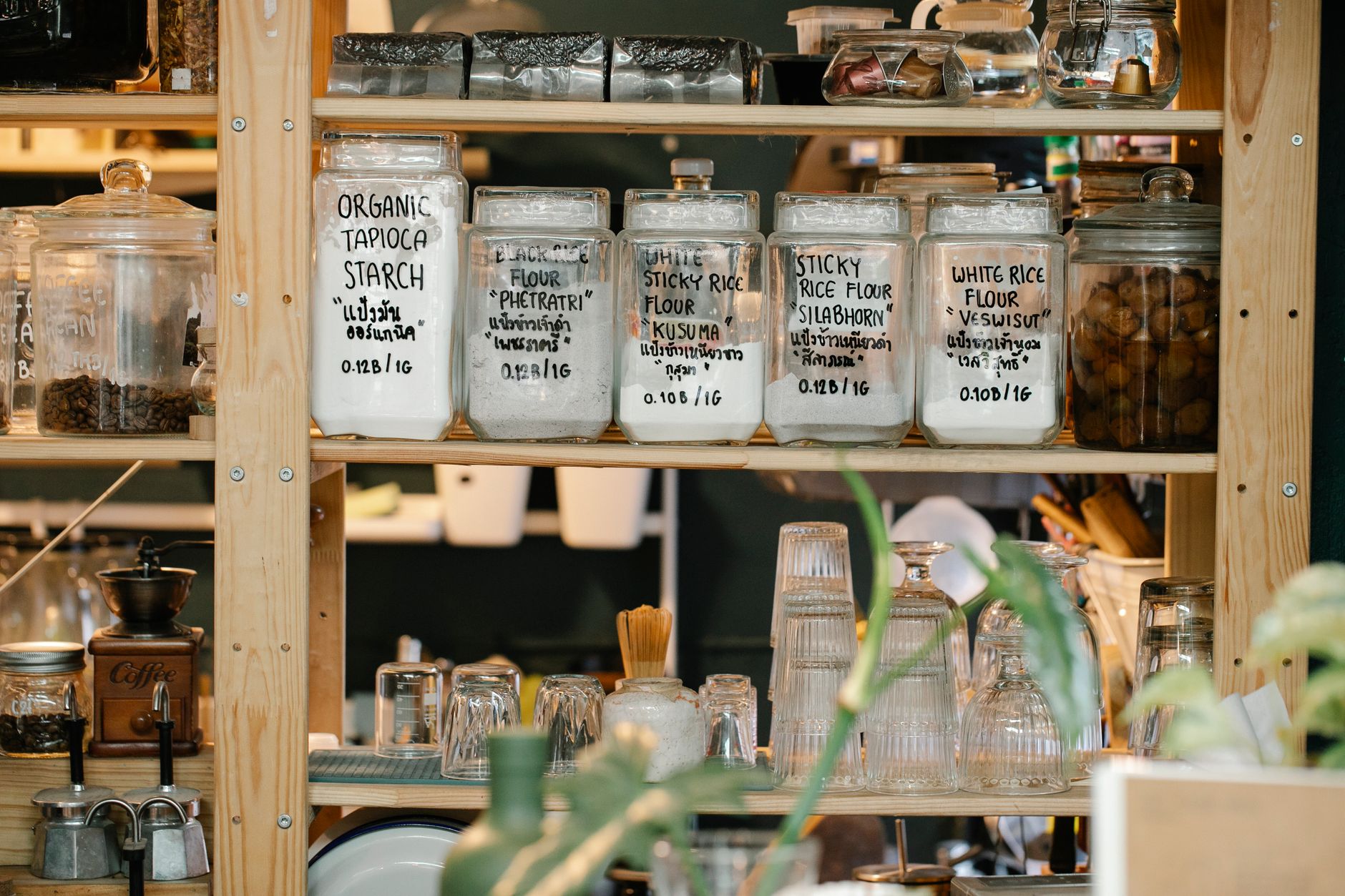
Most everyday home label makers rely on direct thermal printing. This method uses heat-sensitive tape that darkens when exposed to the printhead element, requiring zero ink, toner, or ribbons. It is affordable and clean, making it ideal for spice jars, storage boxes, and pantry bins kept indoors away from direct sunlight.
Thermal transfer printing uses a heated ribbon to melt pigment directly onto the tape surface. While more common in industrial or heavy-duty environments, thermal transfer tapes offer vastly superior longevity, resisting UV fading, smudging, and chemical exposure much better than direct thermal stock.
If you label items that sit outside, experience frequent dishwasher cycles, or endure heavy handling, standard direct thermal labels will fade or peel. For those long-term applications, look for machines that support thermal transfer or specialized heavy-duty laminate tapes like the Brother TZe series.
Keypad Standalone vs. Smartphone Bluetooth: Choosing Your Interface

Photo by Jakub Zerdzicki on Pexels
Standalone units feature built-in physical QWERTY or ABC keyboards alongside small LCD screens. They require no setup, pair with no external devices, and let you type and print immediately. Models like the Brother P-Touch PT-D220 excel at quick, straightforward text tasks where you want zero friction.
Smartphone Bluetooth models rely entirely on iOS and Android companion apps. These apps unlock expansive font libraries, custom icons, border designs, and QR code generation. Newer software versions also feature automatic roll and label size detection, eliminating manual dimension configurations found on older hardware.
Hybrid options bridge both worlds. The Brother P-touch PT-N25BT features both a physical keyboard and screen for quick standalone jobs, plus Bluetooth smartphone connectivity when you want to design complex multi-line templates.
Tape Types That Matter: Waterproof, Cable Wraps, and Fabric
Standard home label widths range from 6mm (1/4 inch) up to 24mm (about 1 inch), while specialized industrial or wide storage units can reach up to 50mm (2 inches). Beyond size, choosing the correct material for your specific surface prevents peeling and frustration.
- Water-Resistant Plastic: Laminated polyester tapes withstand moisture, grease, and mild cleaning supplies, making them perfect for kitchen containers and bathroom bottles.
- Cable Wraps: Flexible, self-laminating flag or wrap tapes wrap tightly around power cords, HDMI cables, and charger wires without uncurling.
- Fabric Tapes: Iron-on or sew-on cloth ribbons let you label clothing, kids' backpacks, and fabric storage bins cleanly.
Tip: When labeling woven fabric storage bins or rough canvas surfaces, choose permanent high-tack adhesive tapes rather than removable ones, and press firmly along all edges with your thumb for ten seconds to activate the glue bond.
Cartridge Ecosystems and Proprietary Lock-In
One hidden cost of ownership is brand-name cartridge lock-in. Manufacturers design their hardware to accept specific proprietary tape casings, meaning Brother TZe cassettes, Dymo D1 cartridges, and Letratag rolls are entirely incompatible with one another.
While third-party tape refills exist on the market, buying cheap off-brand alternatives carries risks. Poorly manufactured third-party cassettes often lack proper split-backs or use weak adhesives that jam thermal mechanisms and leave gummy residue inside the printhead.
Factor ongoing tape refills into your budget. Basic home label makers cost roughly $18 to $50, while mid-range and smart Bluetooth units run $40 to $100+. However, specialized tape cartridges for heavy-duty or cable applications cost significantly more per foot than standard white paper or plastic rolls.
Maximum Tape Width and Resolution: Sizing Your Labels Right
Resolution dictates how crisp your letters and graphics appear. Standard home resolution ranges from 160 dpi to 203 dpi, which is plenty for clean text on spice jars and file folders. If you plan to print dense barcoding, intricate icons, or tiny font sizes for electronics, look for 180 to 300 dpi support.
Pay close attention to maximum tape width limits. Buying a budget machine restricted to 12mm (1/2 inch) tape will leave you struggling when you try to print bold, legible labels for large garage storage totes that require 24mm width.
Battery Options: Rechargeable Li-Ion vs. AAA Batteries
Power delivery impacts both convenience and long-term operating costs. Traditional entry-level models run on 4 to 6 AAA batteries, which drain quickly if you do heavy batch-printing sessions.
Modern devices increasingly adopt rechargeable lithium-ion batteries charged via USB-C ports, aligning with current electronics standards. If you organize occasionally, a battery-operated standalone unit works fine. For frequent whole-home projects, a USB-C rechargeable model saves money on replacements.
Label Maker Profiles: Which Type Fits Your Organization Needs
| Category | Best For | Key Features | Price Range |
|---|---|---|---|
| Budget Standalone | Quick kitchen and file sorting | Physical QWERTY keyboard, 12mm max width | $18 – $35 |
| Smart Bluetooth | Detailed custom pantry and office bins | App-based templates, auto-sizing, USB-C | $40 – $80 |
| Hybrid Units | Versatile home and tech spaces | Physical keyboard + Bluetooth smartphone app | $50 – $100+ |
| Wide Format / Advanced | Industrial storage, cable management | Up to 24mm+ width, high durability tapes | $70 – $120+ |
If you want to upgrade your entire remote work setup alongside your desk organization, check out our guide on How to Choose the Right USB-C Docking Station for Your Laptop to streamline your workspace connectivity.
Pros
- Instantly transforms cluttered storage spaces into structured systems
- Wide variety of specialized tapes for cables, fabrics, and outdoor use
- Modern USB-C rechargeable models eliminate disposable battery waste
Cons
- Proprietary tape cartridges lock you into specific brand ecosystems
- Cheap direct thermal labels fade or peel under harsh environmental conditions
- Manual cutting errors can ruin label alignment if pulled too early
Common Label Maker Buying Mistakes to Avoid
- Ignoring ongoing tape costs: Focusing solely on the low upfront hardware price without checking the per-foot cost of proprietary replacement cartridges.
- Buying unverified third-party tapes: Purchasing ultra-cheap off-brand refills that lack clean split-backs and jam delicate thermal print mechanisms.
- Overlooking width limitations: Buying a compact machine capped at 12mm when your organizing projects require wide labels for large bins.
- Ripping labels prematurely: Pulling or tearing the tape manually before the machine finishes its cutting cycle, which ruins print alignment and wastes stock.
Bottom line For most homeowners and organizers, a hybrid model like the Brother P-touch PT-N25BT or a versatile Bluetooth unit provides the best balance of standalone speed and app-based custom design. Skip basic single-line thermal printers if you need durable cable wraps or wide storage bin identification.
Related guide: How to Choose the Right Smart Sleep Tracker
Related guide: How to Choose the Right Smart Scale for Your Fitness Goals
FAQ
Do label maker labels fade over time?
Standard direct thermal labels can fade when exposed to direct sunlight, high heat, or moisture over several months or years. Laminated thermal transfer labels resist UV light and friction much longer.
Is a Bluetooth label maker better than one with a physical keyboard?
Bluetooth models offer richer design templates, custom fonts, and easy QR code creation via smartphone apps. Physical keyboards excel at fast, offline, grab-and-go typing without app pairing hassles.
Can label makers print on fabric or heat-shrink tubing for cables?
Yes, higher-end home and office models support specialized media like iron-on fabric tapes and flexible cable wrap cartridges designed specifically for wires and cords.
Are third-party label tape cartridges reliable?
Some third-party options work well, but many cheap alternatives feature weak adhesives or poor backing paper that jams the thermal print mechanism. Stick to verified compatible refills when possible.
Do I need continuous tape or die-cut label rolls?
Continuous tape lets you print custom lengths for sentences or multi-word labels, while die-cut rolls feature pre-sized individual labels ideal for uniform jar or file folder organization.
Sources
Facts in this article were checked against these pages on November 16, 2026:
- 3 Best Label Makers for Home Organization in 2026 (haningroup.com)
- Best Label Maker For Home - John's Tech Blog (hagensieker.com)
- How to Choose a Label Maker (simplify101.com)
- Types of Label Makers: A Guide to Choosing the Right Type for Your Needs - DIY Danielle® (diydanielle.com)
- The 5 Best Label Makers of 2026 [Product Guide & Reviews] (youtube.com)
- How to Choose the Best Label Makers in 2026 - Tradeizze (tradeizze.com)
How we researched this: this guide is based on current manufacturer information and reputable sources, listed in the Sources section above, and is updated when things change. Read our editorial policy.
Content Writter

Comments
No comments yet — be the first to share your thoughts.