
How to Choose the Right Smart Plug for Your Setup
Learn how to pick the best smart plug for your home by understanding protocols like Matter and Wi-Fi, power limits, and physical sizing.
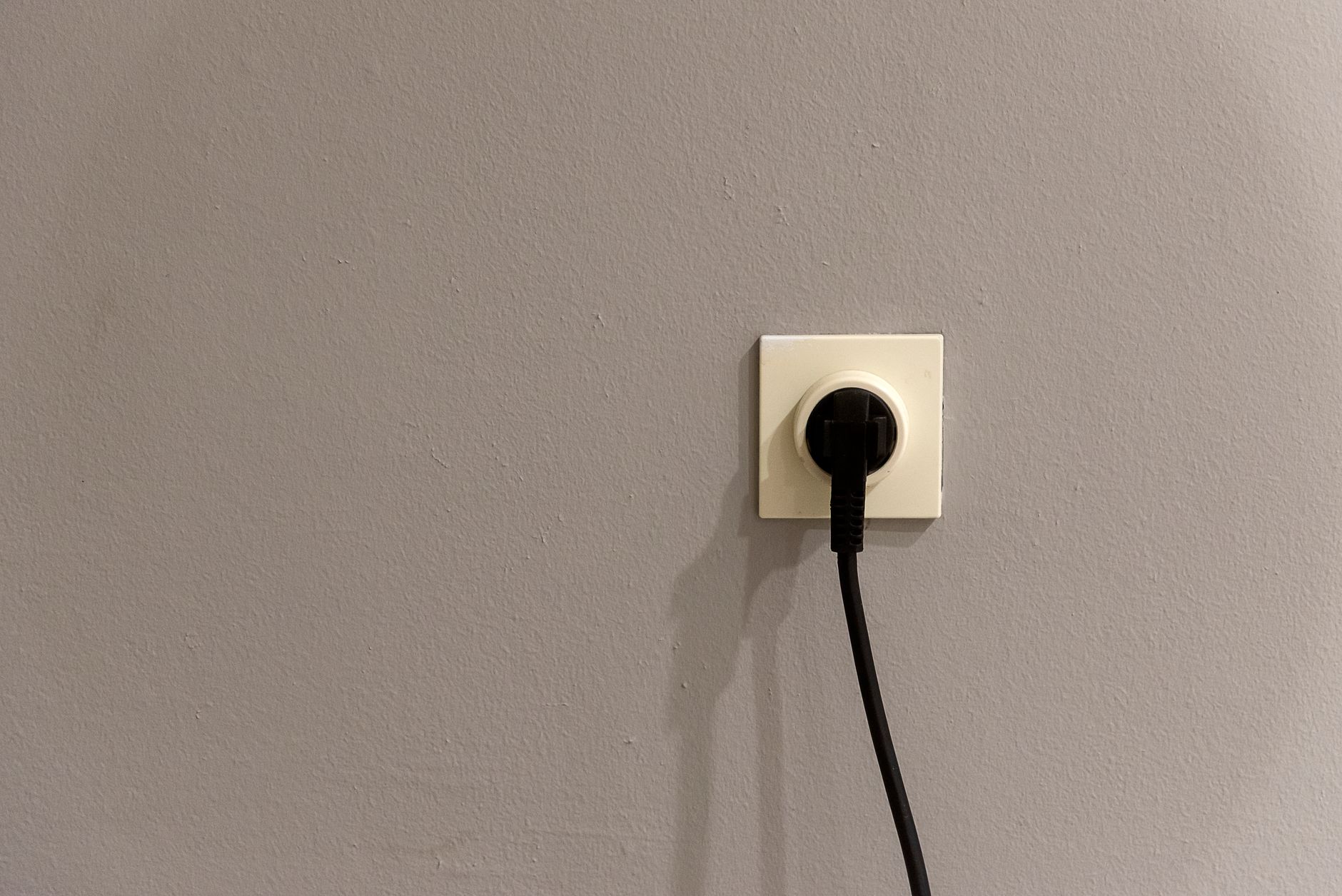
Quick answer To choose the right smart plug, match its wireless protocol to your existing smart home system, ensure it has local execution for reliability, and pick a slim form factor that leaves your second wall outlet open.
Automating lamps, fans, and holiday decorations is simple once you find a reliable plug that fits your physical space and software ecosystem. With older protocols phasing out and newer cross-platform standards maturing, buying the wrong model can lead to connection drops or frustrating app silos.
This guide explains how to select the ideal hardware for your specific setup so you can avoid wasted money and technical headaches.
Key takeaways
- Match your plugs to your smart home ecosystem using universal standards like Matter.
- Choose slim physical designs to avoid blocking the second plug on a standard duplex wall outlet.
- Check power limits carefully to keep high-draw appliances safe.
- Look for local execution so basic routines work even if your internet connection drops.
Wi-Fi vs. Zigbee vs. Thread: Which Protocol Is Best?
Your smart plug needs a way to talk to your phone or voice assistant. Wi-Fi plugs connect directly to your wireless router on the 2.4 GHz band. They are easy to set up for a few standalone devices because you do not need an extra hub. However, adding dozens of Wi-Fi plugs can congest your home network and slow down your internet.
Zigbee and Thread use low-power mesh networks instead of crowding your router. They require a border router or hub, such as an Apple TV, HomePod, or Amazon Echo, to bridge them to your network. These mesh protocols make your smart home faster and more reliable when you use many connected devices at once.
Why Matter Support Matters for Future-Proofing
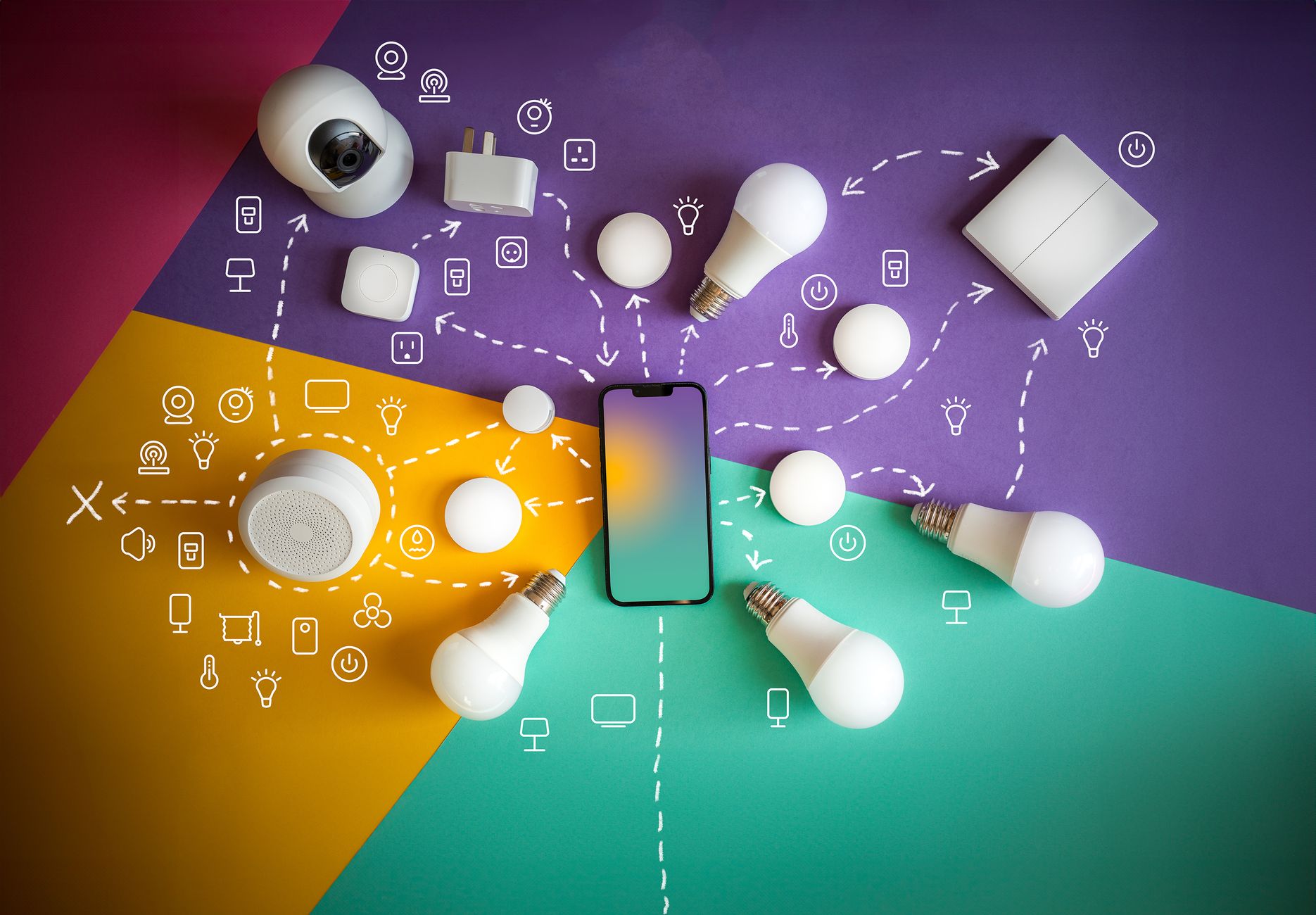
Photo by Jakub Zerdzicki on Pexels
Matter is a unified standard designed to make devices work across Apple Home, Google Home, Amazon Alexa, and Samsung SmartThings simultaneously. Buying a Matter-compatible plug means you are not locked into a single ecosystem. If you decide to switch from Android to iPhone later, your plugs will keep working without needing replacements.
Keep in mind that bridging a device through Matter can sometimes strip out advanced features in third-party apps. For instance, detailed energy tracking charts might require you to open the manufacturer's native app rather than your main home automation dashboard.
Energy Monitoring: Are Smart Plugs With Power Tracking Worth It?
Some smart plugs measure real-time wattage and track cumulative power use over time. These models cost slightly more than basic on/off switches. They help you find energy hogs like older dehumidifiers or measure standby power drawn by entertainment centers.
If you just want to turn a living room lamp on at sunset, skip energy monitoring and save a few dollars. If you want to audit home power consumption, power-tracking models are worth the small price bump.
Form Factor Matters: Avoiding Blocked Outlets
Wall outlets usually feature two sockets stacked vertically. Bulky smart plugs often cover both sockets, making the second wall plug unusable unless you use an extension cord.
Look for slim vertical designs, such as the TP-Link Kasa EP25, which leave enough clearance for a standard plug to fit right above or below them. Measuring your outlet space before buying saves you from awkward wiring setups.
Outdoor vs. Indoor: Weatherproofing Your Plugs
Never use standard indoor smart plugs on an outdoor patio or porch. Moisture, rain, and dust will ruin indoor electronics and cause dangerous short circuits.
Outdoor smart plugs feature weatherproofing ratings like IP64, protective rubber outlet covers, and durable plastic casings designed to handle rain splashes. Mount outdoor plugs with proper downward drainage orientation to keep water out of the housing.
Amperage and Heavy-Duty Appliances: What Can You Actually Plug In?
Standard US smart plugs handle up to 15 amps at 120 volts, which equals about 1,800 watts of total power. European versions typically support up to 10 amps at 220 to 240 volts.
Warning: Never plug refrigerators, space heaters, portable air conditioners, or medical equipment into a smart plug. These high-draw appliances can exceed safety thresholds during startup surges and pose serious fire risks.
What to Look For
Use this checklist to evaluate smart plugs before you buy:
- Local Execution: Ensure the device runs automation routines locally so commands work during internet outages.
- Protocol: Pick Wi-Fi for standalone use or Thread/Zigbee if you already own a compatible mesh hub.
- Physical Size: Verify that the housing is slim enough to leave your second wall socket accessible.
- Safety Ratings: Check for proper electrical certifications and weatherproofing if used outside.
Comparing Smart Plug Types
| Plug Type | Best For | Hub Required? | Main Trade-Off |
|---|---|---|---|
| Wi-Fi Basic | |||
| Matter-Enabled | |||
| Outdoor Rated | |||
| Energy Monitoring |
Common Mistakes to Avoid
Many buyers make avoidable errors when outfitting their homes with smart tech. Watch out for these pitfalls:
- Buying single-ecosystem hardware: Purchasing brand-locked plugs restricts your future flexibility if you switch phone platforms.
- Overloading circuits: Plugging multiple power strips into a single smart plug creates a dangerous fire hazard.
- Ignoring local control: Choosing cloud-only plugs means your automated lights stop responding when your internet service drops.
Pros
- Automates everyday lamps and small electronics easily
- Matter support ensures cross-platform compatibility
- Slim designs keep second wall sockets free
Cons
- Cannot be used safely with high-draw appliances
- Advanced energy tracking may require manufacturer apps
Bottom line Buy a slim, Matter-enabled Wi-Fi or Thread plug with local execution for general lamps and electronics. Skip them if you plan to control high-draw heating appliances or large kitchen refrigerators.
Related guide: How to Choose the Right Electric Toothbrush
Related guide: How to Choose the Right Air Purifier for Your Room Size
Related guide: How to Choose the Right Smart Water Leak Detector
FAQ
Do I need a hub for a smart plug?
Wi-Fi smart plugs do not need a hub because they connect straight to your router. Plugs that use Thread or Zigbee protocols require a compatible border router or hub to function.
Are smart plugs safe to use with heavy appliances like heaters?
No. Space heaters, refrigerators, and large air conditioners draw too much power and can cause dangerous electrical overloads or fire hazards.
What is the difference between Wi-Fi and Matter smart plugs?
Wi-Fi plugs connect directly to your wireless network. Matter is a universal communication standard that lets plugs work across Alexa, Google, Apple, and SmartThings simultaneously.
Do smart plugs use electricity when turned off?
Yes, they draw a tiny amount of power, usually under one watt, to keep their internal wireless radios active so they can respond to your next command.
How do I choose a smart plug that won't block the second wall outlet?
Look for slim, vertical housing designs that keep the plug centered over a single socket without spilling over into the adjacent receptacle.
Sources
Facts in this article were checked against these pages on October 27, 2026:
- Smart Plug Guide: How to Choose the Right One (electronics.alibaba.com)
- The Comprehensive Guide to Smart Plug Setup and Configuration: Choosin – Vesternet (vesternet.com)
- Ironcrest Insights: Renter-Friendly Smart Plug Setup (ironcrestinsights.com)
- Choose the Best Smart Plug for Your Energy Needs (nextpit.com)
- Choose the Best Smart Plug for Your Energy Needs (nextpit.com)
- 8 Best Smart Outlet Plugs for a Smarter Home Setup (trinityinspectionsllc.com)
How we researched this: this guide is based on current manufacturer information and reputable sources, listed in the Sources section above, and is updated when things change. Read our editorial policy.
Content Writter


Comments
No comments yet — be the first to share your thoughts.