
HDR Standards Explained: HDR10, HDR10+, and Dolby Vision
Confused by HDR logos on TVs and monitors? Learn how HDR10, HDR10+, Dolby Vision, and HLG work so you do not waste money on fake HDR.

Quick answer High Dynamic Range (HDR) makes video look lifelike by showing brighter highlights and darker blacks. HDR10 is the basic standard on all 4K TVs, while Dolby Vision and HDR10+ adjust picture settings frame by frame for better detail.
Buying a 4K TV or monitor can feel confusing when every box has a different HDR logo. Brands push names like HDR10, HDR10+, Dolby Vision, and HLG. Yet many budget screens claim to support HDR without having the hardware to display it properly.
In this guide, we break down how these picture formats work in plain terms. You will learn what each standard offers, how dynamic metadata protects shadow details, and how many nits of peak brightness you really need before paying for an upgrade.
Key takeaways
- HDR10 is the base standard used by every 4K HDR display and streaming service.
- Dolby Vision and HDR10+ use dynamic metadata to tweak picture settings for each scene.
- Dynamic metadata helps budget and mid-range TVs far more than flagship displays.
- HLG is built for live television broadcasts and does not require extra metadata.
- Badges like DisplayHDR 400 lack local dimming and offer an SDR experience.
What Is HDR and Why Peak Brightness Matters
High Dynamic Range (HDR) expands the gap between the dark areas and light areas of a screen. Standard Dynamic Range (SDR) was built decades ago for older glass tube TVs. SDR limits how bright a screen can get, which clips bright skies and crushes dark shadows into flat mud.
Think of dynamic range like a musician's volume control. SDR plays music between volume levels 2 and 6. Instrument sounds get squished together. HDR expands that volume range from level 1 to level 10. The quietest whispers stay soft, but the loud drums can hit with full impact without distortion.
Peak brightness is measured in nits. One nit is equal to the light of one candle. Higher peak brightness allows a screen to show realistic specular highlights, such as sunlight reflecting off metal or a flash of lightning. However, bright lights mean nothing without strong contrast. If the black levels raise into gray, the picture looks washed out instead of rich.
HDR10: The Baseline Standard Every 4K TV Supports
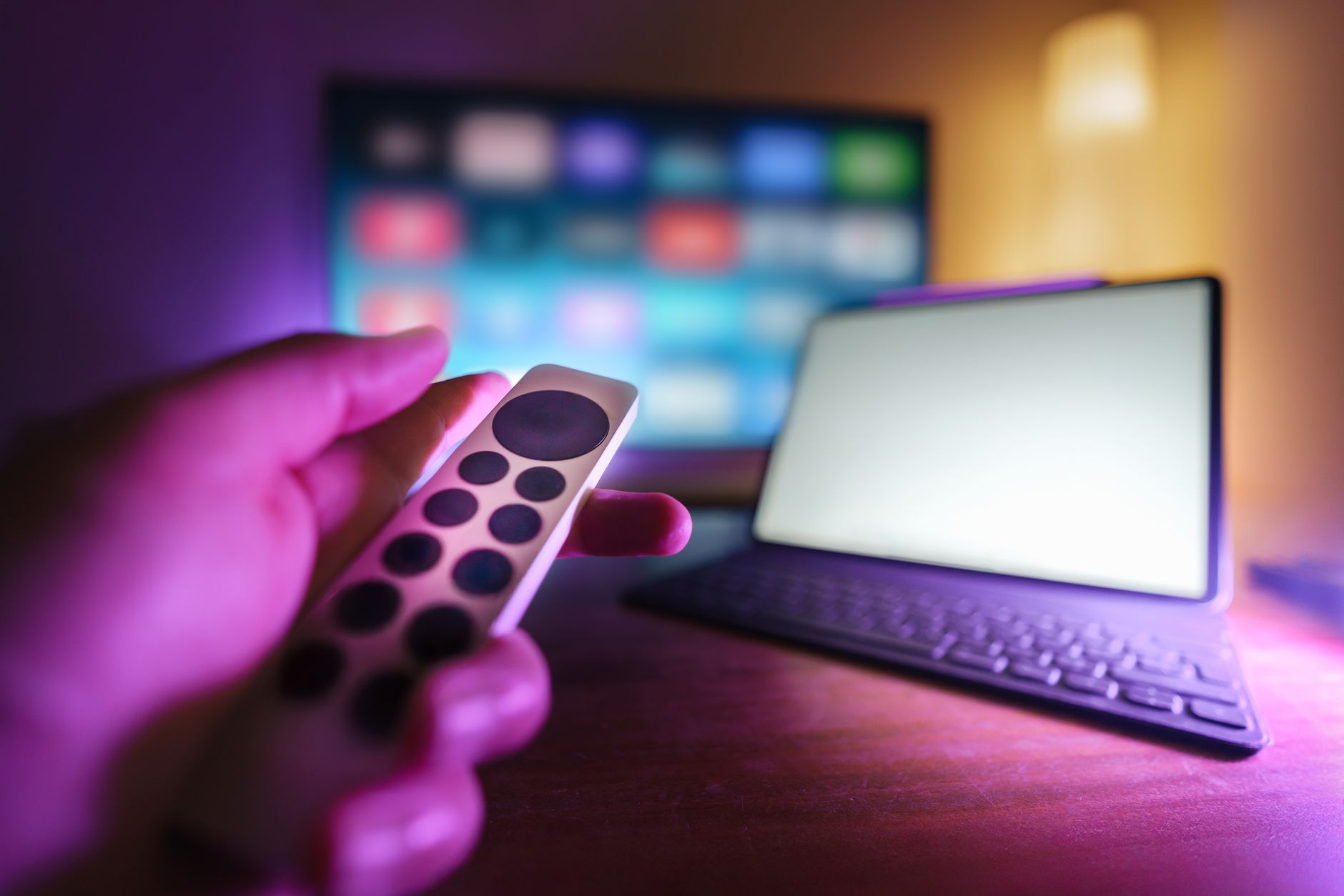
Photo by Jakub Zerdzicki on Pexels
HDR10 is the open, royalty-free standard for high dynamic range video. If a TV or monitor says it supports HDR, it supports HDR10. It is used on 4K Blu-ray discs, gaming consoles, and streaming apps like Netflix and YouTube.
HDR10 uses 10-bit color depth. This allows a display to render over one billion colors, compared to just 16.7 million colors in 8-bit SDR. This huge leap stops color banding, which is the ugly stair-step effect you see in sky gradients on cheap screens.
The big limitation of HDR10 is static metadata. When a movie is mastered in HDR10, it sends a single set of brightness instructions (SMPTE ST.2086) for the entire film. The TV sets its tone mapping once based on the brightest scene in the movie. If a movie has one blinding explosion, dark indoor scenes later in the movie might end up looking far too dark on a low-brightness panel.
HDR10+ vs. Dolby Vision: How Dynamic Metadata Works
Dynamic metadata formats solve the main weakness of static HDR10. Instead of using one target setting for an entire movie, dynamic formats send extra data (SMPTE ST 2094) frame by frame or scene by scene. The display adjusts its target brightness automatically so night scenes stay clear while sunlit scenes stay punchy.
Here is how the two main dynamic formats compare:
- Dolby Vision: This is a licensed, proprietary format created by Dolby. Dolby Vision content can be mastered for up to 4,000 nits (and supports targets up to 10,000 nits) along with 12-bit color capability. Content creators get precise software controls during production. It is widely supported by Apple TV+, Netflix, Disney+, and physical 4K Blu-rays.
- HDR10+: This is an open, royalty-free standard backed heavily by Samsung. Content is typically mastered for 1,000 nits (supporting up to 4,000 nits) with 10-bit color depth. While manufacturers pay a small annual fee to use the logo, they pay no per-unit royalties. Amazon Prime Video uses HDR10+ extensively, but overall library support lags behind Dolby Vision.
Many buyers assume Dolby Vision requires a 12-bit TV screen. In reality, 12-bit consumer panels do not exist on the market. Dolby Vision signals scale down gracefully to fit standard 10-bit consumer displays.
Another common misconception is that dynamic formats matter most on expensive flagship TVs. The opposite is true. High-end OLED and Mini-LED displays already have thousands of nits or perfect black levels, so picture differences between HDR10 and Dolby Vision are subtle. Mid-range and entry-level TVs show the biggest improvement from Dolby Vision because dynamic mapping prevents their weaker hardware from clipping highlights or crushing dark details.
Pros of Dynamic Metadata (Dolby Vision & HDR10+)
- Adjusts picture targets for every scene automatically.
- Prevents shadow detail loss on budget and mid-range TVs.
- Preserves bright highlight details without washing out blacks.
Cons of Dynamic Metadata
- Dolby Vision adds licensing costs to hardware pricing.
- HDR10+ lacks broad disc and streaming support outside Prime Video.
- Visual gains over HDR10 are hard to spot on flagship OLEDs.
HLG Explained: The Standard for Live Sports and Broadcast TV
Hybrid Log-Gamma (HLG) was developed by the BBC and NHK to solve a broadcast problem. Live TV networks cannot send two separate video streams for SDR and HDR viewers without wasting huge amounts of satellite bandwidth.
HLG combines standard gamma curves and logarithmic curves into a single signal without using metadata. Older SDR televisions ignore the extra high-brightness information and show a standard picture. Modern HDR televisions unpack the signal to show bright highlights for live sports and news broadcasts.
Hardware Requirements: Peak Nits, Contrast, and Dimming Zones
A TV or monitor box can claim HDR support just because its processor decodes the signal. If the screen cannot get bright or turn off light in dark areas, the picture will look dull or gray. True HDR visual performance requires three hardware pieces: high peak nits, deep contrast through local dimming, and wide color coverage (DCI-P3).
PC monitor shoppers often get confused by VESA DisplayHDR badges. Under VESA rules (including the updated CTS 1.2 standard), these tiers mean very different things in practice:
| VESA Tier | Peak Nits | Contrast / Dimming | Real-World Experience |
|---|---|---|---|
| DisplayHDR 400 | 400 nits | No local dimming (1,300:1 static) | Fake HDR (behaves like bright SDR) |
| DisplayHDR 600 | 600 nits | Edge-lit local dimming (8,000:1) | Entry-level HDR highlights |
| DisplayHDR 1000 | 1,000 nits | Full-array local dimming (30,000:1) | Strong cinematic HDR highlights |
| True Black 400/600 | 400–600 nits | Per-pixel dimming (OLED) | Infinite contrast and perfect dark scenes |
If you are looking for a screen for desktop work and media, check out our guide on how to choose the right portable monitor for laptop work. For gaming setups, matching your HDR screen with smooth motion support is vital; read our explainer on Variable Refresh Rate (VRR), G-Sync, and FreeSync.
Common HDR Buying Mistakes
Avoid these common traps when buying a TV or monitor:
- Buying DisplayHDR 400 for HDR gaming: Badges with 400-nit ratings lack local dimming. Enabling HDR on these screens raises black levels into a gray haze and makes images look washed out.
- Overpaying for Dolby Vision on flagship screens: High-end Mini-LED and OLED screens handle standard HDR10 content so well that paying a large price premium solely for Dolby Vision logo licensing yields dimishing returns.
- Worrying about standard incompatibility: Every TV that supports Dolby Vision or HDR10+ can play basic HDR10 content automatically as a seamless fallback.
Warning: Windows desktop software often looks washed out when HDR is toggled on constantly. Turn HDR off in Windows display settings for daily web browsing, and use shortcut keys (Win + Alt + B) to toggle it on only when launching HDR games or movies.
Bottom line Buy a display based on its display panel hardware, not its format logos. Look for an OLED panel or a Mini-LED display with full-array local dimming and at least 600 to 1,000 nits of peak brightness. Budget shoppers will get the most value out of Dolby Vision, while flagship display owners will enjoy stunning picture quality on simple HDR10 content.
Related guide: OLED Burn-In Explained: What Causes It and How Screens Prevent It
FAQ
What is the difference between HDR10 and Dolby Vision?
HDR10 uses static metadata that sets picture rules once for an entire film. Dolby Vision uses dynamic metadata to adjust brightness and color settings for every frame, protecting shadow details on low-nit screens.
Is Dolby Vision worth extra money on a TV?
Dolby Vision is worth prioritizing on budget and mid-range TVs because dynamic mapping prevents dark scenes from crushing. On high-end OLED TVs, the visual difference between HDR10 and Dolby Vision is minor.
Can an HDR10 TV play Dolby Vision content?
Yes. Dolby Vision video streams contain a core HDR10 layer. If your TV does not support Dolby Vision, it automatically plays the video in standard HDR10 format.
What does HLG mean on a TV?
HLG stands for Hybrid Log-Gamma. It is an HDR format created for live broadcast television that works on both SDR and HDR screens without using extra metadata files.
How many nits do I need for real HDR?
You need at least 600 nits on an LED TV or desktop monitor with local dimming to see real HDR highlights. OLED panels deliver true HDR at lower nit levels (400 to 600 nits) due to their perfect black levels.
Sources
Facts in this article were checked against these pages on November 15, 2026:
- What is HDR10+? – UHD Alliance (alliance.experienceuhd.com)
- HDR Tiers: A Guide | MMD Corporate (mmdmonitors.com)
- HDR, HDR10, HDR10+ and Dolby Vision : What are the differences ? | Blog | Strong.eu (strong-eu.com)
- Dolby Vision 2 vs HDR10 & HDR10+: The Future of HDR Explained – Audio Advice (audioadvice.com)
- Dolby Vision 2 vs HDR10 and HDR10+: The Future of HDR Explained (youtube.com)
- High-dynamic-range television - Wikipedia (en.wikipedia.org)
How we researched this: this guide is based on current manufacturer information and reputable sources, listed in the Sources section above, and is updated when things change. Read our editorial policy.
Content Writter



Comments
No comments yet — be the first to share your thoughts.