
Auracast Bluetooth Audio Explained: How It Works and How to Use It
Learn how Auracast turns Bluetooth into a personal radio station, letting unlimited headphones tune into shared audio streams without messy pairing.

Quick answer: Auracast is a Bluetooth Low Energy (LE) Audio broadcast technology that lets a single transmitter send audio to an unlimited number of nearby headphones, hearing aids, or speakers without traditional pairing. It works like a private or public FM radio station, allowing anyone in range to scan and tune into the stream.
Standard Bluetooth has always treated audio like a private phone call between two devices. If you wanted to share a podcast, a video, or music with a friend sitting next to you on a plane, you either had to split a pair of wired earbuds or juggle finicky headphone-sharing settings that only worked within a single brand's ecosystem.
Auracast changes that dynamic completely. By turning Bluetooth into an open broadcast medium, it allows public venues, televisions, laptops, and smartphones to beam audio directly to any compatible receiver nearby. Having spatial audio or active noise cancellation is great, but Auracast addresses the social and accessibility gaps that wireless headphones have suffered from for decades.
Key takeaways
- Auracast broadcasts audio to an unlimited number of in-range receivers without degrading quality or transmitter battery life.
- The system requires three distinct roles: a Transmitter (audio source), an Assistant (the scanner interface), and a Receiver (headphones, hearing aids, or speakers).
- Unlike classic Bluetooth Multipoint, Auracast is a one-way broadcast and does not require traditional device-to-device pairing.
- Receivers do not need screens; your phone, a companion app, or a QR code acts as the assistant to tune your earbuds into the stream.
- Public broadcasts can be completely open, while private personal streams can be password-protected to prevent strangers from listening in.
What Is Auracast Bluetooth Audio?
To have Auracast Bluetooth audio explained clearly, think of your local FM radio. A radio tower transmits a signal over the airwaves. It does not care whether five cars or five thousand cars tune their radios to 101.5 FM. The broadcast tower uses the exact same amount of energy, and every listener receives the same sound at the same time.
Auracast does the exact same thing over short distances using the Bluetooth Low Energy (LE) Audio standard and the Public Broadcast Profile (PBP). Instead of locking two devices into an exclusive, two-way conversational handshake, an Auracast transmitter broadcasts audio packets alongside metadata advertisements that describe what is playing.
Because it relies on modern codecs like LC3 (Low Complexity Communications Codec) and aptX Adaptive, Auracast delivers low latency—consistently under 60 milliseconds. It also supports two distinct operational tiers:
- Standard Quality: Broadcasts at 24kHz. This mode uses minimal power and ensures compatibility with low-bandwidth receivers, such as hearing aids and cochlear implants.
- High-Quality: Offers wider audio bandwidth designed for consumer headphones, music listening, and movie watching.
How Auracast Broadcast Audio Works
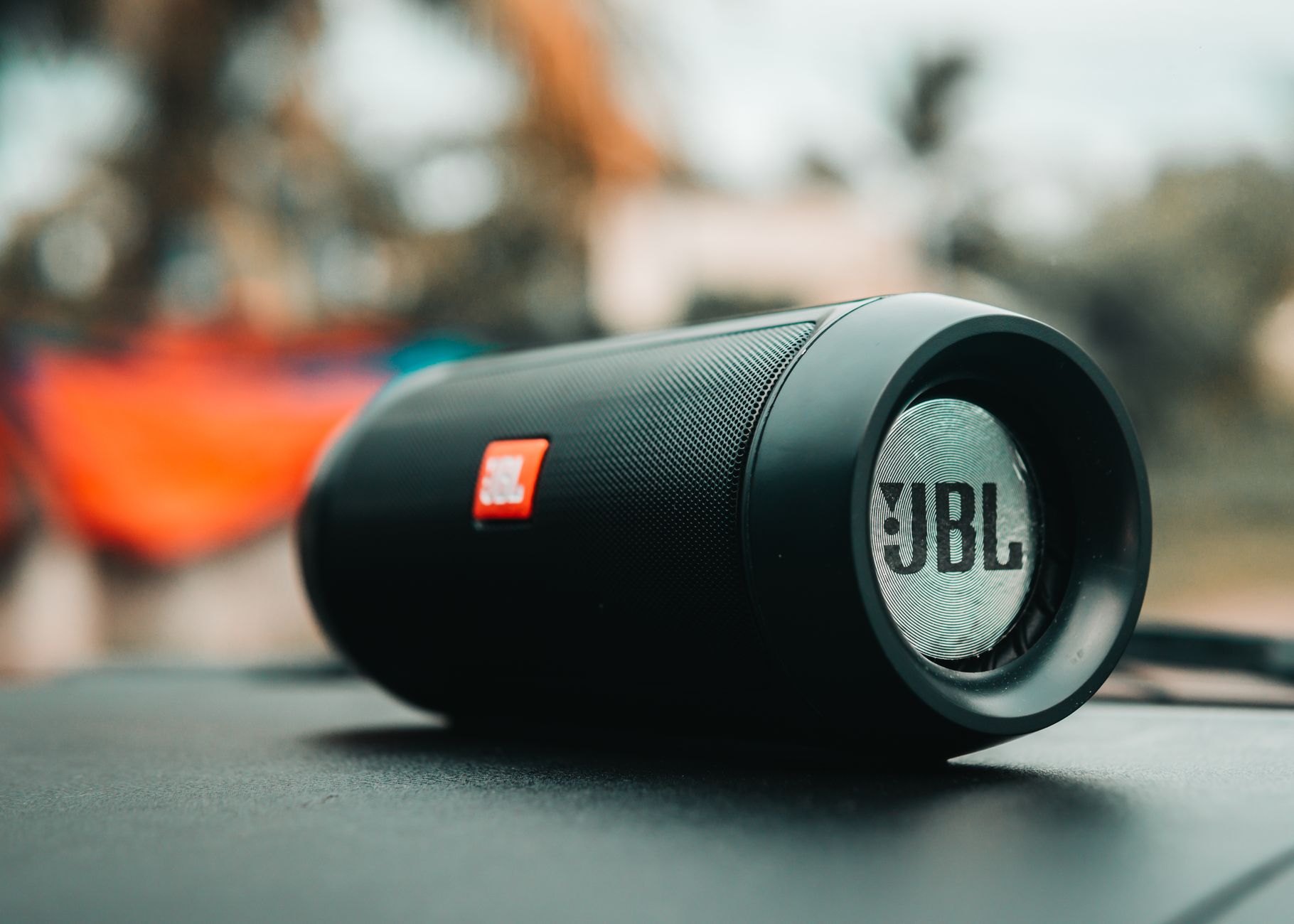
Photo by jovan curayag on Pexels
Traditional Bluetooth pairs two devices together. In contrast, Auracast separates the wireless audio process into three independent roles. Understanding these parts explains why your screenless earbuds can still easily find and join streams.
| System Role | What It Does | Typical Devices |
|---|---|---|
| Transmitter (Broadcaster) | Encodes audio and broadcasts both the sound data and stream metadata (stream title, codec, security settings). | Smartphones, laptops, public address systems, TVs, gym screens, and dedicated AUX/optical transmitters. |
| Assistant | Scans local Bluetooth advertisements, displays available streams in a user-friendly list, and hands connection details to the receiver. | Smartphones (iOS/Android), smartwatches, companion apps, or hearing aid remote controls. |
| Receiver | Listens to the broadcast packets sent over the air and plays the decoded audio. | Compatible wireless earbuds, over-ear headphones, hearing aids, cochlear implants, and portable speakers. |
A common misunderstanding is that your phone must stream the audio data to your headphones when joining a public broadcast. In reality, when your phone acts as an Assistant, it never handles the audio packets. It simply reads the broadcast information—much like scanning for a Wi-Fi network—and tells your connected earbuds, "Switch to this broadcast frequency and start decoding." Once your earbuds tune in, the assistant can step aside entirely.
Everyday Use Cases: From Airport TV Streams to Shared Music
Because Auracast operates as an open standard, its practical uses extend far beyond simple headphone sharing. It bridges personal audio and public public-address systems in several major ways:
- Public Transport & Airports: Major transit centers are deploying Auracast transmitters to replace garbled gate loudspeakers. For example, Frankfurt Airport has trialed broadcasting gate change alerts and boarding calls straight to travelers' earbuds in their native language.
- Silent Screens in Public Spaces: In sports bars, waiting rooms, and fitness centers, muted television screens can broadcast their audio tracks over separate channels. You can select the specific TV you want to hear from your phone's screen.
- Assistive Listening: The technology serves as a direct, modern successor to legacy inductive loop systems in places of worship, theaters, and lecture halls, streaming crisp audio straight into hearing aids without specialized external neck loops.
- Multi-Speaker Party Audio: Hardware makers like JBL are using Auracast to link wireless speakers. By using dedicated physical broadcast buttons, a single phone playing music to one speaker can broadcast out to an entire room full of standalone speakers without complex Wi-Fi grouping.
Tip: If you are sharing a stream from your phone in a crowded place like a library or a train, always enable passcode encryption in your broadcast settings. This keeps random passersby from tuning into your private movie or podcast.
Auracast vs. Standard Bluetooth Multipoint
People often confuse Auracast with Bluetooth Multipoint. While both features expand what Bluetooth can do, they solve completely opposite problems.
| Feature | Bluetooth Multipoint | Auracast |
|---|---|---|
| Primary Function | Connects one receiver to multiple sources simultaneously. | Connects one source to unlimited receivers simultaneously. |
| Connection Type | Bidirectional, classic paired Bluetooth. | One-way broadcast (connectionless). |
| Device Limits | Typically restricted to 2 active audio sources (e.g., phone and laptop). | Unlimited receivers within radio range. |
| Audio Direction | Switching audio between your devices. | Sharing one audio source with others. |
| Two-Way Mic Support | Yes (handles calls and microphone input). | No (listen-only broadcast). |
Multipoint exists so your headphones can remain connected to your laptop for a video meeting while simultaneously listening for an incoming phone call on your mobile. Auracast does not handle microphones or phone calls; it is strictly a listening stream designed to distribute media to groups.
Pros
- Zero cap on how many people can listen at once.
- Low latency under 60ms prevents lip-sync errors on TVs.
- Drastically lower power consumption compared to classic Bluetooth.
- Universal compatibility across brands that follow the LE Audio standard.
Cons
- Older headphones and legacy Bluetooth hardware cannot be upgraded via software.
- One-way audio only; cannot be used for two-way voice chat.
- Broadcast range remains subject to typical Bluetooth physical boundaries (roughly 30 to 100 feet).
Device Compatibility: Phones, Earbuds, and Transmitters
Because Auracast relies on Bluetooth LE Audio, legacy audio devices cannot gain Auracast support through a simple app update. Both the source and the receiver must have hardware radios capable of running modern Bluetooth LE Audio profiles.
Hardware support is expanding steadily across major brands:
- Earbuds and Headphones: Sony added Auracast audio sharing to its flagship WH-1000XM6 and WF-1000XM5 through firmware updates. In September 2026, Bose introduced Bluetooth LE Audio and Auracast as beta features for the QuietComfort Ultra Headphones (2nd Gen).
- Portable Speakers: Manufacturers are integrating dedicated Auracast buttons into portable speakers, such as the JBL Flip 7, allowing instant speaker-to-speaker broadcasting managed via companion apps.
- Smartphones: Many modern Android phones running updated firmware support both broadcasting and assistant duties directly from the sound settings menu.
- Apple Platform Status: Apple devices currently do not support broadcasting Auracast streams natively. However, iPhones can function as assistants by using companion apps from headphone makers to scan local broadcasts and route compatible earbuds to the right channel.
- Dedicated Transmitters: For home televisions and older PCs lacking LE Audio, standalone transmitters with optical, 3.5mm AUX, or HDMI inputs can plug into the source and broadcast sound to any Auracast headphone.
How to Find and Join an Auracast Stream
Connecting to a broadcast stream does not involve holding down pairing buttons until an LED blinks. Instead, the process mirrors joining a public Wi-Fi network.
- Put on your compatible earbuds: Ensure your headphones are powered on and actively connected to your smartphone or assistant device.
- Open your broadcast scanner: Open your smartphone's Bluetooth settings menu, your hearing aid remote, or your headphone's companion app (such as the Sony Headphones Connect or JBL Portable app).
- Scan for broadcasts: Look for the "Auracast" or "Broadcast Audio" section. Your device will populate a list of nearby streams displaying their broadcast names (e.g., "Gate B22 Announcements" or "Gym TV 04").
- Scan a QR code (alternative): Venues with Auracast support often print QR codes on posters or equipment. Point your phone camera at the QR code to prompt your assistant app to configure the stream instantly.
- Enter a passcode if prompted: If joining a friend's private stream, type in the shared PIN to decrypt the audio.
Warning: You do not need to unpair your headphones from your smartphone to listen to a public Auracast stream. If you disconnect your earbuds from your phone, you will lose the Assistant interface required to browse and change streams.
Common Mistakes When Using Auracast
- Searching for pairing modes: Do not put your earbuds into classic pairing mode when joining a broadcast. Your earbuds must stay paired with your phone so the phone can command them to join the broadcast.
- Expecting older gear to work: Classic Bluetooth 4.0 through 5.2 devices lack the LE Audio physical layer required for the Public Broadcast Profile. Upgrading requires LE Audio hardware.
- Broadcasting without encryption: When creating a personal broadcast on an Android phone, leaving the broadcast unsecured allows any nearby stranger with an Auracast receiver to listen to your playback. Always assign a PIN for private sessions.
Bottom line: Auracast represents the most practical evolution of wireless listening in over a decade, making group audio sharing and public accessibility effortless. If you frequently travel, visit gyms, or share media with friends, choosing headphones with Bluetooth LE Audio and Auracast support ensures your gear is ready for modern audio broadcasting. Those who only listen to music solo on older devices can safely wait to upgrade until their next routine headphone purchase.
FAQ
What is Auracast Bluetooth audio?
Auracast is a Bluetooth LE Audio capability that broadcasts sound from a single transmitter to an unlimited number of nearby receivers, operating like an encrypted or open personal radio station.
Does my phone or earbud support Auracast?
Support requires Bluetooth LE Audio hardware. Recent products like the Sony WH-1000XM6, Sony WF-1000XM5, Bose QuietComfort Ultra Headphones (2nd Gen), and modern Android devices support it. Older Bluetooth-only headphones do not.
How do I connect to an Auracast broadcast stream?
Keep your earbuds connected to your phone, open your Bluetooth menu or headphone companion app, scan the list of available local audio broadcasts, and tap the one you wish to hear. You can also join by scanning a venue's QR code.
Is Auracast the same as Bluetooth Multipoint?
No. Bluetooth Multipoint connects a single pair of headphones to two source devices (like a phone and a laptop) simultaneously. Auracast sends one audio source out to an unlimited number of listeners.
Do I need a password to join an Auracast audio stream?
Public streams in airports, museums, and gyms are open and require no password. Private streams created by personal phones or laptops can be secured with an optional encryption passcode to prevent unauthorized listening.
Sources
Facts in this article were checked against these pages on November 17, 2026:
- What Is a Bluetooth Auracast Transmitter and How Does It Work? – Avantree (avantree.com)
- Auracast - How it works | Bluetooth® Technology Website (bluetooth.com)
- What is Auracast? The Bluetooth audio sharing feature fully explained - Digital Trends (digitaltrends.com)
- Auracast in Hearing Aids and Hearables: Bluetooth LE and the New Revolution in Connectivity (hearingtracker.com)
- Auracast™ Systems (hearingloss.org)
- Auracast Unlocked: Radio for the Bluetooth Age - CNET (cnet.com)
How we researched this: this guide is based on current manufacturer information and reputable sources, listed in the Sources section above, and is updated when things change. Read our editorial policy.
Content Writter


Comments
No comments yet — be the first to share your thoughts.