
Insta360 X4 vs. GoPro Hero 13 Black: Which Should You Buy?
Choosing between 8K 360-degree capture and 5.3K traditional wide-angle action video? Here is how the Insta360 X4 and GoPro HERO13 Black compare.

Quick answer Buy the GoPro HERO13 Black if you want crisp 5.3K video out of the camera with zero editing hassle and a tough body. Pick the Insta360 X4 if you want full 8K 360-degree capture so you can choose your camera angles after you record.
Action cameras are no longer just small boxes on helmets. Today, you must pick between traditional single-lens cameras and dual-lens 360 cameras. In this Insta360 X4 vs GoPro Hero 13 Black comparison, we break down how both options fit different creator styles.
A standard camera records only what you point it at. A 360 camera records everything around you at once. That difference changes how you mount your gear, record your trips, and edit your clips.
Key takeaways
- The GoPro HERO13 Black records native 5.3K video at up to 120 Mbps. It gives you sharper images than reframed 360 clips.
- The Insta360 X4 shoots 8K 360 video. This lets you reframe clips later in the mobile or desktop app.
- Reframing an 8K 360 sphere down to a flat video yields about 1080p effective detail.
- The HERO13 Black uses a tall sensor. You can crop for YouTube or TikTok without turning the camera.
- Insta360 X4 dual glass lenses protrude outwards. You need extra lens guards during rough activities.
Design and Mounting: Dual Lenses vs. Single Lens Ruggedness
The design of each camera shows its intended purpose. The GoPro HERO13 Black has a classic box shape. It features a single wide-angle lens on the front. This flat lens cover sits behind standard protective glass. You can take it into rough trails or surf without worrying about quick damage.
The Insta360 X4 looks like a tall stick. It uses two fisheye lenses, one on the front and one on the back. These bulbous glass elements stick out from the sides. If you drop the camera on concrete, an exposed lens can scratch easily.
Warning: Always use protective lens guards on the Insta360 X4 when doing sports. Replacing or repairing scratched 360 glass lenses is costly.
Mounting options also differ. The HERO13 Black features built-in folding mounting fingers. It also supports magnetic latch mounting. GoPro re-introduced built-in GPS capabilities on this generation. It also auto-detects optional HB-series accessory lenses when you attach them.
The Insta360 X4 uses a standard threaded socket on the bottom. It fits long selfie sticks. The app hides the stick automatically in video clips. This creates a floating camera effect that looks like a drone followed you.
GoPro HERO13 Black Pros
- Rugged front lens cover handles high impacts.
- Built-in GPS tracks speed and route data.
- Auto-detects optional HB-series lens attachments.
- Tall sensor simplifies vertical and horizontal exports.
GoPro HERO13 Black Cons
- Cannot change camera angles after recording.
- Requires careful aiming while shooting fast action.
Insta360 X4 Pros
- 8K 360 capture records all directions simultaneously.
- App removes invisible selfie sticks from view.
- Large touchscreen makes settings easy to change.
- Never miss a shot behind or beside you.
Insta360 X4 Cons
- Exposed fisheye lenses scratch easily without guards.
- Reframed flat video has lower detail than native 5.3K.
- Body runs warm during high-resolution 8K recording.
Video Quality and Resolution: 8K 360 Video vs. 5.3K Wide Angle

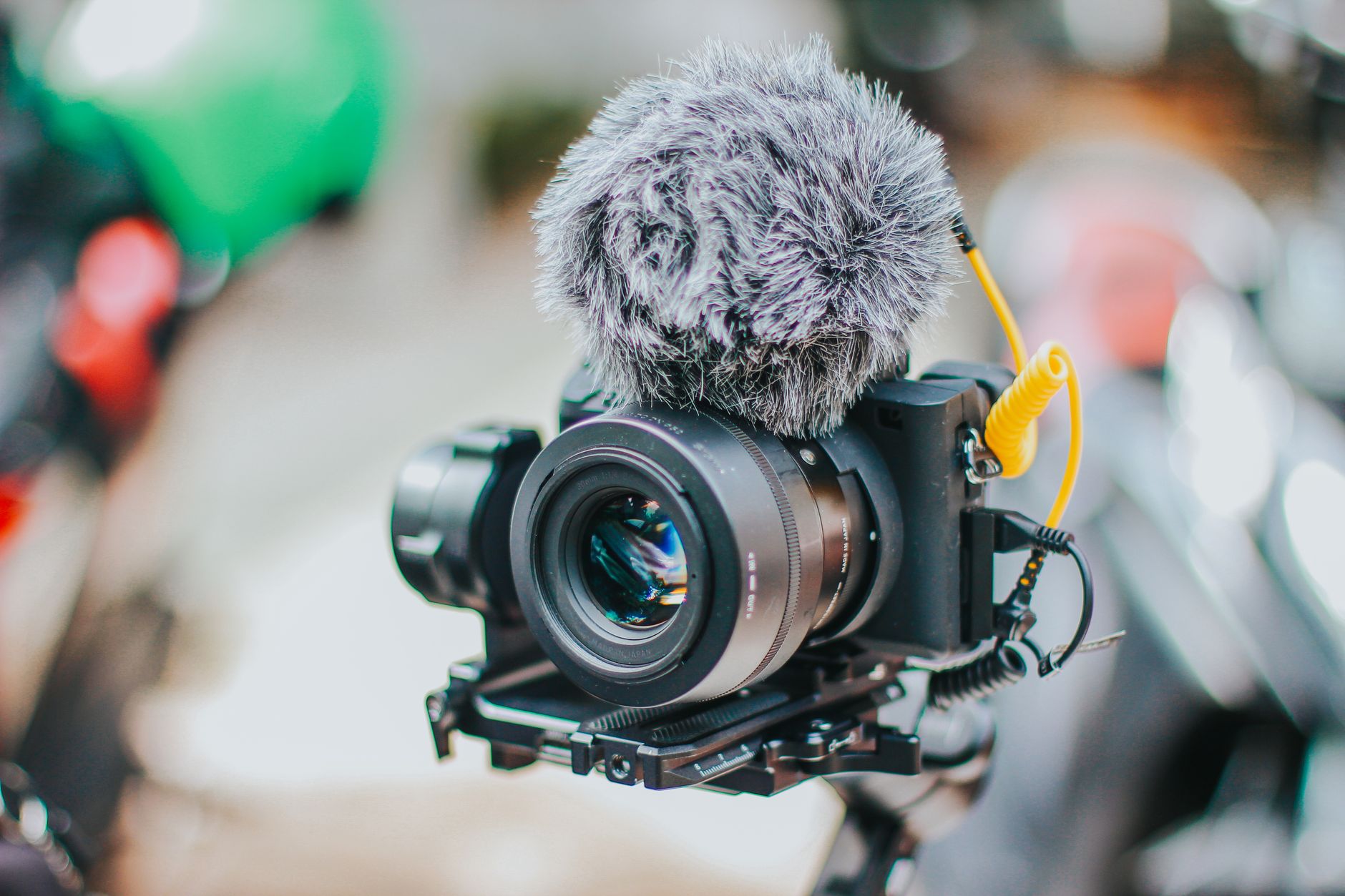
Photo by Jakub Zerdzicki on Pexels
On paper, 8K sounds much larger than 5.3K. But resolution works differently on 360 cameras. The Insta360 X4 spreads its 8K resolution over a full 360-degree sphere. When you crop into that sphere to make a regular flat video, you only use a piece of the frame. That reframed clip looks like 1080p HD quality.
The HERO13 Black shoots native wide-angle video at 5.3K resolution with a high 120 Mbps bitrate. It directs all its pixels into one flat picture. The result is a sharper clip with finer details. Leaves on trees, gravel on roads, and water ripples look much clearer on the GoPro.
| Feature | GoPro HERO13 Black | Insta360 X4 |
|---|---|---|
| Camera Type | Single-lens wide action camera | Dual-lens 360 action camera |
| Top Video Mode | 5.3K at 60 fps | 8K 360 video |
| Video Bitrate | Up to 120 Mbps | High bitrate 360 stream |
| Lens Equivalent | 12mm to 39mm focal length | 6.7mm fisheye dual lenses |
| Sensor Design | Tall aspect ratio sensor | Standard dual sensors |
| Retail Price Range | Around $429.99 | $399.99 to $499.99 |
Color performance also shows distinct styles. GoPro uses strong contrast and rich colors right out of the box. Its high bitrate helps render smooth color gradients in bright skies. The Insta360 X4 delivers bright images across its 360 field, but broad daylight shots can show slight seams where the two lens views stitch together.
Stabilization and Horizon Lock Performance
Both cameras offer smooth video stabilization. You can run down stairs or ride over rocks, and your video stays level. However, their systems work in slightly different ways.
GoPro uses HyperSmooth stabilization. It tracks motion and crops the frame to smooth out bumps. It also offers digital horizon locking. When you roll the camera, the image stays level up to a full 360 degrees in supported modes. The HERO13's tall sensor helps keep the picture wide even when horizon lock is on.
The Insta360 X4 locks the horizon natively. Because it captures a full sphere all the time, the software always knows which way is down. You can flip the camera in mid-air, and the horizon will not tilt at all.
Editing Workflow: Insta360 App Reframing vs. GoPro Quik Simplicity
Your post-production workflow will be very different depending on which camera you choose. This is where many buyers face a tough choice.
Insta360 Reframing Workflow
Shooting with the Insta360 X4 is fast during action because you do not need to aim. But editing takes extra time. You open the clip in the Insta360 mobile app or desktop studio. Then you drag the view around, place keyframes, and set target angles for every scene.
- Step 1: Import the heavy 8K 360 video file into the app.
- Step 2: Pan around to find your subject.
- Step 3: Set keyframes to steer the camera view.
- Step 4: Export the reframed flat video file for editing.
This process gives you total creative control. You can point at your face, then swivel to the scenery, and then zoom out for an overhead view from a single clip. But keyframing long videos requires real work.
GoPro Straight-to-Edit Workflow
The HERO13 Black uses a traditional point-and-shoot process. You frame your subject before hitting record. When you offload the files, the clip is ready to drop right into your timeline.
The GoPro Quik app lets you crop clips, tweak colors, or post directly to social media. Because the sensor is tall, you can frame a shot once and export it as a horizontal 16:9 clip for YouTube or a vertical 9:16 clip for TikTok without cropping away your main subject.
Battery Life and Thermal Performance Under Heavy Use
Battery performance has improved on both models compared to older versions like the HERO12 or X3. The HERO13 Black offers longer battery life than its predecessor. It maintains high-bitrate recording and GPS without draining immediately.
The Insta360 X4 features a larger battery than older X3 models. It offers solid runtimes during standard video modes. But 8K 360 processing requires heavy computation. The X4 body can run hot when recording long 8K clips in direct sunlight.
Tip: If you record long static events in heat, lower your recording resolution or keep air moving over the camera body to prevent thermal pauses.
If you record long biking sessions, air movements help cool both cameras. But for hand-held vlogging in hot weather, the GoPro stays cooler during long single clips.
Common Mistakes Creators Make
Here are errors buyers make when picking or using these cameras:
- Expecting true 8K flat detail from the X4: People buy an 8K 360 camera expecting it to look sharper than a 4K flat camera. Remember that 8K covers an entire room, so your zoomed-in crop will look like 1080p.
- Skipping protection on dual fisheye lenses: Leaving the X4 exposed in dirt or sand leads to scratched glass. Use outer lens covers.
- Forgetting to use the HERO13 tall sensor: Some users turn the GoPro sideways for vertical video. Leave it horizontal and adjust the aspect ratio in settings or post.
- Underestimating edit times for 360 footage: Beginners shoot hours of 360 footage, then feel overwhelmed by having to set keyframes for every second of action.
If you want to understand how weather sealing protects your gear during rain or surf, read our guide on IP ratings explained.
Bottom line Choose the GoPro HERO13 Black ($429.99) if you want high-detail 5.3K video, simple edits, and a tough body for fast-paced action sports. Choose the Insta360 X4 ($399.99–$499.99) if you want unique camera angles, third-person drone effects, and full reframing freedom post-shoot.
FAQ
Can the Insta360 X4 shoot traditional wide-angle video like a GoPro?
Yes. The Insta360 X4 offers a single-lens mode. It uses only one side of the camera to record traditional flat video. However, its resolution and image quality in single-lens mode fall short of the native 5.3K wide-angle clips from the GoPro HERO13 Black.
Which camera is better for underwater filming without extra housings?
The GoPro HERO13 Black features a flat, durable glass port that works well in water out of the box. While both cameras offer built-in water resistance, 360 fisheye lenses require specialized dome housings underwater. Without a dive case, light refraction ruins the 360 stitching underwater on the X4.
Is 8K video on the Insta360 X4 clear after reframing to standard 1080p or 4K?
When you crop an 8K 360 scene down to a regular flat video, you grab a slice of the sphere. That reframed image delivers strong 1080p quality. It looks good on mobile screens, but it will not match the sharpness of a native 5.3K GoPro video on a large 4K monitor.
Do magnetic mounts work interchangeable between these two cameras?
No, the magnetic mounting latches are not identical. The GoPro HERO13 Black uses GoPro's proprietary magnetic latch system alongside its standard folding fingers. The Insta360 X4 relies on its own quick-release magnetic ecosystem and standard 1/4-inch tripod threads.
Which desktop editing workflow is faster for beginner content creators?
The GoPro workflow is much faster. You drag your wide-angle 5.3K files onto your computer and start editing immediately. The Insta360 workflow requires you to review clips, pan around the 360 sphere, set motion keyframes, and export flat files before you begin your final edit.
Sources
Facts in this article were checked against these pages on November 8, 2026:
- Do you think Insta360's X4 Air will meet or beat the cost of ... (quora.com)
- GoPro Hero13 Black vs Insta360 X4: What is the difference? (versus.com)
- Hero 13 vs Insta360 x4 : r/gopro (reddit.com)
- GoPro HERO 13 vs. Insta360 X4: Which Is Better? (oysterdivingshop.com)
- Insta360 X4 Review (pcmag.com)
- Compare GoPro HERO13 Black vs Insta360 X4 (bhphotovideo.com)
How we researched this: this guide is based on current manufacturer information and reputable sources, listed in the Sources section above, and is updated when things change. Read our editorial policy.
Content Writter


Comments
No comments yet — be the first to share your thoughts.