
Google TV Streamer vs. Apple TV 4K: Which Should You Buy?
Deciding between the $150 Google TV Streamer and the $299 Apple TV 4K? Compare hardware performance, smart home capabilities, remotes, and ecosystem lock-in.
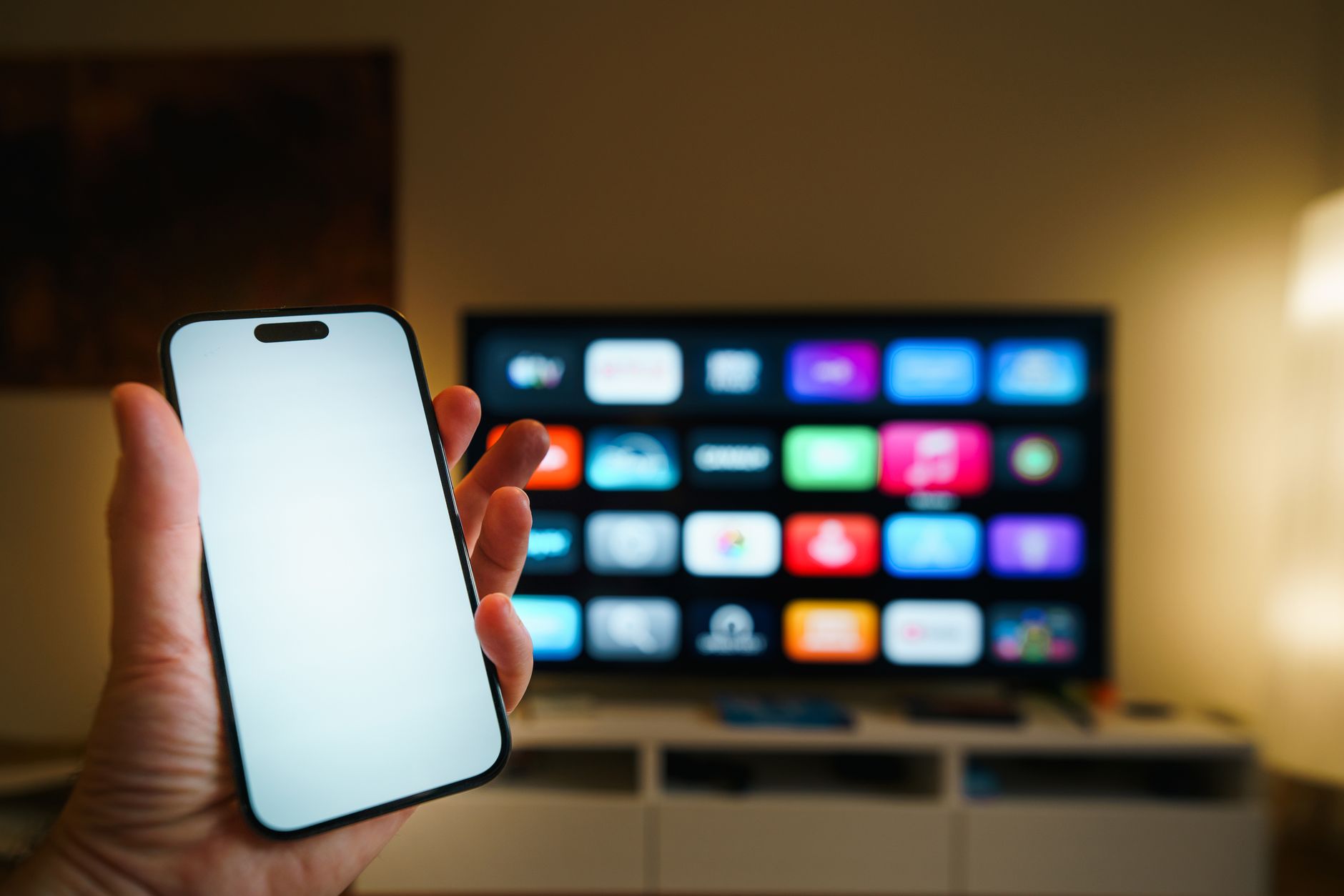
Quick answer Buy the Google TV Streamer ($149.99) if you want an affordable, open platform with a built-in Matter hub, Thread router, and customizable Google TV interface. Choose the Apple TV 4K 4th Gen ($299) if you want top-tier processing power, zero home-screen ads, hands-free Siri commands, and integration with Apple audio devices like HomePods and AirPods.
When selecting a flagship streaming box in 2026, comparing the Google TV Streamer vs Apple TV 4K comes down to a balance between raw processing hardware, price, smart home control, and operating system transparency. Google replaced its legacy dongles with a dedicated desktop streamer, while Apple introduced its 4th-generation hardware powered by the A19 processor.
With Apple's latest box carrying a steep $299 price tag—double Google's $149.99 MSRP—cord-cutters need to evaluate whether Apple's speed advantage, hands-free voice engine, and ad-free interface justify the premium over Google's feature-packed smart home hub.
Key takeaways
- Pricing gap: Google TV Streamer retails for $149.99 (with occasional street prices starting around $99), whereas the 4th-generation Apple TV 4K launches at $299.
- Raw performance: Apple's A19 chip delivers up to 50% faster CPU performance and double the GPU power of the 3rd-generation model, paired with a dedicated hardware AV1 decoder for zero-stutter playback.
- Smart home hubs: Google includes Gigabit Ethernet, a Matter hub, and a Thread border router standard on its $149.99 model; Apple integrates hands-free Siri AI microphones directly into its chassis.
- Remote usability: Google's remote features a lost-remote tracking function and a customizable shortcut button, while Apple provides a solid aluminum Siri Remote with a glass touch surface.
- Customization: Google TV allows app sideloading and third-party launchers, while Apple TV OS remains strictly locked to the App Store without home-screen banner ads.
Design, Ports, and Hardware Setup
The Google TV Streamer marks a clear departure from old HDMI dongles. It sits flat on your media console, available in Porcelain or Hazel finishes. The back panel features an HDMI port, USB-C for power, and an integrated Gigabit Ethernet port out of the box—eliminating the need to buy extra adapters or higher trims for wired networking.
Apple's 4th-generation Apple TV 4K maintains its compact, matte-black cube design with a silver Siri Remote. It includes an HDMI 2.1 port and standard power input. A key design change on the 2026 Apple TV 4K is the inclusion of built-in array microphones right on the box, enabling hands-free Siri voice control across the living room without picking up the remote.
| Feature | Google TV Streamer (4K) | Apple TV 4K (4th Gen, 2026) |
|---|---|---|
| MSRP | $149.99 (Street prices around $99–$150) | $299.00 |
| Processor | MediaTek Quad-Core | Apple A19 (Dedicated AV1 Hardware Decoder) |
| Memory & Storage | 4GB RAM / 32GB Storage | Unconfirmed RAM / High-capacity internal storage |
| Networking | Wi-Fi 5, Built-in Gigabit Ethernet | Wi-Fi, Built-in Gigabit Ethernet |
| Smart Home Protocol | Matter Hub, Thread Border Router | HomeKit, Thread, Hands-free Siri AI Mics |
| Sideloading Support | Yes (Android-based Google TV) | No (tvOS closed platform) |
| Remote Features | Custom button, Lost-remote tracking clicker | Touch-enabled clickpad, Siri voice button |
Performance, Interface, and Smart Home Capabilities
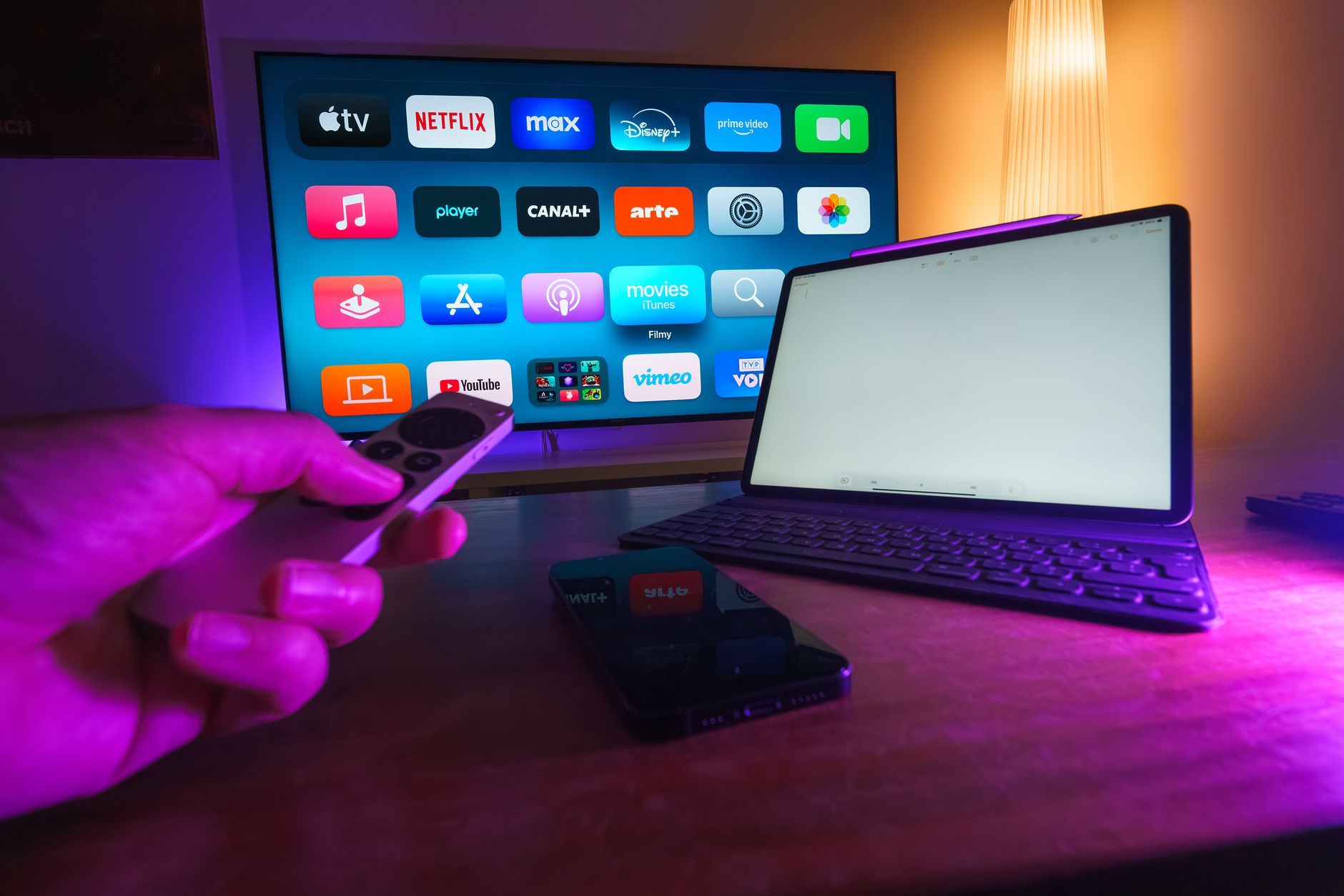
Photo by Jakub Zerdzicki on Pexels
Under the hood, Apple's 4th-generation Apple TV 4K takes a major leap forward. Powered by the A19 chip, it boasts up to a 50% faster CPU and twice the GPU speed compared to the previous 3rd-generation A15 Bionic model. This additional overhead makes navigation instant and prevents dropped frames during high-bitrate playback. Crucially, the A19 includes a dedicated hardware AV1 decoder, preventing UI stuttering and rendering high-efficiency streaming formats effortlessly.
The Google TV Streamer runs on a quad-core MediaTek chip backed by 4GB of RAM and 32GB of built-in storage. While 4GB of RAM keeps app switching reasonably smooth, heavy users may observe occasional interface lag on the home screen compared to Apple's instant response. However, Google incorporates Gemini for TV, driving smarter assistant prompts and personalized content summaries.
Google TV Streamer
Pros
- Includes Ethernet, Matter hub, and Thread border router for $149.99
- Remote includes a built-in lost remote finder tone button
- Allows app sideloading and custom launcher installation
- Gemini AI integration offers tailored recommendations
Cons
- Home screen displays frequent sponsored content and ad banners
- Occasional micro-stuttering during rapid menu navigation
- Uses Wi-Fi 5 standard rather than newer wireless specs
Apple TV 4K (4th Generation)
Pros
- Massive performance headroom via the A19 chip (50% faster CPU, 2x GPU)
- Dedicated hardware AV1 decoding eliminates video stuttering
- Completely clean interface free from third-party banner advertisements
- Hands-free Siri AI control via built-in chassis microphones
Cons
- High retail price of $299
- Strictly locked software environment; no sideloading allowed
- Full feature set requires Apple ecosystem subscription or devices
For smart home management, both devices serve as central hubs. The Google TV Streamer comes standard with Thread border routing and Matter hub functionality. You can adjust lighting, view security feeds, or trigger routines directly on screen. Apple integrates deeply with HomeKit, using its new built-in microphones to handle hands-free voice commands for home automation without needing an iPhone or HomePod nearby.
Remote Control Ergonomics and Tracking Features
Google listened to user feedback when redesigning its voice remote. The surface is textured for a better grip, and it includes a customizable shortcut key that can launch a favorite application or switch smart home inputs instantly. Best of all, if the remote slips between couch cushions, pressing a physical locator button on the Google TV Streamer chassis causes the remote to chime until found.
Apple's Siri Remote retains its aluminum casing, touch-enabled clickpad, and dedicated side button for Siri. Swiping through long movie lists using the glass touchpad feels fluid, though the sleek metal body easily slides on smooth furniture surfaces. Unlike Google's unit, Apple relies on ecosystem integration for device management rather than a physical speaker button on the streaming box itself.
Tip: If you frequently stream local files from a network-attached storage drive using apps like Plex or Infuse, the raw decoding power of the Apple TV 4K's A19 chip handles complex subtitle overlays and high-bitrate formats with noticeably less buffering. If you are setting up network storage for the first time, check out our guide on how to choose the right home NAS for media and backups.
Audio and Video Format Support Compared
Both devices cover essential high-dynamic-range standards, including Dolby Vision, HDR10, HDR10+, HLG, and Dolby Atmos surround sound. Visual output in 4K resolution looks crisp on modern panels. If you notice color washouts when configuring display settings on external displays, reviewing setup steps similar to how to fix washed out HDR output can help verify your TV's HDMI color format settings.
Audio options highlight key differences between the two eco-systems:
- Spatial Audio & HomePods: Apple TV 4K supports personalized Spatial Audio with AirPods and introduces full 4-speaker HomePod surround sound integration, allowing you to link four HomePod speakers for an immersive home theater layout.
- Pass-through limitations: Neither streaming box provides full, uncompressed movie audio pass-through for high-end lossy/lossless audio setups (like raw DTS-HD Master Audio or Dolby TrueHD pass-through). If uncompressed audio passthrough is your top priority, dedicated media players or Blu-ray hardware remain necessary.
Price, Storage Options, and Ecosystem Compatibility
At $149.99 MSRP (with historical street pricing hovering between $99 and $150), the Google TV Streamer provides significant value. You receive 32GB of internal storage, gigabit networking, and full smart home border routing without hidden upgrades. Its Android-based core means you can sideload niche streaming software or install third-party interfaces if you want to bypass Google's home-screen advertisement banners.
Apple's $299 price point places the 4th-generation Apple TV 4K firmly in the premium category. You pay for hardware longevity, zero advertising on your home screen, and smooth operation backed by the A19 processor. However, non-Apple users miss out on ecosystem perks like Spatial Audio head-tracking, effortless iPhone keyboard entry, and Apple Fitness+ metrics display.
Common Mistakes to Avoid
Warning: Avoid these common buying traps before picking your 4K streamer:
- Assuming Apple TV requires an iPhone: You can set up and use an Apple TV 4K using only the included Siri remote. While setup is faster with an iOS device, an iPhone is not strictly required for basic streaming.
- Expecting unlimited USB storage expansion on Google TV: Although Google TV Streamer has a USB-C port, Android TV OS rules dictate strict drive formatting requirements for expanding app storage. Do not assume any external hard drive will work without proper formatting.
- Expecting raw audio passthrough: Neither box passes through uncompressed Blu-ray audio formats (like DTS:X or raw TrueHD) to AV receivers natively without software conversion.
Bottom line
Choose the Google TV Streamer if: You want an affordable $149.99 device with built-in Ethernet, a Thread/Matter smart home hub, a remote finder tone, and the freedom to sideload custom apps.
Choose the Apple TV 4K (4th Gen) if: You want unmatched performance powered by the A19 chip, an ad-free interface, 4-speaker HomePod surround sound, and hands-free voice commands, and you don't mind paying the $299 price tag.
Frequently Asked Questions
Does the Google TV Streamer support Dolby Vision and Dolby Atmos?
Yes. The Google TV Streamer natively supports 4K playback with Dolby Vision, HDR10, HDR10+, HLG, and Dolby Atmos audio output, provided your television and AV receiver support those formats.
Can I use an Apple TV 4K if I don't own an iPhone?
Yes. An iPhone makes initial Wi-Fi setup and password entry faster, but you can configure and operate the 4th-gen Apple TV 4K using only the included Siri Remote and an onscreen keyboard.
Which streaming box works better as a smart home hub?
Both are capable hubs, but the Google TV Streamer provides a complete Matter hub and Thread border router built-in for $149.99. The Apple TV 4K integrates HomeKit and Thread alongside built-in microphones for hands-free voice commands, but costs $299.
Does the Google TV Streamer remote have a built-in lost remote finder?
Yes. Pressing the physical button located on the Google TV Streamer console triggers an audible tone on the remote control to help you find it quickly.
Can I sideload apps or use custom launchers on Apple TV 4K?
No. Apple's tvOS is a closed system that only installs applications directly from the official tvOS App Store. If app sideloading or launcher customization is important to you, choose the Google TV Streamer.
Sources
Facts in this article were checked against these pages on November 24, 2026:
- New Apple TV 4K vs. Google TV Streamer: How the two streaming boxes stack up (pocket-lint.com)
- Google TV Streamer vs Apple TV 4K: which streaming device is better? | What Hi-Fi? (whathifi.com)
- Set-top showdown: Apple TV 4K vs Google TV Streamer compared — AppleInsider Forums (forums.appleinsider.com)
- I ditched the Google TV Streamer for the Apple TV 4K, and I don't regret it (androidpolice.com)
- Google TV Streamer 4K vs. Apple TV 4K - Which is Better? (youtube.com)
- I gave up my Apple TV for the Google TV Streamer, and I regret it (androidauthority.com)
How we researched this: this guide is based on current manufacturer information and reputable sources, listed in the Sources section above, and is updated when things change. Read our editorial policy.
Content Writter



Comments
No comments yet — be the first to share your thoughts.