
How to Fix an Induction Cooktop That Won't Heat Up
Troubleshoot and fix an induction cooktop that turns on but won't heat. Learn how to solve pan compatibility, lockouts, and power issues.

Quick answer If your induction cooktop turns on but won't heat, start by checking if your cookware is ferromagnetic and at least 4.7 inches wide. Next, disable any active child locks, wipe moisture from the touch controls, and reset the dedicated 240V circuit breaker if the internal logic has frozen.
Dealing with a kitchen appliance that fails to perform right when you are ready to cook is deeply frustrating. Induction cooktops rely on electromagnetic fields to heat pans directly, making them efficient and fast, but this technology also introduces specific failure points.
When an induction cooktop won't heat up, the issue often stems from basic safety sensors, incompatible pots, or temporary power glitches rather than a broken heating element. Following a structured troubleshooting path helps you diagnose the root cause quickly and safely.
Key takeaways
- Induction cooktops require ferromagnetic cookware with a flat base of at least 4.7 inches.
- Capacitive touch controls can trigger safety lockouts if they encounter moisture or grease films.
- A power reset via the dedicated circuit breaker clears thermal overload protection errors.
- Major brands like Bosch and Thermador require a true 240V dedicated circuit to supply heating current.
Symptoms
Before diving into the steps, identify your specific symptoms to find the right fix faster:
- The display and cooling fans turn on, but the burner refuses to heat the pan.
- The burner flashes an error symbol or E-code instead of staying lit.
- The touch buttons do not respond to your fingers, or the entire surface seems locked.
- A burner suddenly stops heating in the middle of preparing a meal.
Check for Pan Compatibility and Minimum Diameter
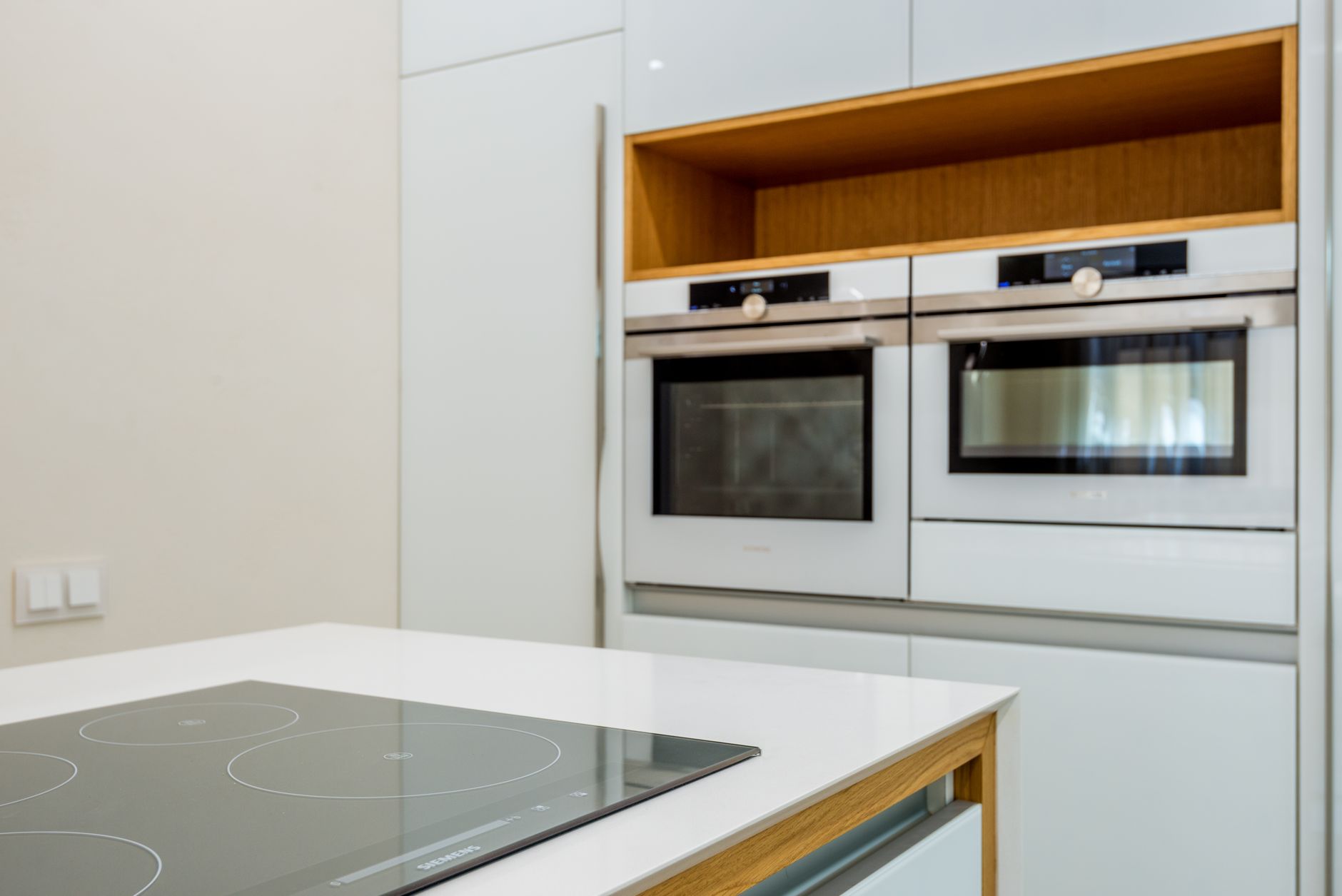
Photo by Max Vakhtbovych on Pexels
Induction cooktops require ferromagnetic cookware to complete the magnetic circuit and generate heat. If you use stainless steel or aluminum without an induction-compatible iron base, the cooktop will refuse to engage. You can easily test your pots by holding a standard fridge magnet to the bottom; if it sticks firmly, the cookware is compatible.
In addition to material, size matters significantly. Standard heating zones require a pan base of at least 4.7 inches (12 cm) in diameter, and the pan must be centered directly over the coil. Placing a small butter warmer or moka pot on a large zone will cause the burner to flash and fail to heat. Furthermore, warped or uneven pan bases prevent proper energy transfer.
Disable the Control Panel Child Lock
Many modern induction units feature a child lock or safety lockout function that disables the heating elements while leaving the power lights functional. This prevents accidental activation by children or pets. If your controls are unresponsive, look for a key or padlock icon on the glass surface.
To disable this feature, hold the designated lock icon for 3 to 5 seconds until you hear a beep or see the indicator light turn off. Once unlocked, the burners should accept your power level selections normally.
Clear Moisture and Grease From Touch Controls
Induction touch panels rely on capacitive sensors that mirror smartphone screens. Spilled liquids, condensation, oil splatter, or dried sugar can bridge the sensor pads. When this happens, the appliance assumes a finger is continuously pressing down and triggers an automatic safety lockout to prevent overheating.
Wipe the glass surface completely dry using a microfiber cloth. Avoid spraying liquid cleaners directly onto the wet touch panel, as moisture can seep into the internal seams and worsen sensor bridging.
Reset the Thermal Overload Protection Circuit
Temporary logic hiccups or internal thermal protection triggers can lock up the cooktop's software. Clearing these glitches requires a hard power reset. Go to your home electrical panel and flip off the dedicated circuit breaker for the cooktop.
Leave the breaker off for at least 60 seconds to allow internal capacitors to fully discharge, then flip it back on. This simple action clears minor error states and reboots the control board.
Verify Proper Voltage and Dedicated Breaker Power
High-power induction cooktops require a true 240V / 40–50A dedicated circuit utilizing two hot legs. If a breaker has partially tripped or a wire has loosened inside the terminal box, the display may light up or run internal cooling fans, but the unit will lack the amperage required to drive the electromagnetic coils.
If resetting the breaker does not restore heating function and your cookware is fully compatible, use a multimeter or hire an electrician to verify that both hot legs are delivering full voltage to the unit.
Warning: Never attempt to open the cooktop chassis or test internal 240V wiring with live power running to the unit. Always shut off power at the main breaker panel before inspecting electrical connections.
Common Mistakes
Avoiding common troubleshooting errors saves time and prevents accidental damage to your appliance:
- Using spray cleaners directly onto wet touch controls, which drives moisture into the seams and breaks the capacitive sensors.
- Assuming all stainless steel cookware works without performing the magnet test first.
- Failing to check both hot legs of the 240V breaker when the display turns on but the burners refuse to draw heating current.
- Placing undersized cookware on large zones and ignoring the strict 4.7-inch minimum diameter rule.
Related guide: How to Fix an Electric Toothbrush That Won't Turn On
Frequently Asked Questions
Why is my induction burner flashing a symbol and not heating?
Flashing symbols usually indicate that the cooktop does not detect a compatible pan on the zone, or that the pan is smaller than the minimum diameter requirement.
How do I reset my induction cooktop?
You can reset the internal logic by turning off the dedicated circuit breaker for 60 seconds before switching it back on.
Will any pan work on an induction cooktop?
No. Cookware must have a ferromagnetic bottom containing iron. Pure aluminum, copper, and standard non-magnetic stainless steel pots will not work unless they feature a bonded induction plate.
Why does my induction cooktop turn off by itself?
Cooktops automatically shut off if liquid boils over onto the control panel, if a pan is removed for too long, or if the unit overheats due to blocked ventilation.
How do I know if my induction cooktop heating element is broken?
If you have verified pan compatibility, cleared touch controls, and confirmed a stable 240V power supply, yet the burner still fails to heat across multiple compatible pans, you may be facing an internal inverter board or coil failure that requires professional service.
Bottom line Start your diagnosis with simple fixes like checking pan compatibility and wiping touch controls dry, as these resolve the vast majority of non-heating issues. If a hard breaker reset and verified 240V power do not restore function, contact the manufacturer or a certified appliance technician for hardware repair.
Sources
Facts in this article were checked against these pages on November 6, 2026:
- Induction Cooktop Not Heating? 12 Causes & 10-Minute Fixes (cooktophunter.com)
- Bosch Gas Cooktop Troubleshooting & Repair | Bosch – Fix Cooktops Not Heating, Overheating, Uneven Heating & More (bosch-home.com)
- Troubleshooting | Induction Cooktops Support | Thermador (thermador.com)
- 3 tips for when your induction cooktop isn't heating your pans | Coolblue (coolblue.nl)
- Induction Cooktop Not Heating but Display Works (youtube.com)
- Induction Cooktop Problems and Solutions | Mr. Appliance (mrappliance.com)
How we researched this: this guide is based on current manufacturer information and reputable sources, listed in the Sources section above, and is updated when things change. Read our editorial policy.
Content Writter




Comments
No comments yet — be the first to share your thoughts.