
How to Fix an Electric Toothbrush That Won't Turn On
Troubleshoot a dead or unresponsive electric toothbrush with our practical step-by-step diagnostic guide for charging and motor faults.
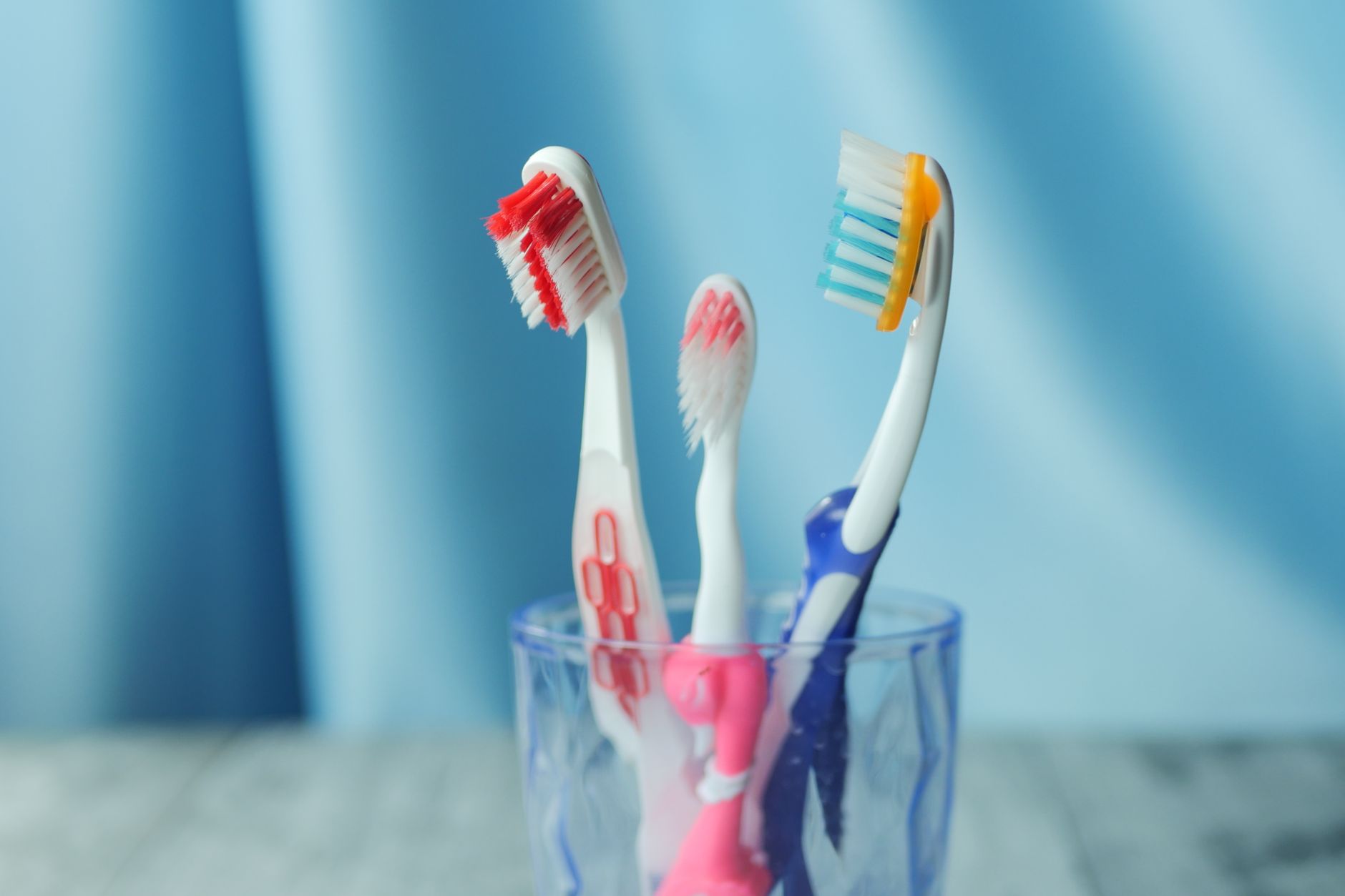
Quick answer If your electric toothbrush won't turn on, you can often fix it by cleaning grime off the charging contacts, clearing toothpaste buildup from around the power button, or performing a deep battery reset on the charger.
Few things are more frustrating than walking up to the sink in the morning, pressing the power button on your daily hygiene tool, and getting nothing. Before you throw away your device and spend money on a replacement, it helps to run through a few basic checks.
Electric toothbrushes take a lot of daily abuse. They sit in humid bathrooms, get dropped on tile floors, and are constantly exposed to water and sticky toothpaste paste. Because manufacturers seal these handles in resin to protect the electronics from water, standard internal repairs are nearly impossible. However, external issues like dirty contacts or stuck buttons are very easy to fix at home.
Key takeaways
- Wipe down dirty charging contacts and bases to restore power flow.
- Clear dried toothpaste from around the power button to unstick physical switches.
- Leave dead smart toothbrushes on the charger for a few minutes to trigger a recovery charge.
- Avoid leaving handles permanently on the charger to protect battery health.
Clean the Charging Contacts and Base
The base of your toothbrush and the charging stand collect a surprising amount of gunk over time. A thin layer of toothpaste residue, mineral scale, and bathroom dust can easily block the electrical current from reaching the battery inside.
Unplug your charging base and use a damp cloth or a cotton swab dipped in warm water to scrub away any visible discoloration or sticky rings. Dry both the base and the bottom of the toothbrush handle completely before placing the device back on the charger. If your older model like an Oral-B Vitality Pro 300 or 500 has been sitting uncharged for months, remember that it can take up to twenty-four hours on the base to register a full charge.
Tip: Never store your toothbrush on a permanent charging stand if you want to extend battery life. Place it on the charger only when the battery drops low.
Test a Different Power Outlet and USB Adapter
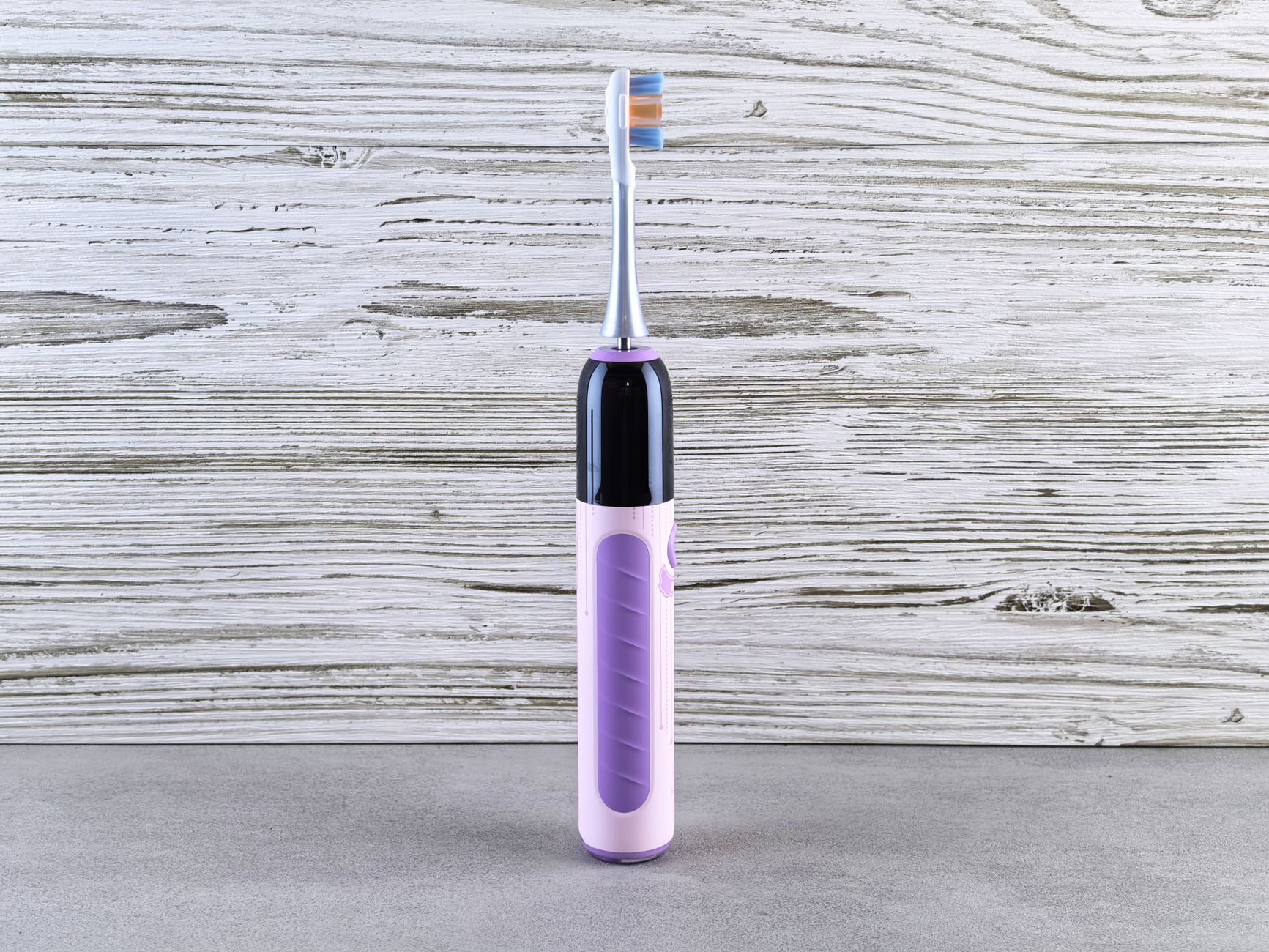
Photo by Andrey Matveev on Pexels
Sometimes the issue has nothing to do with your toothbrush or its charging base. Bathroom outlets are prone to tripping due to built-in Ground Fault Circuit Interrupter safety features, cutting off power entirely.
Unplug the charger and plug a lamp or phone charger into that exact socket to verify it works. If the outlet is dead, test the charger on a completely different circuit in another room, such as a hallway or bedroom outlet. If you use a USB-powered charging stand, swap out the wall adapter block with a known working smartphone brick to rule out a failing power supply.
Perform a Complete Battery Reset
Lithium-ion and nickel-metal hydride batteries can slip into a deep discharge state if they are left uncharged for too long. When this happens, the device may appear completely dead and refuse to show any life when you press the power button.
For smart toothbrushes like Oclean models, a flashing red light near the control area usually signals that the battery is critically low, often sitting around ten percent or less. Place the handle firmly on the charging base and leave it completely undisturbed for at least fifteen to thirty minutes. Do not try to turn it on immediately; give the internal circuitry time to draw enough current to wake up the sleeping cell.
Clear Water and Toothpaste Buildup Around the Power Button
Toothpaste has a sneaky habit of working its way into microscopic gaps around physical buttons. As it dries, it hardens like glue, holding the power button or speed modes in a permanently depressed state.
If your handle features multiple buttons, you might accidentally be pressing a mode selector rather than the main power switch. Rinse the entire handle under warm running water for about ten seconds while firmly pressing and clicking the power button repeatedly to break up internal residue. On multi-button handles, try holding down the speed or mode button while simultaneously pressing the power button to force a basic hardware reset.
Check for Internal Water Damage and Motor Stalls
Accidental drops and bathroom counter collisions take a heavy toll on internal components. A hard fall can crack solder joints on the internal circuit board, snap fine copper induction coil wires, or blow small surface-mount fuses inside models like the Oral-B Genius line.
Mechanical issues can also mimic a dead motor. If dried toothpaste jams the metal spindle shaft underneath the brush head, the motor will stall and hum without spinning. You can sometimes clear a jammed shaft by gently twisting it with pliers, though you must take care not to bend the metal prong.
Warning: Do not submerge non-waterproof sections or attempt to pry open the sealed plastic shell. Doing so ruins any remaining water resistance and risks an electrical short.
Pros
- Can save you from buying an expensive replacement handle.
- Fixes simple contact grime and button jams in minutes.
- Helps you diagnose battery deep-discharge issues safely.
Consals
- Sealed resin bodies prevent DIY internal battery replacements.
- Broken circuit boards or blown internal fuses cannot be repaired at home.
When to Contact Customer Support or Replace It
If you have cleaned the contacts, tried multiple power outlets, and left the handle on the charger for a full day without any response, the internal battery or control board has likely failed permanently.
Because manufacturers seal these handles in solid resin to prevent water ingress, standard users cannot access or replace the internal power cell. Check your purchase history to see if the device is still covered under a manufacturer warranty for manufacturing defects. If it is out of warranty, you will unfortunately need to recycle the handle responsibly and purchase a modern replacement.
Bottom line Try cleaning the charging base and unsticking the power button before giving up on your toothbrush. If a deep battery reset fails on a sealed handle, it is time to look for a reliable replacement.
Related guide: How to Fix Smart LED Strip Lights That Won't Turn On
FAQ
Why did my electric toothbrush stop working suddenly?
Sudden failure is usually caused by a deeply discharged battery, a tripped bathroom outlet, or severe toothpaste buildup locking the power button in a stuck position.
How do I reset a dead electric toothbrush battery?
Leave the toothbrush undisturbed on its charging base for at least thirty minutes to let low-voltage cells absorb enough current to wake up from a deep discharge.
Can water damage an electric toothbrush?
Yes. While handles are water-resistant, deep drops or cracked seals let moisture reach the internal circuit board, shorting out components or blowing internal fuses.
How long do electric toothbrush batteries last?
Most rechargeable toothbrush batteries last between three to five years before their capacity degrades to the point where they no longer hold a useful charge.
Why is my electric toothbrush blinking but not turning on?
Blinking indicator lights usually mean the battery is critically low or the device is locked in a charging state and needs a few minutes on the base before operating.
Sources
Facts in this article were checked against these pages on November 7, 2026:
- Oral B Electric Toothbrush Not Turning On-How To Fix It Easily (youtube.com)
- Why Isn't My Electric Toothbrush Working? (eu.oclean.com)
- Why Isn’t My Electric Toothbrush Working? - Oclean FAQs (oclean.com)
- Why Your Braun Oral-B or Sonicare Toothbrush Is Not Charging - ToothbrushBattery.com (toothbrushbattery.com)
- Toothbrush Won't Turn On After Charging? Expert Help & Fixes (justanswer.com)
- Oral-B Braun Toothbrush Motor Not Working - Braun Oral-B Type 3771 - iFixit (ifixit.com)
How we researched this: this guide is based on current manufacturer information and reputable sources, listed in the Sources section above, and is updated when things change. Read our editorial policy.
Content Writter



Comments
No comments yet — be the first to share your thoughts.