
How to Choose the Right Smart Baby Monitor
Confused by Wi-Fi apps, wearable trackers, and 2.5K cameras? This guide helps you choose the right smart baby monitor for your nursery.
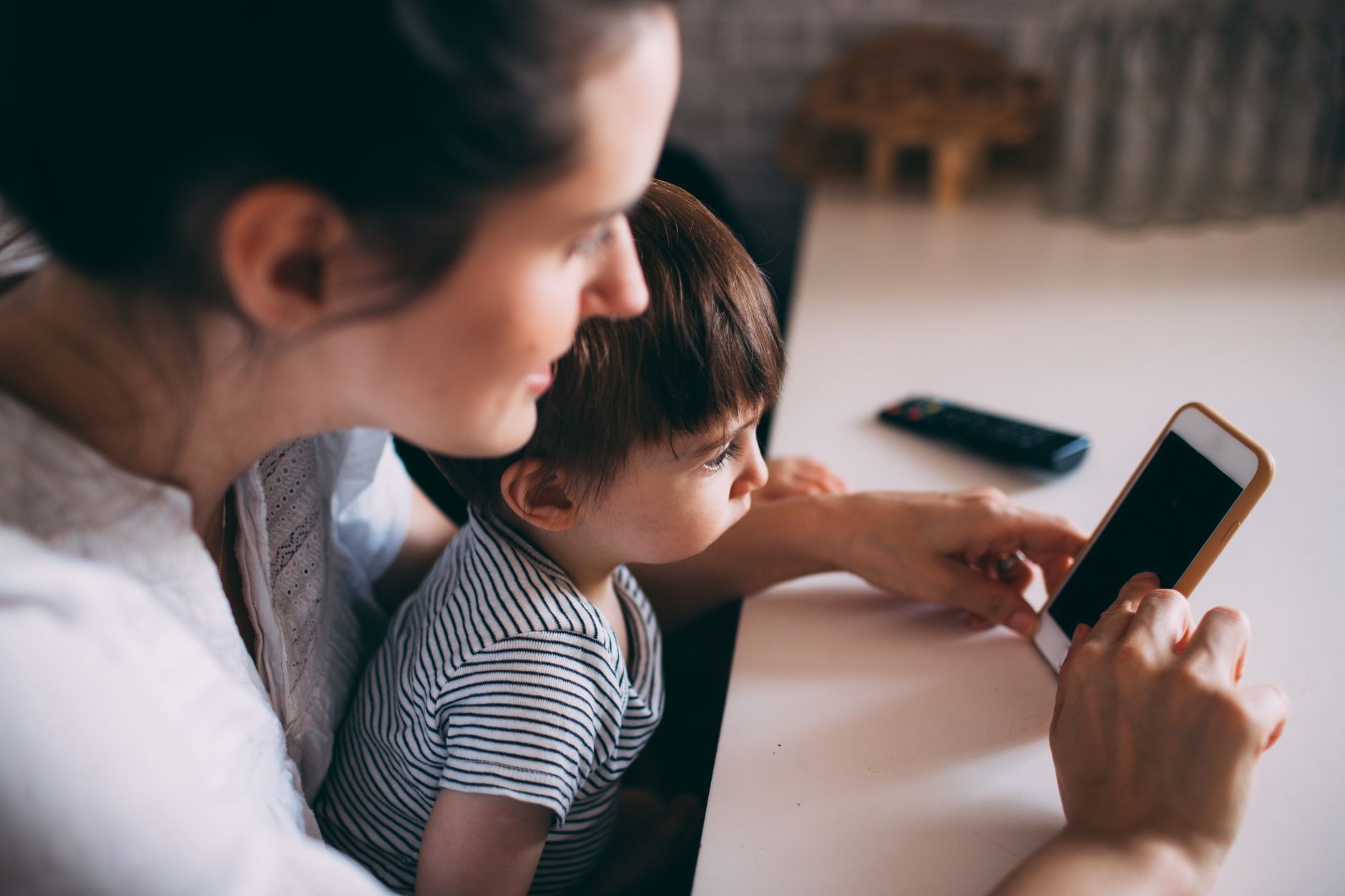
Quick answer Choosing the right smart baby monitor requires balancing remote app access with local security, deciding between wearable or contact-free tracking, and weighing subscription costs against basic video needs.
Shopping for a nursery camera can quickly become overwhelming when you look at the sheer variety of features on the market. Manufacturers now offer everything from basic local audio-video setups to advanced systems featuring 2.5K resolution, artificial intelligence sleep analytics, and medical-grade vital sign tracking.
Finding the right balance depends on your home network layout, your privacy preferences, and how much you actually plan to use smartphone alerts versus a dedicated screen.
Key takeaways
- Hybrid monitors like the Eufy E21 combine local parent units with smartphone apps, offering the best of both worlds.
- Wi-Fi cameras demand strict security measures, such as isolated guest networks and disabled UPnP, to prevent unauthorized access.
- Advanced sleep analytics often require ongoing monthly subscriptions like Nanit Insights.
- Wearable trackers (such as the Owlet Dream Duo 3) provide detailed pulse-oximetry data, while radar-based systems (like the Momcozy BM08) offer contact-free monitoring.
Key Features to Look For in a Smart Baby Monitor
Before comparing specific brands, you need a clear checklist of what matters for your day-to-day routine. A camera with impressive specifications on paper can still fall short if its app crashes or its connection drops constantly.
What to look for:
- Connectivity type: Determine whether you want a pure Wi-Fi model for remote viewing, a dedicated non-Wi-Fi monitor for local privacy, or a hybrid unit.
- Video clarity: Standard 1080p handles most nurseries easily, though newer options like the Cubo Ai Plus 3rd Gen push up to 2.5K Quad HD.
- Audio performance: Look for sound-activated transmission (VOX) and background noise reduction to filter out white noise machines.
- Tracking mechanics: Decide if you prefer wearable vitals sensors, contact-free radar monitoring, or simple video and audio.
- Display hardware: If the model includes a parent unit, check the screen size and battery life.
Video Resolution and Night Vision: What You Actually Need
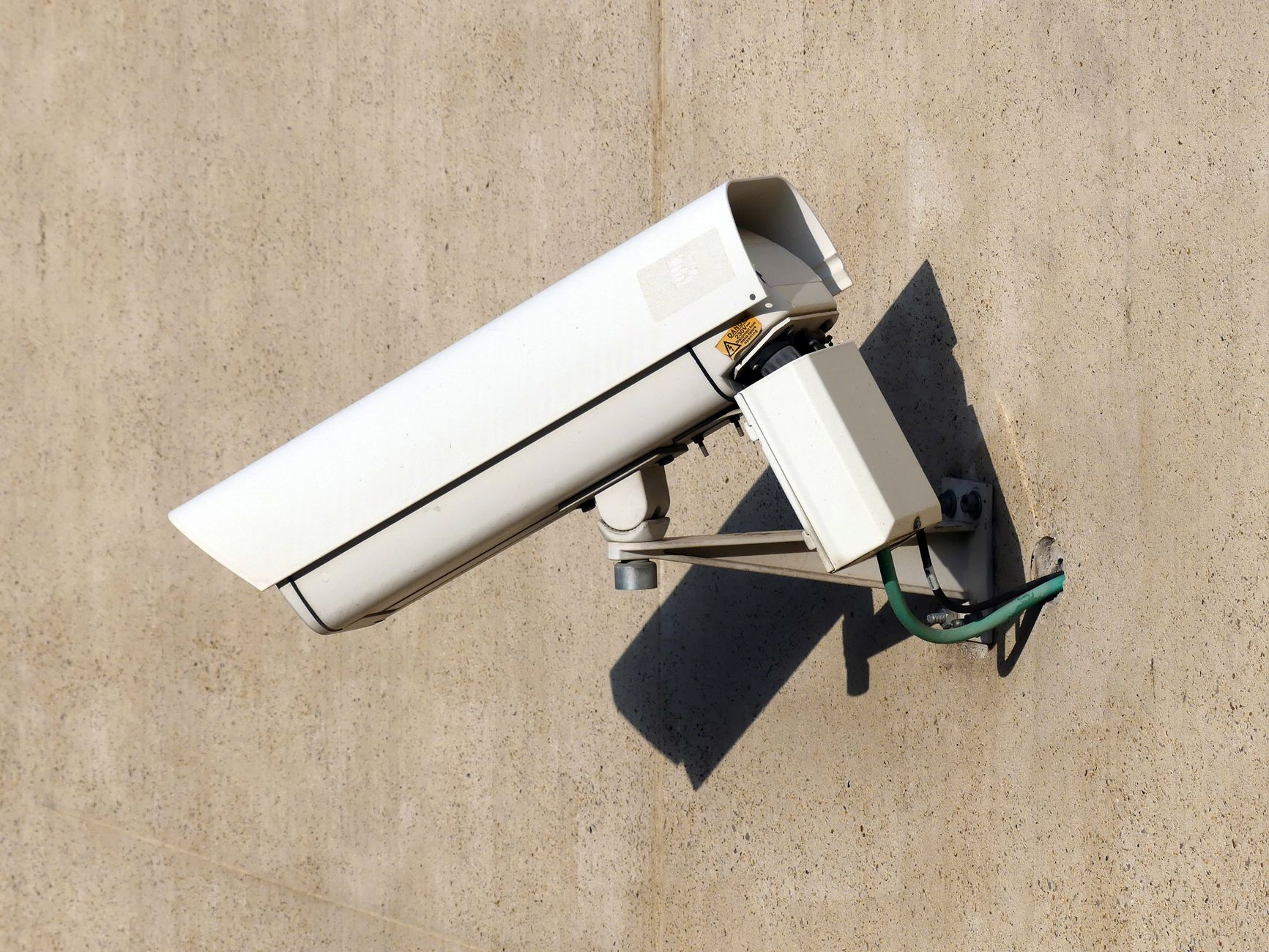
Photo by Atypeek Dgn on Pexels
Marketing campaigns often push ultra-high-definition video as a necessity, but nursery monitoring has unique physical limits. While resolutions range from basic video up to 2.5K Quad HD in high-end devices like the Cubo Ai 3, extremely high resolutions consume more bandwidth and can stutter if your home Wi-Fi signal wavers.
For most parents, a sharp 1080p stream provides plenty of detail to check breathing movements and facial expressions. More important than raw pixel count is the infrared night vision capability. Ensure the camera uses invisible infrared LEDs so that a glowing red light does not disturb your baby's sleep environment in a pitch-black room.
Local Wi-Fi vs. Dedicated Parent Units: Pros and Cons
The biggest architectural choice you face is how the video signal travels from the nursery to your eyes. Pure Wi-Fi models—such as the Nanit Pro or Cubo Ai—let you check in from the office, grandma's house, or the backyard. However, they depend entirely on your home internet stability and whether your router covers the nursery on the 2.4 GHz or 5 GHz bands.
Dedicated parent-unit monitors, like the Infant Optics DXR-8 PRO, work locally without any internet connection. They offer absolute privacy and complete immunity to internet dropouts, but they tie you to a physical handheld screen around your house.
Hybrid units like the Eufy E21 and Momcozy BM04 bridge this gap by including both a physical parent unit and smartphone app access. This style suits households where one partner wants a dedicated screen on the nightstand while the other prefers checking an app during a commute.
Security and Privacy: Protecting Your Camera from Hacking
Connecting a camera to your home internet means taking basic cybersecurity seriously. Consumer Reports consistently advises implementing strict network hygiene to prevent unauthorized access to your private nursery feeds.
Warning: Never leave default admin passwords unchanged after unboxing. Always set a strong, unique passphrase immediately during initial setup.
To properly lock down a Wi-Fi baby monitor, take these specific networking steps:
- Disable UPnP: Turn off Universal Plug and Play on your home router to prevent devices from automatically opening external ports to the internet.
- Set up an isolated VLAN or guest network: Place all smart home IoT devices, including baby cameras, on a separate guest network or Virtual Local Area Network. This ensures that if the camera is ever compromised, the attacker cannot access your computers, phones, or personal files.
- Enable multifactor authentication: Turn on two-factor authentication on your monitor app account so logins require a verification code sent to your phone.
Audio Quality, Two-Way Talk, and Background Noise
A baby monitor is fundamentally an audio device first and a video feed second. When you are sleeping, you rely on sound to wake you up before a visual cue does. Look for units featuring sound-activated transmission, which keeps the parent unit or app silent until your baby actually cries or fusses, saving battery life and your own sanity.
Two-way talk functionality lets you soothe a restless baby with your voice without walking into the room. However, check user reviews for audio latency and microphone feedback. A cheap microphone picks up static from white noise machines, while a well-engineered unit filters out ambient hums and isolates distinct vocal sounds.
Smart Home Integration and App Reliability
Using a smartphone app for monitoring changes your nightly routine. While apps offer massive flexibility, using your phone as a monitor ties it up completely during nap times when you might want to make calls, read, or catch up on work without a video feed overlaying your screen.
Furthermore, consider the long-term software ecosystem. Many advanced smart systems tie deep sleep analytics, historical data charts, and advanced alerts behind monthly or annual subscription models, such as Nanit Insights. Factor these ongoing costs into your initial budget calculation so you are not surprised by recurring fees months down the line.
How to Match a Baby Monitor to Your Budget and Living Space
Your living situation dictates the hardware setup you need. If you live in an apartment with thick concrete walls or frequently experience internet outages, a non-Wi-Fi or hybrid monitor is vastly safer than a pure cloud-connected camera.
| Monitor Type | Typical Price Range | Best For | Key Trade-off |
|---|---|---|---|
| Basic Non-Wi-Fi Video | $80 – $100 | Privacy-focused parents, unstable internet | No remote app viewing outside the home |
| Mid-Range Hybrid / Wi-Fi | $170 – $250 | Flexible viewing, balanced features (e.g., Eufy E21) | Requires reliable home Wi-Fi coverage |
| Advanced Smart & Wearable | $290 – $380+ | In-depth sleep tracking & vitals (e.g., Owlet Dream Duo 3, Nanit Pro) | High initial cost and ongoing subscription fees |
Pros
- High-resolution video and clear night vision options
- Hybrid models offer both dedicated screens and app access
- Advanced sleep analytics and contact-free breathing tracking available
Cons
- Pure Wi-Fi models tie up your smartphone during nap times
- Ongoing monthly subscriptions add hidden long-term costs
- Requires careful network configuration to ensure proper security
Common Mistakes to Avoid
Avoiding a few frequent pitfalls will save you money and frustration during your nursery setup.
- Ignoring band compatibility: Buying a pure Wi-Fi monitor without verifying if your home network covers the nursery reliably on both 2.4 GHz and 5 GHz bands leads to endless connection drops.
- Placing the camera too close to the crib: Official safety guidelines recommend keeping monitors and power cords at least 3 feet away from the reach of the child to eliminate entanglement hazards.
- Overpaying for medical features: Purchasing expensive wearable vitals monitors or high-end subscription services that you may stop using after the first few months of infancy.
Bottom line For most parents, a hybrid monitor like the Eufy E21 strikes the ideal balance between local reliability and remote app flexibility. Skip expensive subscription-heavy smart monitors if you only need a dependable video and audio feed to watch your sleeping baby.
Related guide: How to Choose the Right Smart Floodlight Camera
Related guide: How to Choose the Right Label Maker for Home Organizing
FAQ
Do I need a dedicated parent unit or is an app enough?
An app provides great remote viewing when you are away, but a dedicated parent unit or hybrid model is much more reliable at night. It frees up your phone for other uses and prevents sleep disruptions caused by app crashes or phone notifications.
Are smart baby monitors secure from hackers?
They can be made secure by following strict network hygiene rules. Disabling UPnP on your router, creating an isolated guest network or VLAN for nursery cameras, and enforcing strong passwords and two-factor authentication protect your feed from unauthorized access.
Is 1080p resolution necessary for a nursery camera?
1080p is the sweet spot for nursery cameras, offering sharp detail without clogging your home Wi-Fi bandwidth. While 2.5K options exist, standard high definition is more than enough to monitor a crib clearly.
What is the best way to mount a baby monitor securely?
Mount the camera securely to the wall or shelf well outside the crib's reach, ensuring all power cords are anchored tightly and kept at least 3 feet away from the child.
Do I need motion and sound alerts on a baby monitor?
Sound-activated alerts with adjustable sensitivity are essential so you are only woken up by actual crying rather than minor background noises. Motion and breathing alerts are useful optional additions depending on your peace of mind preferences.
Sources
Facts in this article were checked against these pages on November 6, 2026:
- Smart, WiFi and Video Baby Monitors With Cameras | Momcozy (momcozy.com)
- Baby Monitors: Video, Audio & Smart Monitors (target.com)
- Best Baby Monitor Buying Guide - Consumer Reports (consumerreports.org)
- The 10 Best Baby Monitors | Lab Tested & Ranked (babygearlab.com)
- Best Baby Monitors 2026: 6 Picks, Wi-Fi or Not | DrParenting (drsensory.com)
- Best Baby Monitors by Brand: How to Compare in 2026 (momcozy.com)
How we researched this: this guide is based on current manufacturer information and reputable sources, listed in the Sources section above, and is updated when things change. Read our editorial policy.
Content Writter


Comments
No comments yet — be the first to share your thoughts.