
Apple TV 4K vs. Roku Ultra: Which Premium Streaming Box to Buy?
Deciding between the Apple TV 4K vs Roku Ultra? Compare speed, home screen ads, remotes, and smart home support to pick the best box.

Quick answer: Buy the Apple TV 4K if you want a lightning-fast, ad-free interface, top-tier processor speed, and tight integration with Apple HomeKit or iPhone casting. Choose the Roku Ultra if you want to spend $60 to $90 less, need a physical USB port for local media playback, or prefer a simple menu with a headphone-jack remote for private listening.
Picking a top-shelf streaming box often comes down to two major contenders: Apple TV 4K and Roku Ultra. Both deliver crisp 4K pictures, surround sound decoding, and endless app options, but their software philosophies and hardware extras are completely different.
While cheap streaming sticks get the job done for basic viewing, these standalone set-top boxes offer faster menu browsing, wired Ethernet options, and advanced remote controls designed to handle your entire entertainment center. Deciding between the apple tv 4k vs roku ultra means weighing an ad-free ecosystem against a lower cost with broader hardware ports.
Key takeaways
- Apple TV 4K runs an ad-free home screen on tvOS, whereas Roku OS includes banner ads on its main grid interface.
- Roku Ultra includes a dedicated USB-A port for playing local video files directly from a thumb drive; Apple TV 4K does not support external USB storage drive playback.
- Apple limits its built-in Ethernet port and Thread smart home networking to its higher-capacity 128GB tier, while Ethernet comes standard on Roku Ultra.
- Roku's Voice Remote Pro features a 3.5mm headphone jack for private listening and a lost-remote finder alert.
- Apple's Siri Remote uses a touch-enabled clickpad and recharges via USB-C.
Apple TV 4K vs. Roku Ultra: At a Glance
Here is how the fundamental hardware, software, and format specs line up across both platforms.
| Feature | Apple TV 4K (3rd Gen) | Roku Ultra |
|---|---|---|
| Operating System | tvOS | Roku OS |
| Typical Price Range | $180 – $299 (model/storage dependent) | $70 – $149.99 |
| Home Screen Ads | No main grid banner ads | Yes (banner ads included) |
| HDR Standards | Dolby Vision, HDR10+, HDR10, HLG | Dolby Vision, HDR10+, HDR10, HLG |
| Audio Standards | Dolby Atmos, Dolby Digital Plus | Dolby Atmos, Dolby Digital Plus |
| Ethernet Port | Only on 128GB model | Included standard |
| Local USB Media Port | None | USB-A port included |
| Remote Features | USB-C rechargeable, aluminum body, touch clickpad | Rechargeable, backlit, 3.5mm headphone jack, remote finder |
| Smart Home Protocol | Apple Home / Thread (128GB model) | Multi-platform (Google, Alexa, Apple Home) |
Performance and Interface: Smooth Speed vs. Simple Navigation
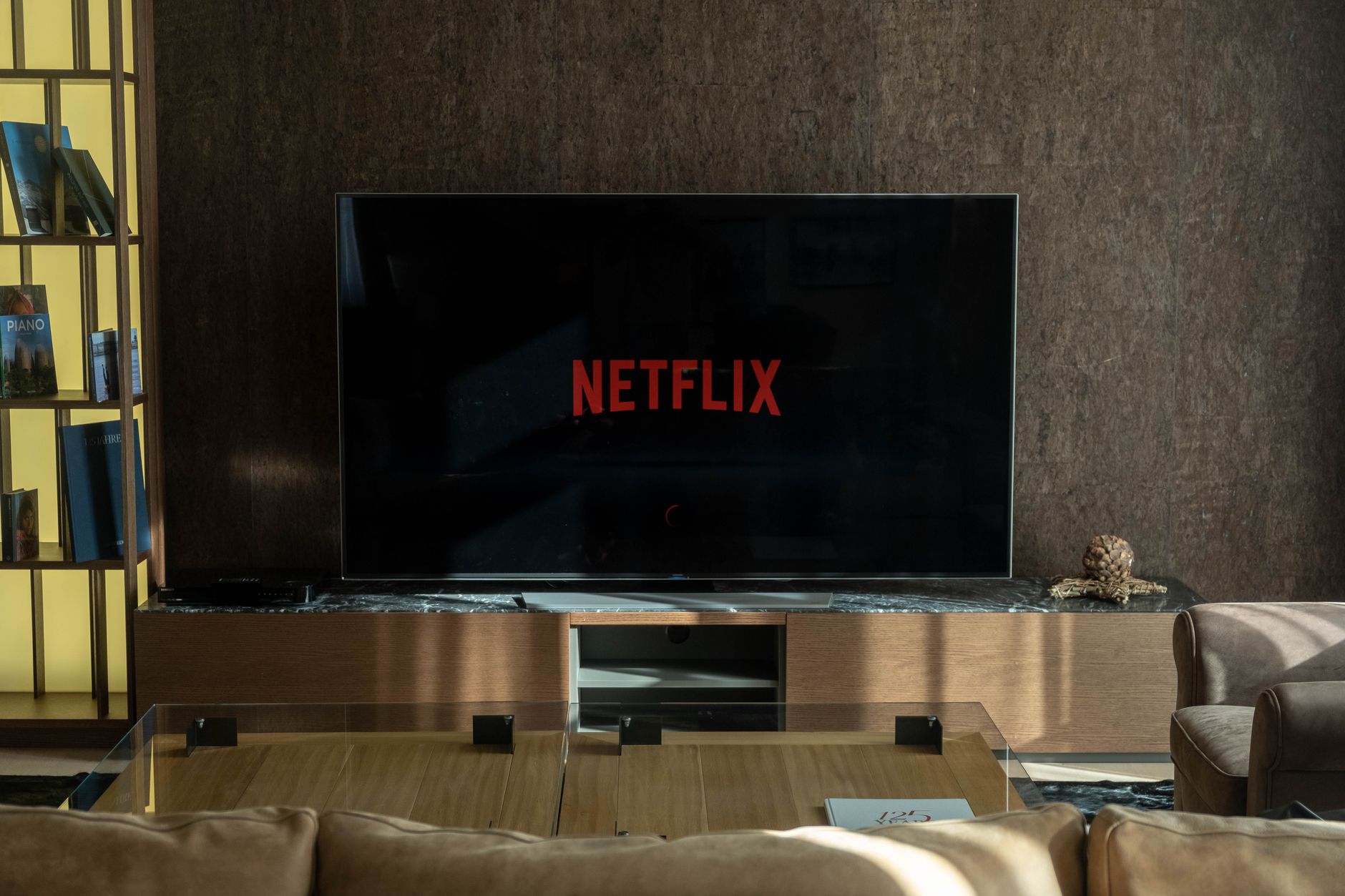
Photo by Nicholas Derio Palacios on Pexels
The software experience separates these two devices right away. Apple TV 4K runs tvOS, powered by Apple's mobile processors. Menus render instantly, apps launch without delay, and switching between heavy streaming applications takes less than a second. Crucially, the home screen displays only your app icons and top-shelf previews, keeping your primary interface completely clear of promotional banner ads.
Roku Ultra relies on Roku OS, which centers around a static, tile-based app grid. It is exceptionally easy to teach to non-tech-savvy family members because every channel lives in one visual list. However, Roku displays large sponsored banner ads on the right side of the main menu grid. While navigation remains responsive, overall app loading speeds and menu transitions are noticeably slower than on Apple's set-top box.
Tip: If you are sensitive to clutter, tvOS lets you hide unwanted stock apps inside folder icons, keeping your main television screen strictly limited to your top streaming apps.
Picture and Sound Quality: Dolby Vision, HDR10+, and Audio Passthrough
When streaming 4K movies, both boxes deliver remarkable visual fidelity. Both devices output crisp 3840x2160 video with support for Dolby Vision and HDR10+ dynamic metadata formats. This means whether you connect to a Samsung TV requiring HDR10+ or an LG OLED relying on Dolby Vision, both players send frame-by-frame color optimization to your display panel. For gaming setups, you might also want to read our breakdown on Variable Refresh Rate (VRR) Explained to understand display output modes.
Audio capabilities are similarly matched for mainstream media. Both pass high-spatial Dolby Atmos soundtracks to compatible soundbars and home theater receivers. However, media enthusiasts with large offline hard drives face a major hardware boundary: Roku Ultra includes a local USB-A media port for plugging in external hard drives. Apple TV 4K omits external USB storage ports entirely, forcing you to stream local network files through third-party media server apps like Plex or Infuse.
Apple TV 4K
Pros
- Class-leading CPU speed and smooth UI animations
- Completely ad-free home grid interface
- Supports both Dolby Vision and HDR10+ formats
- Clean USB-C rechargeable aluminum remote
Cons
- Demands a $60 to $90 price premium over Roku
- No USB port for offline media drives
- Ethernet port omitted on baseline 64GB storage model
Roku Ultra
Pros
- Lower upfront hardware cost
- Built-in USB-A port for local media playback
- Roku Voice Remote Pro has headphone jack for night listening
- Standard Ethernet port on every unit
Cons
- Banner ads present on the home screen
- Slower raw processor speeds compared to tvOS
- Interface feels more basic and utilitarian
Remote Controls Compared: Siri Remote vs. Roku Voice Remote Pro
The daily user experience rests heavily on the remote in your hand. Apple's Siri Remote features an aluminum shell with a multi-directional touch clickpad. Swiping your thumb across the wheel lets you scrub fast-forward or rewind through video scenes with frame-level accuracy. The Siri Remote recharges through a standard USB-C port, phasing out older Lightning connectors entirely.
Roku packages its top device with the Roku Voice Remote Pro. This remote features backlit buttons that light up when picked up in a dark room, along with two programmable shortcut keys. It also offers two unique physical features: a built-in 3.5mm audio jack for plugging in wired headphones directly for late-night viewing, and an audible chime feature activated by pressing a button on the Ultra box to locate lost cushions.
Smart Home and Ecosystem Features: Apple Home vs. Open Platform
If you already own an iPhone, iPad, or Mac, Apple TV 4K acts as a powerful hub for your living room. You can type passwords on your TV using your phone keyboard, airplay vacation photos instantly, or view live security camera feeds in the corner of your TV screen. If you use smart accessories, check out our guide on How to Fix an AirPrint Printer That Won't Connect on iPhone to solve local network pairing issues. Furthermore, the 128GB Apple TV 4K model includes a Thread border router to manage smart bulbs and sensors directly through Apple Home.
Roku Ultra takes a broader, open-door strategy. It works across Google Assistant, Amazon Alexa, and Apple Home platforms without favoring one specific smartphone brand. While it supports basic AirPlay casting from Apple devices, it lacks deep system integration like screen mirroring controls built directly into iOS control panels.
Warning: The entry-level 64GB Apple TV 4K is Wi-Fi only and lacks Thread network support. If you want a hardwired Ethernet connection or plan to run a Thread smart home mesh, you must buy the higher-tier 128GB model.
Common Mistakes to Avoid
- Assuming platform subscription fees exist: Neither device requires a monthly fee to use the operating system. You only pay for the individual streaming services (like Netflix or Max) you log into.
- Buying the cheap Apple TV 4K for wired internet: Buying the standard 64GB Apple TV 4K assuming it has an Ethernet jack will leave you relying solely on Wi-Fi. Always verify tier specs if you require hardwired connections.
- Expecting Android screen casting on Apple TV: Android users cannot easily mirror their screens to Apple TV without third-party tools. Roku Ultra handles open casting standards much better for non-Apple households.
Bottom line: Choose the Apple TV 4K if you use an iPhone, hate home screen advertisements, and want maximum menu speed with long-term hardware support. Choose the Roku Ultra if you want to save money, require a physical USB drive port for offline videos, or love using a headphone jack directly on your remote for late-night listening.
FAQ
Is Apple TV 4K worth the extra cost over Roku Ultra?
Yes, if you prioritize menu speed, an ad-free home screen, and use an iPhone. The extra $60 to $90 pays for a faster processor, a premium aluminum remote, and integration with Apple HomeKit.
Does Roku Ultra have ads on the home screen?
Yes. Roku OS displays a static banner ad on the right side of the primary channel grid menu. Apple TV 4K keeps its home grid free of banner ads.
Which streaming player has better audio and video format support?
Both are equally matched for movie playback. Both players support Dolby Vision, HDR10+, HDR10, and Dolby Atmos passthrough over HDMI to compatible soundbars and receivers.
Can I use the Siri Remote or Roku Remote to control my TV volume and power?
Yes. Both remotes use HDMI-CEC and built-in Infrared (IR) transmitters to turn your television power on or off and adjust your soundbar volume directly.
Which player is better for smart home integration?
Apple TV 4K (128GB model) is superior for Apple HomeKit setups thanks to built-in Thread router support. Roku Ultra is better for households using a mix of Amazon Alexa and Google Home devices.
Sources
Facts in this article were checked against these pages on November 6, 2026:
- Apple TV 4K vs. Roku: What's the Best Streaming Platform? - CNET (cnet.com)
- Roku Ultra vs Apple TV 4K (4th Gen, 2026): Chart and Verdict (theatercalc.com)
- The Roku Ultra has a clear edge over the Apple TV 4K thanks to this port (pocket-lint.com)
- Roku Ultra Vs Apple TV 4k - What's the best streaming ... (youtube.com)
- Canon CJ18ex28B (56-1000mm with Built-in 2X Extender) and CJ15ex8.5B (Vari-Angle Prism Image Stabilization) UHDgc 2/3-Inch Portable 4K Broadcast Zoom Lenses: Compact, Portable, Lightweight, Affordable – Photoxels (photoxels.com)
- Roku Ultra vs Apple TV 4K 2026 – Honest Comparison Review (youtube.com)
How we researched this: this guide is based on current manufacturer information and reputable sources, listed in the Sources section above, and is updated when things change. Read our editorial policy.
Content Writter



Comments
No comments yet — be the first to share your thoughts.