
6 Smart Thermostat Mistakes That Waste Energy and Money
Avoid common smart thermostat mistakes like bad placement, skipped C-wires, and wild schedule spikes that inflate your energy bills.

Quick answer A smart thermostat can increase your energy bills if placed near sunlight, operated without a dedicated C-wire, or adjusted constantly with manual overrides. Positioning your unit on an interior wall away from drafts, activating location-based geofencing, and using moderate setbacks will protect your HVAC equipment and lower monthly costs.
Upgrading to a connected thermostat feels like an easy win for your home. Modern models like the Nest Learning Thermostat (4th gen), ecobee Smart Thermostat Premium, and Honeywell Home T9 offer universal Matter support and smart control right out of the box. However, installing one does not automatically cut your energy bill.
Many homeowners actually see higher power bills after upgrading. Bad placement, improper wiring workarounds, and aggressive temperature routines often strain your HVAC hardware. Avoiding a few common smart thermostat mistakes helps you save money and keep your home comfortable year-round.
Key takeaways
- Mounting your device near direct sunlight, exterior doors, or radiators causes inaccurate temperature readings.
- Running a thermostat without a C-wire or proper adapter risks Wi-Fi drops, system reboots, and short-cycling.
- Setting extreme temperature drops during away hours forces your system to run constantly during recovery.
- Turning off phone location tracking disables automatic geofencing routines, leading to wasted heating or cooling.
Placing the Thermostat Near Drafts or Direct Sunlight
Location dictates performance. If your thermostat sits in direct sunlight or next to an exterior door, its built-in sensors get tricked. A sunny wall makes the sensor read 78 degrees when the rest of the living room is only 70 degrees. This triggers your air conditioner to run needlessly.
The opposite happens near drafty windows or cold entryways in winter. The sensor feels a chill, turns on the heat, and overheats the rest of the floor. Always install the unit on an interior wall in a high-traffic room like a hallway or family room.
Tip: Keep heat-generating electronics, lamps, and television sets at least three feet away from your thermostat wall plate so ambient warmth does not skew your setpoints.
Relying on Constant Manual Temperature Overrides
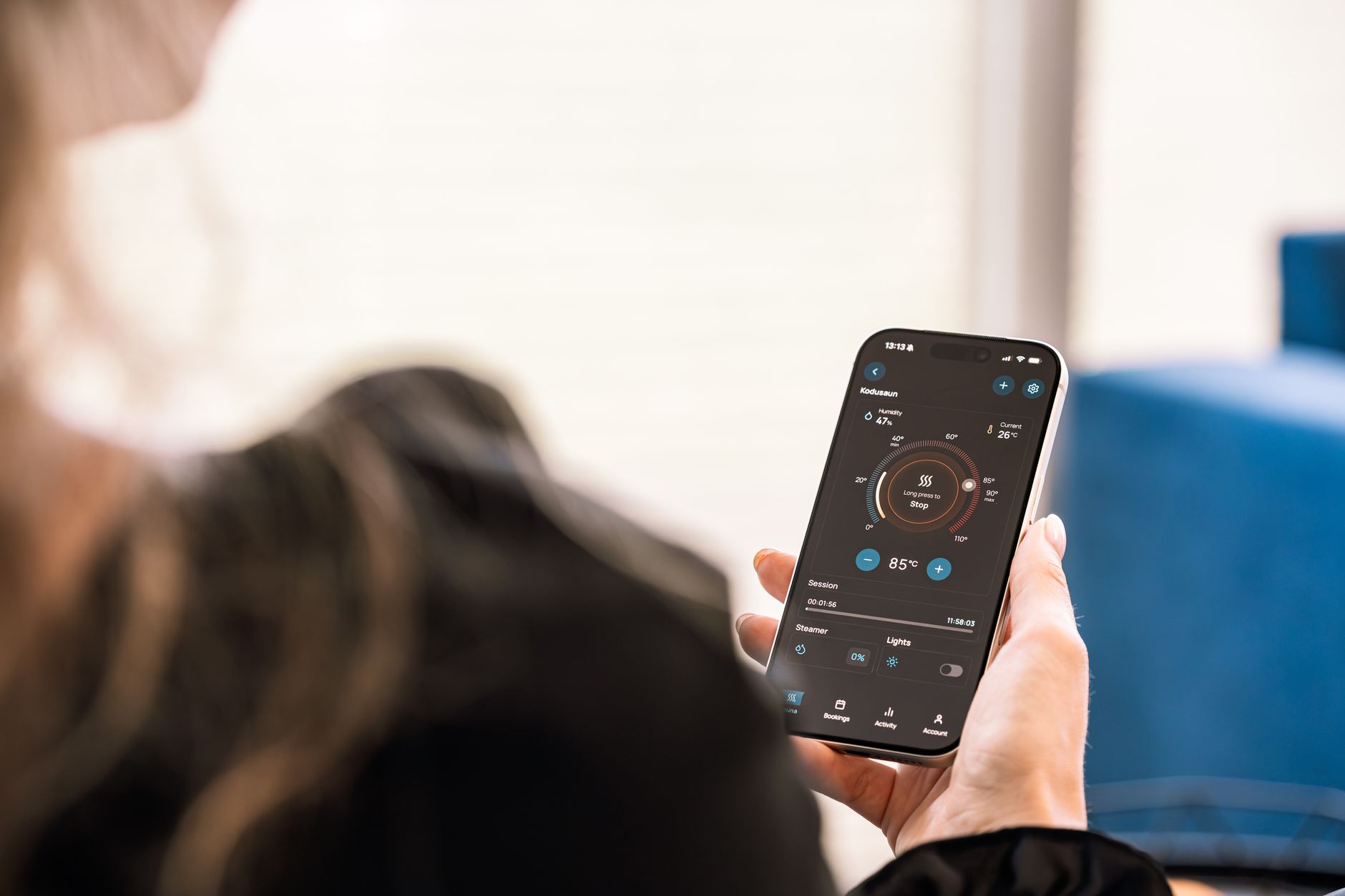
Photo by HUUM │sauna heaters on Pexels
Data from the U.S. Department of Energy shows that roughly 45% of households leave their thermostats at a single static temperature. When people install a smart unit, many continue to adjust setpoints manually whenever they feel slightly warm or cool.
Frequent manual overrides break your thermostat's automated schedule. If you constantly bump the temperature up or down by four degrees, self-learning algorithms cannot establish an efficient baseline. Instead of fighting your schedule, make small one-degree adjustments or let your programmed routines run for a few days to establish a steady rhythm.
Setting Overly Aggressive Schedule Spikes
It sounds smart to drop your heat setpoint by 15 degrees while you are at work in the winter. However, extreme schedule setbacks often backfire. When your system tries to jump from 58 degrees back to 70 degrees in an hour, your HVAC unit works continuously at maximum load.
This prolonged recovery period cancels out the energy you saved while away. In heat pump systems, massive temperature jumps can engage auxiliary heat strips, which use far more electricity. Aim for moderate setbacks of 7 to 10 degrees during long away periods for optimal efficiency.
Skipping Remote Room Sensors in Multi-Room Homes
A single thermostat measures air temperature in only one spot. In two-story homes or wide layouts, rooms far from the main hallway often stay too hot or too cold. Devices like the ecobee Premium and Honeywell T9 use remote wireless sensors to track temperature across multiple rooms.
Skipping remote sensors leads people to crank down the main thermostat just to cool a stuffy upstairs bedroom. Placing a remote sensor in that bedroom allows the system to balance temperatures across your living spaces.
Warning: Be careful when setting sensor priorities. If you set your thermostat to prioritize a rarely used guest room all day, your main living areas may end up uncomfortably warm or cold.
Ignoring Geofencing and Absence Detection Settings
Geofencing uses your smartphone's location services to sense when you leave home and return. Platforms like Matter, Apple Home, Alexa, and Google integration use this feature to switch your HVAC to Away mode automatically. If you revoke location permissions in your phone settings, geofencing stops working.
Without geofencing or active room sensor occupancy tracking, your thermostat continues cooling or heating an empty house all day. Check your smartphone permissions to confirm that your smart home app has access to background location tracking.
Skipping Proper C-Wire Power Delivery
Smart thermostats need continuous low-voltage power to keep their Wi-Fi radios and display screens active. This power travels through a common wire, known as a C-wire (typically blue, brown, purple, or black). Running a thermostat on power-stealing workarounds without a C-wire or a dedicated adapter (like ecobee's Power Extender Kit) causes real mechanical issues.
| Power Setup | Wi-Fi Stability | HVAC System Impact |
|---|---|---|
| Dedicated C-Wire | Constant connection | Smooth operational cycles |
| Manufacturer Adapter Kit | Stable connection | Safe voltage regulation |
| Power Stealing (No C-Wire) | Frequent drops & reboots | Risk of short-cycling and board damage |
Without stable power, your thermostat may reboot unexpectedly or drop off Wi-Fi. Worse, power stealing can cause short-cycling, where your heating or cooling turns on and off rapidly. This short-cycling wears out your HVAC compressor and control board early. For other home maintenance tips, check out our guide on 6 common portable power station mistakes to avoid.
Neglecting Regular System and Filter Maintenance
A smart thermostat controls your HVAC runtime, but it cannot fix mechanical bottlenecks. Expecting a new Nest or ecobee to cut energy costs while your furnace filter is clogged with dust will lead to disappointment. Dirty filters restrict airflow, forcing blowers to work harder and run longer.
Inspect your HVAC filters every 30 to 90 days. Keep outdoor AC condenser units clear of leaves and debris. Clean airflow combined with proper smart schedule settings delivers the lowest possible power bills.
Bottom line A smart thermostat is a powerful tool, but it requires proper placement, a solid C-wire power connection, and sensible schedule settings. It is ideal for homeowners who want automated comfort and energy savings. However, if your home has serious air leaks or an unmaintained HVAC unit, fix those physical issues first before expecting massive bill reductions.
Related guide: Ultra-Wideband (UWB) Explained: What It Does and Where to Use It
FAQ
Why is my electric bill higher after installing a smart thermostat?
Higher bills usually stem from direct sunlight hitting the sensor, extreme away-schedule setbacks that strain your heat pump, or disabled location services that keep the system running while the house is empty.
Where is the best place in the house to install a smart thermostat?
Mount the unit on an interior wall in a central, high-traffic room. Keep it far away from direct sunlight, drafty doors, windows, kitchens, and supply vents.
Does constantly overriding smart thermostat schedules waste energy?
Yes. Manual overrides cancel out the cost-saving routines programmed into your thermostat and prevent self-learning algorithms from building an efficient heating schedule.
How do remote temperature sensors actually save money?
Remote sensors track temperatures in rooms you actually use. They allow the thermostat to average out hot or cold spots without forcing you to manually crank the heat or AC up and down.
Can I install a smart thermostat without a C-wire?
You should not use power-stealing modes without a C-wire. Use a manufacturer C-wire adapter kit or hire an electrician to run a dedicated C-wire to avoid system reboots and equipment damage.
Sources
Facts in this article were checked against these pages on November 17, 2026:
- Smart Thermostat Mistakes to Avoid - Indoor Climate Experts (indoorclimateexpertsga.com)
- Six common energy-wasting mistakes to avoid this summer - Entergy (entergy.com)
- Can a Smart Thermostat Save You Money? | SmartEnergy (smartenergy.com)
- Smart thermostat set-up mistakes that waste heat and how to fix them (twinsunheating.co.uk)
- Thermostat mistakes that raise energy bills - Facebook (facebook.com)
- We've rounded up some common heating mistakes that waste your ... (facebook.com)
How we researched this: this guide is based on current manufacturer information and reputable sources, listed in the Sources section above, and is updated when things change. Read our editorial policy.
Content Writter


Comments
No comments yet — be the first to share your thoughts.