
6 Common Smart Plug Mistakes That Ruin Your Home Automation
Avoid safety risks, dropped connections, and failed automations by fixing these six critical smart plug configuration errors.
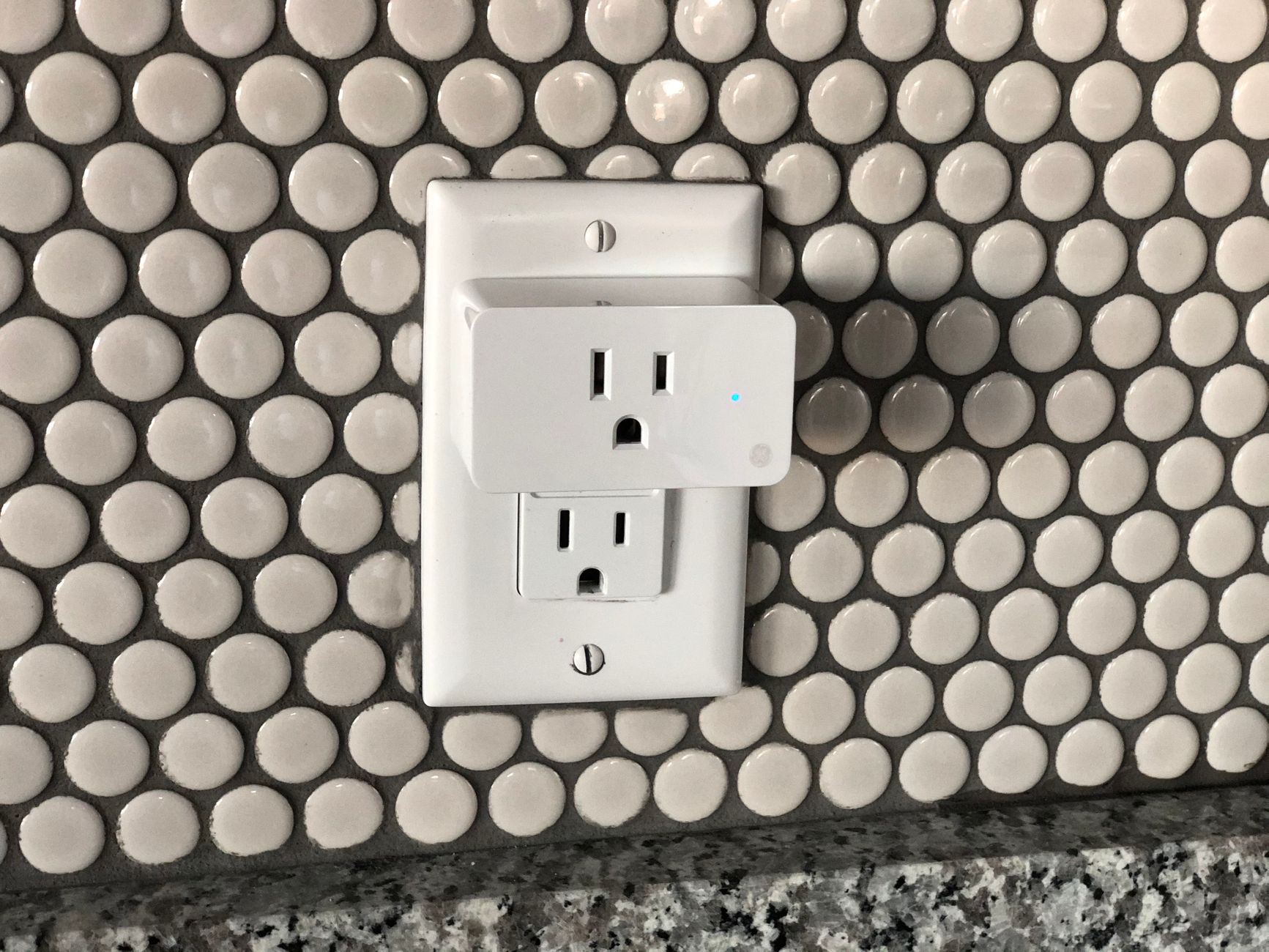
Quick answer The most frequent smart plug mistakes stem from plugging heavy electrical loads like space heaters directly into standard micro-relays, attempting Thread or Matter setups without dedicated hubs, and buying bulky hardware that blocks adjacent wall sockets. You can easily prevent failures by matching the device's electrical rating to your appliance and ensuring your network uses 2.4 GHz or dedicated Thread border routers.
Smart plugs are often marketed as the simplest entry point into home automation. You plug one into an outlet, connect it to your phone, and suddenly your floor lamps or coffee maker respond to voice commands and scheduled timers.
However, setting up smart plugs without considering network requirements, appliance electronics, and relay limits quickly leads to frustrating connection drops, broken routines, or melted hardware. Understanding how smart plug relays interact with your home power and network infrastructure will save you hours of troubleshooting.
Key takeaways
- Standard smart plugs rely on miniaturized micro-relays that easily fuse under high-wattage, inductive, or capacitive loads like space heaters and boilers.
- Matter over Thread devices require hardware Thread border routers (such as a HomePod mini, Apple TV 4K, or Echo/Nest hub) and cannot pair with a smartphone alone.
- Most smart plugs operate exclusively on 2.4 GHz Wi-Fi frequencies; attempting to pair them on a 5 GHz-only band will cause setup failure.
- To avoid blocking adjacent wall sockets, choose compact single plugs or multi-outlet surge protectors like the Kasa HS300.
- Enabling power-on state recovery in your device's native app ensures connected appliances safely resume their intended state after a power outage.
Mistake 1: Plugging High-Wattage Space Heaters or Appliances Into Standard Plugs
The most dangerous error smart home owners make is connecting high-draw heating elements, water boilers, or motor-driven appliances to standard off-the-shelf smart plugs. While a plug might be labeled for a maximum rating of 15 amps or 1800 watts, that rating applies primarily to resistive, continuous loads under ideal conditions.
Inside a compact smart plug is a tiny component called a micro-relay. Standard consumer plugs lack zero-crossing detection or electrical arc-quenching mechanisms. When an inductive or capacitive load (like a pump motor or heavy compressor) or a high-wattage space heater toggles on and off, electric arcs bridge across the relay's physical contacts. Over several hundred switching cycles, this electrical arcing pitted and fuses the contacts together, causing the plug to fail permanently in the "always-on" position.
If you need to control high-amp appliances or boilers, avoid plug-in adapters. Instead, install a heavy-duty smart switch designed for high power, such as a SONOFF POWR3 (rated for up to 25A) or a dedicated smart switch paired with a properly rated external electrical contactor.
Warning: Never use a standard smart plug on an appliance that defaults to an unsafe state or creates fire risks if locked in the permanent "ON" position due to a fused relay.
Mistake 2: Using Wi-Fi Smart Plugs When Zigbee or Matter Is Better
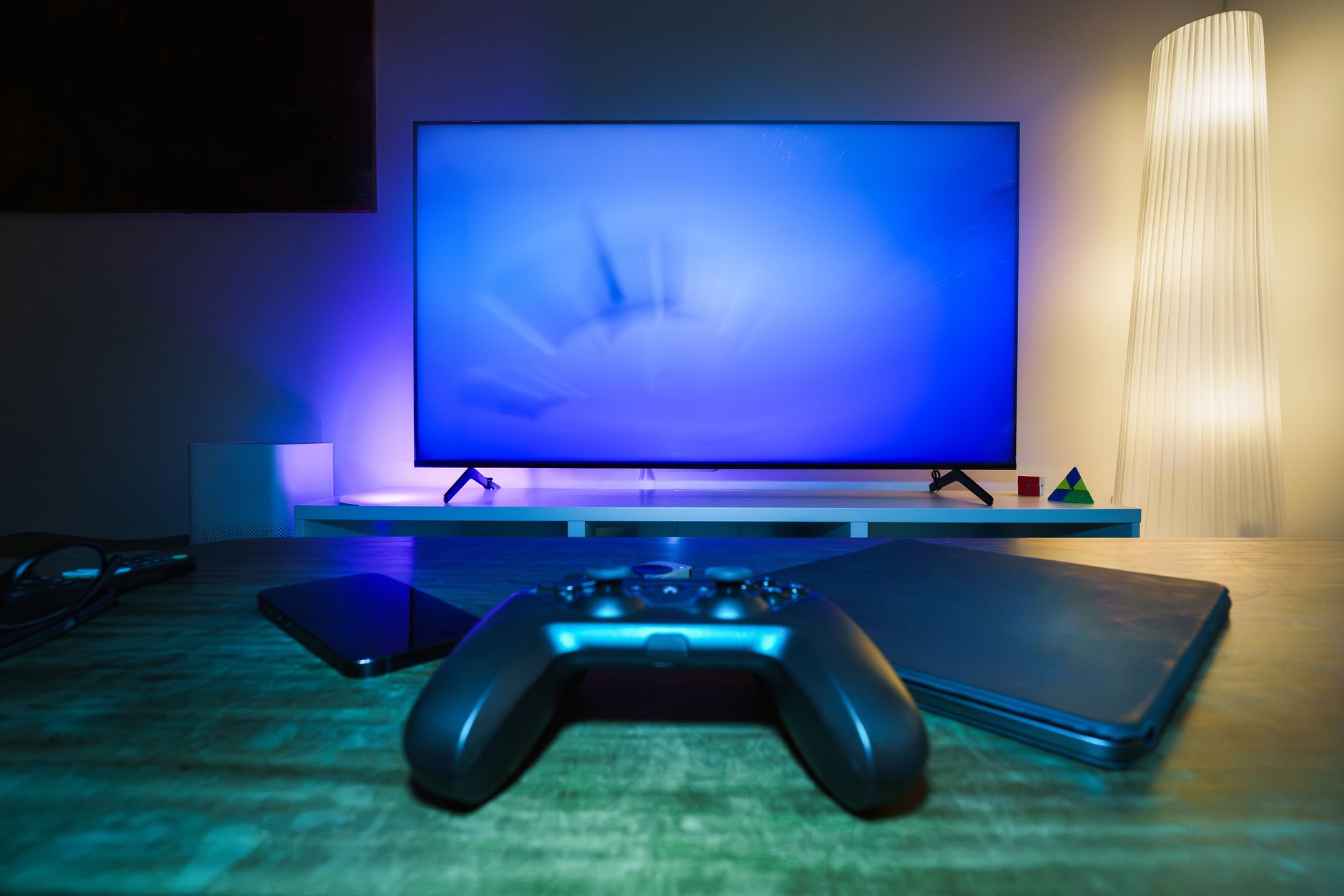
Photo by Jakub Zerdzicki on Pexels
Wi-Fi smart plugs are cheap and widely available, but cluttering your home router with dozens of individual 2.4 GHz Wi-Fi devices creates network congestion. Standard smart plugs only work over 2.4 GHz bands, which means trying to pair them while your phone is locked onto a 5 GHz network frequency will fail instantly.
Upgrading to Zigbee or Matter over Thread plugs like the Eve Energy offers local control and a self-healing mesh network, relieving pressure on your primary Wi-Fi router. However, a major point of confusion for buyers adopting Matter over Thread is hardware compatibility: you cannot set up a Thread device using a smartphone alone.
Unlike Bluetooth or Wi-Fi plugs, Thread devices strictly require a dedicated Thread border router and Matter controller—such as an Apple HomePod mini, Apple TV 4K, or compatible Echo, Nest, or SmartThings hub—to bridge the Thread network to your home network.
| Protocol | Requires Dedicated Hub? | Local Control Support | Best Use Case |
|---|---|---|---|
| Wi-Fi (2.4 GHz) | No (Connects to router) | Varies by brand/cloud reliance | Entry-level setups with under 10 devices |
| Zigbee | Yes (Zigbee Gateway) | Yes (Local hub processing) | Large smart homes with high device density |
| Matter over Thread | Yes (Thread Border Router) | Yes (Cross-platform local control) | Modern, ecosystem-agnostic smart homes |
Tip: If you are optimizing your wireless setup, understanding how protocols manage traffic is crucial. If you want to check how modern networking standards reduce latency, see our breakdown on Wi-Fi 7 Multi-Link Operation Explained.
Mistake 3: Blocking the Second Outlet With Bulky Plug Designs
Standard duplex wall outlets in homes are closely spaced. Purchasing wide, square, or oversized smart plugs frequently blocks the adjacent socket, rendering half of your wall outlet useless. This issue is even worse on power strips, where wide plugs overlap neighboring ports on both sides.
To avoid losing outlet capacity, pay close attention to physical dimensions before buying. Seek out compact circular or low-profile rectangular plugs designed specifically to leave adjacent receptacles unobstructed. If you need smart control for multiple devices in one location, buy a dedicated smart power strip instead of plugging multiple individual adapters side-by-side.
- Compact single plugs: Search for slim models (such as Amazon Smart Plug 2-Packs) designed to stack vertically in a standard duplex wall socket without blocking the second plug.
- Multi-outlet power strips: Products like the Kasa HS300 Smart Power Strip offer six individually controllable outlets alongside built-in USB charging ports and surge protection in a single organized unit.
- Electronic switch compatibility: Remember that smart plugs cut and restore mains power; they cannot turn on appliances equipped with soft push-buttons that default to standby mode when power is restored.
Mistake 4: Relying on Cloud Routines for Critical Time-Sensitive Schedules
If your smart plug setup relies entirely on cloud-based routines (such as standard cloud integrations across Amazon Alexa or Google Home), any drop in internet connectivity will cause your automated schedules to fail. If your internet goes down overnight, a cloud-dependent routine designed to shut off a light or turn on a filter will simply fail to run.
Budget Matter plugs, such as the Meross Matter Smart Wi-Fi Plug MSS315, offer Matter support but can still suffer from multi-admin pairing drops or cloud synchronization errors across cross-platform systems. For mission-critical timing, prioritize hardware platforms that execute routines locally on your hub (like Home Assistant, Apple Home, or local Zigbee networks) rather than sending commands through external vendor cloud servers.
Mistake 5: Hiding Smart Plugs Behind Metal Furniture or Heavy Shielding
Because smart plugs operate on low-power wireless radios, physical location heavily impacts performance. Placing a smart plug directly behind a metal refrigerator, behind heavy foil-backed insulation, or inside a solid metal junction box creates a Faraday cage effect that blocks wireless signals completely.
Outdoor smart plugs encounter similar issues when mounted against brick walls, stucco with wire mesh backing, or deep under wooden decks far away from your primary Wi-Fi access point or nearest Thread mesh node. When installing smart plugs outdoors, ensure they are mounted vertically to prevent water pooling, and place a meshed repeater node or plug halfway between the outdoor location and your router.
Mistake 6: Forgetting to Enable Power-On State Recovery Settings
When a neighborhood power outage occurs and mains power is restored, smart plugs face a critical behavior choice: should they turn back on, stay off, or match their state prior to the blackout?
By default, many smart plugs turn back on when power returns. If you have plugs connected to ambient lighting in a bedroom, a sudden middle-of-the-night power flicker can cause every light in the house to turn on at 100% brightness simultaneously. Conversely, if a plug controls a vivarium light or air circulator, defaulting to "Off" after an outage could disrupt essential schedules indefinitely.
Tip: Open the native app for your smart plug brand (such as the Kasa, Eve, or Meross app) and navigate to the individual device settings menu. Look for options named Power-On State, Default Relay State, or Last Status Recovery, and configure each plug according to its specific safety needs.
Bottom line Smart plugs are excellent tools for controlling lamps, fans, and simple mechanical appliances, but they require proper installation. Avoid plugging high-draw appliances into standard micro-relays, ensure you have a Thread border router before buying Matter over Thread plugs, and choose slim hardware to preserve outlet space. Beginners wanting direct Alexa control should opt for simple Wi-Fi units, while advanced users seeking local cross-platform operation should invest in Matter over Thread setups backed by proper hub hardware.
FAQ
Is it safe to plug a space heater into a smart plug?
In most cases, no. Standard smart plugs contain miniature relays that can fuse shut under the continuous high-wattage draw and heat generation of a 1500W space heater. If you must automate high-power devices, use heavy-duty switches rated for 25A or pair a smart relay with a high-capacity electrical contactor.
Why does my smart plug keep going offline?
Smart plugs typically drop offline due to 2.4 GHz network congestion, being assigned to a 5 GHz-only band, or being shielded by metal appliances and masonry walls. For Thread devices, going offline usually indicates that the device is located too far from your Thread border router or intermediate mesh nodes.
What happens to smart plugs during a power outage?
During a power outage, smart plugs lose power and turn off completely. Once mains power returns, the plug's behavior depends on its configured power-on state settings: it will either default to ON, default to OFF, or restore its last active state prior to the outage.
Do smart plugs use electricity when turned off?
Yes, smart plugs consume a small amount of power (typically between 0.5 and 1.5 watts) even when turned off. This micro-draw powers the internal Wi-Fi, Zigbee, or Thread radio so the device can listen for incoming commands from your smart home network.
Sources
Facts in this article were checked against these pages on October 20, 2026:
- 9 Common Mistakes People Make When Upgrading To A Smart Home (bgr.com)
- Top Home Automation Mistakes to Avoid: A Complete Guide for Smart Home Beginners | by Sarlux Electronics | Medium (medium.com)
- 7 Common Smart Home FAILS and How To Avoid Them – The Hook Up (thesmarthomehookup.com)
- osprey.life
- Six Common Smarthome Mistakes Beginners Make (reddit.com)
- Smart Plugs keep breaking when used at high capacity - Hardware - Home Assistant Community (community.home-assistant.io)
How we researched this: this guide is based on current manufacturer information and reputable sources, listed in the Sources section above, and is updated when things change. Read our editorial policy.
Content Writter

Comments
No comments yet — be the first to share your thoughts.