
NPU Explained: What Neural Processing Units Do in PCs and Phones
Learn what a Neural Processing Unit (NPU) does, how it compares to your CPU and GPU, and why new laptops and phones require one.
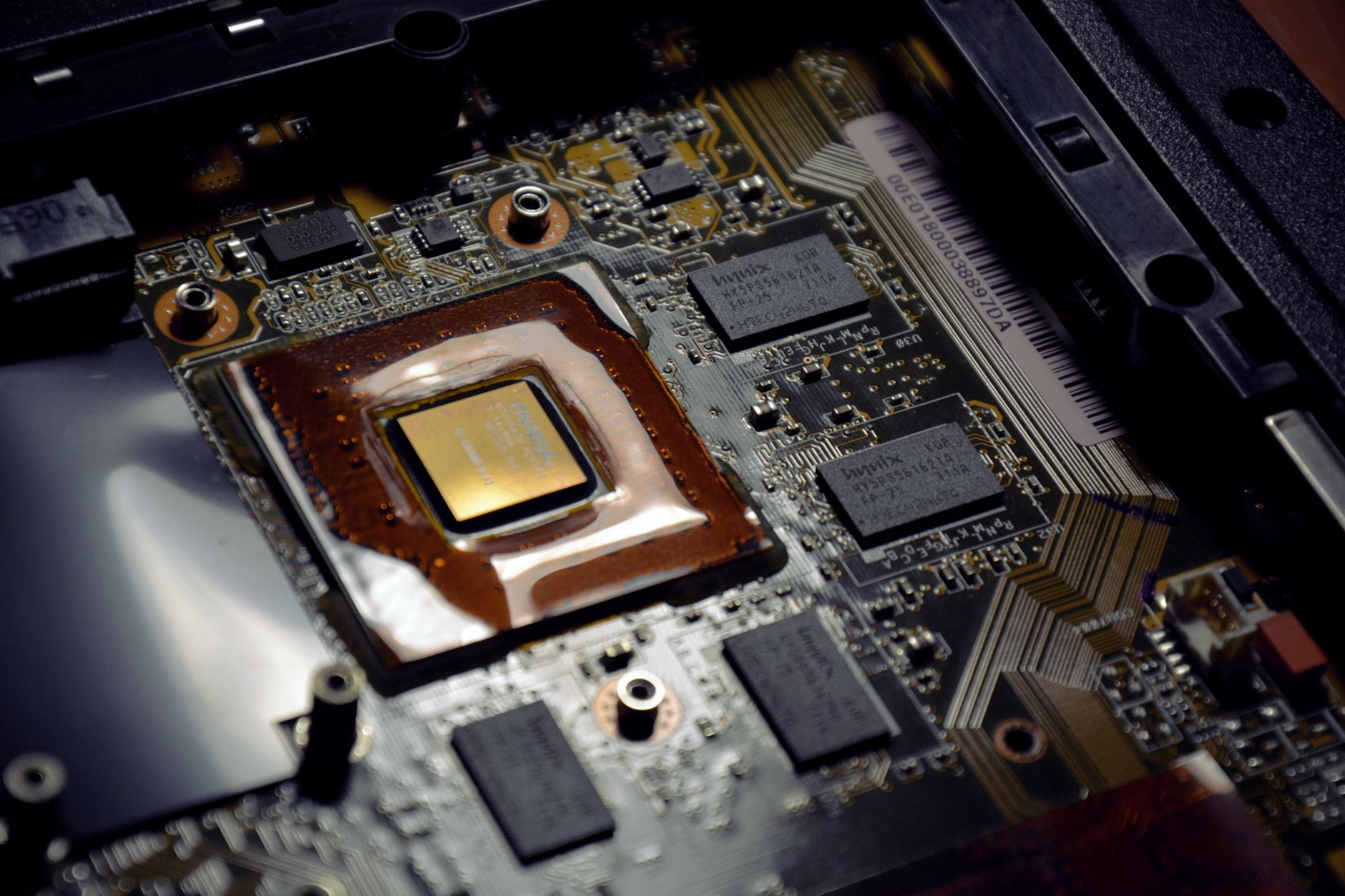
Quick answer An NPU is a specialized computer chip built to run artificial intelligence tasks locally on your device with high energy efficiency.
If you have shopped for a new laptop or phone recently, you likely noticed new technical terms on the specification sheet. Manufacturers now talk constantly about AI, neural engines, and TOPS ratings. You might wonder what these terms mean for your daily use.
Buying a device used to mean checking the processor speed, RAM, and storage space. Now, chip makers build dedicated silicon directly into the main processor to handle smart features. This guide breaks down what an NPU is and how it affects your buying decisions.
Key takeaways
- NPUs are microchips built specifically to run AI tasks locally on your device.
- They trade raw power for extreme energy efficiency, saving battery life.
- They do not replace your CPU or GPU; they act as a helper for specific tasks.
- Ratings like TOPS measure throughput, but memory bandwidth and software matter just as much.
What Is an NPU and How Does It Work?
NPUs stand for Neural Processing Units. Think of an NPU as a microscopic calculator designed for a very specific type of math. While a regular processor handles one task after another, an NPU handles thousands of calculations at the exact same time.
Imagine you want to translate a foreign language offline or remove background noise from a video call. These tasks rely on artificial intelligence models that have already been trained. The NPU runs these trained models directly on your hardware.
Traditional chips can run these tasks too, but they use up a lot of power. An NPU uses a dataflow architecture. This keeps data moving efficiently without wasting energy. It uses very little power, usually between one and twelve watts.
For more details on how hardware features change your tech experience, you can read our guide on Spatial Audio Explained: How 3D Sound and Head Tracking Work to see how specialized processing improves daily gadgets.
NPU vs. CPU vs. GPU: What's the Difference?

Photo by Eren Li on Pexels
Your computer uses different chips for different jobs. Each chip has a specific strength. Understanding the difference helps you see why a modern system needs all three.
The CPU is the central processing unit. It acts as the brain of your computer. It handles your operating system, launches apps, and manages basic background tasks. It works well for general computing, but it is slow and inefficient at running AI workloads.
The GPU is the graphics processing unit. It handles images, video games, and heavy parallel math. GPUs are powerful enough to train brand-new AI models from scratch. However, they draw a lot of power and create a lot of heat.
The NPU is the new addition. It is built for low-power, always-on AI inference. It cannot play games or render 3D video. Instead, it takes over small, repetitive AI tasks so your CPU and GPU can rest.
| Component | Main Job | Power Use | Best For |
|---|---|---|---|
| CPU | General computing | Medium to High | Running apps and the OS |
| GPU | Graphics and rendering | High | Gaming and video editing |
| NPU | AI inference | Very Low (1-12W) | Background AI tasks and battery savings |
Real-World Features Powered by NPUs Today
You probably use features powered by an NPU every day without realizing it. These chips handle features that require instant response times without sending your data to a cloud server.
During video calls, the chip handles background blur, eye contact correction, and live noise suppression. It isolates your voice from barking dogs or crying babies instantly. It does this without draining your battery in twenty minutes.
On mobile phones and laptops, facial recognition relies on these processors to unlock your screen securely. Offline translation tools also use them to translate text or speech instantly without an internet connection.
Other common tasks include live captions, automatic meeting transcription, and smart photo sorting. Because these tasks happen locally on your device, your private data stays private.
Tip: Check your device settings to see if your operating system allows you to run local AI assistants offline using the NPU.
What Do TOPS Specs Actually Mean for You?
When you read laptop specifications, you will see numbers measured in TOPS. This stands for Trillion Operations Per Second. It measures the theoretical speed of the chip during AI tasks.
Microsoft set a baseline floor of 40 TOPS for their Copilot+ PC program. Leading chips from Apple, Qualcomm, Intel, and AMD now range from 40 to over 80 TOPS. These numbers have doubled in a very short time.
However, you should not judge a laptop purely by its TOPS rating. Raw speed numbers only tell part of the story. Memory bandwidth and software optimization matter just as much. A chip with lower TOPS might feel faster if its software works efficiently with your RAM.
Warning: Higher TOPS numbers do not automatically mean a faster laptop for gaming, web browsing, or traditional office work.
Do You Need a PC or Phone with a Dedicated NPU?
Whether you need one depends on how you use your devices. If you mostly browse the web, write emails, and watch videos, an NPU is nice to have but not strictly necessary.
If you want a modern Windows experience with Copilot+ features, a certified AI PC is required. These chips are also great for people who do frequent video calls, use real-time transcription, or want better battery life while running smart tools.
Common Mistakes to Avoid
- Expecting an NPU to train AI: NPUs only run inference. They cannot build or train new models from scratch.
- Chasing high TOPS blindly: Software optimization and memory bandwidth matter just as much as raw scores.
- Assuming a GPU is obsolete: You still need a strong GPU for video editing, gaming, and heavy graphics work.
Pros
- Saves 15 to 20 percent battery during AI tasks
- Keeps laptops running cooler and quieter
- Enables fast offline AI features and better privacy
cons
- Confusing marketing metrics like TOPS
- Not required for basic web browsing
- Adds to the initial cost of new hardware
Bottom line Buy a device with a modern NPU if you want long battery life during video calls and access to local AI features. Casual users who only browse the web can safely skip worrying about TOPS ratings for now.
FAQ
What is an NPU and do I need one?
An NPU is a specialized chip for running AI tasks efficiently. You need one if you want local AI features and better battery life on a modern device.
How is an NPU different from a GPU?
A GPU handles heavy graphics and model training, while an NPU is a low-power assistant built specifically for running pre-trained AI tasks.
What does TOPS mean in laptop processor specs?
TOPS stands for Trillion Operations Per Second. It measures the theoretical speed of an NPU during AI calculations.
Can my laptop run AI features without an NPU?
Yes, but your CPU or GPU will handle the work, which drains your battery quickly and creates excess heat.
Which everyday apps actually use the NPU?
Video calling apps with background blur, voice recorders with live transcription, and offline translation tools use the NPU.
Sources
Facts in this article were checked against these pages on November 13, 2026:
- What Is a Neural Processing Unit (NPU)? Everything You Need to Know (laptopoutlet.co.uk)
- NPU Explained | How Neural Processing Units Power AI in Phones & IoT Devices (youtube.com)
- Why Everyone's Talking About NPUs: What They Do and Why They Matter | HP® Official Site (hp.com)
- NPU vs GPU: What's the Difference and Why It Matters for AI PCs | HP® Official Site (hp.com)
- What is an NPU? - Neural Processing Unit Explained - AWS (aws.amazon.com)
- Neural Processing Units: Revolutionizing AI Hardware - Microchip USA (microchipusa.com)
How we researched this: this guide is based on current manufacturer information and reputable sources, listed in the Sources section above, and is updated when things change. Read our editorial policy.
Content Writter




Comments
No comments yet — be the first to share your thoughts.