
Kindle Colorsoft vs. Kobo Libra Colour: Which Should You Buy?
We compare the Kindle Colorsoft and Kobo Libra Colour on screen quality, stylus support, and library integration to help you choose the best color e-reader.
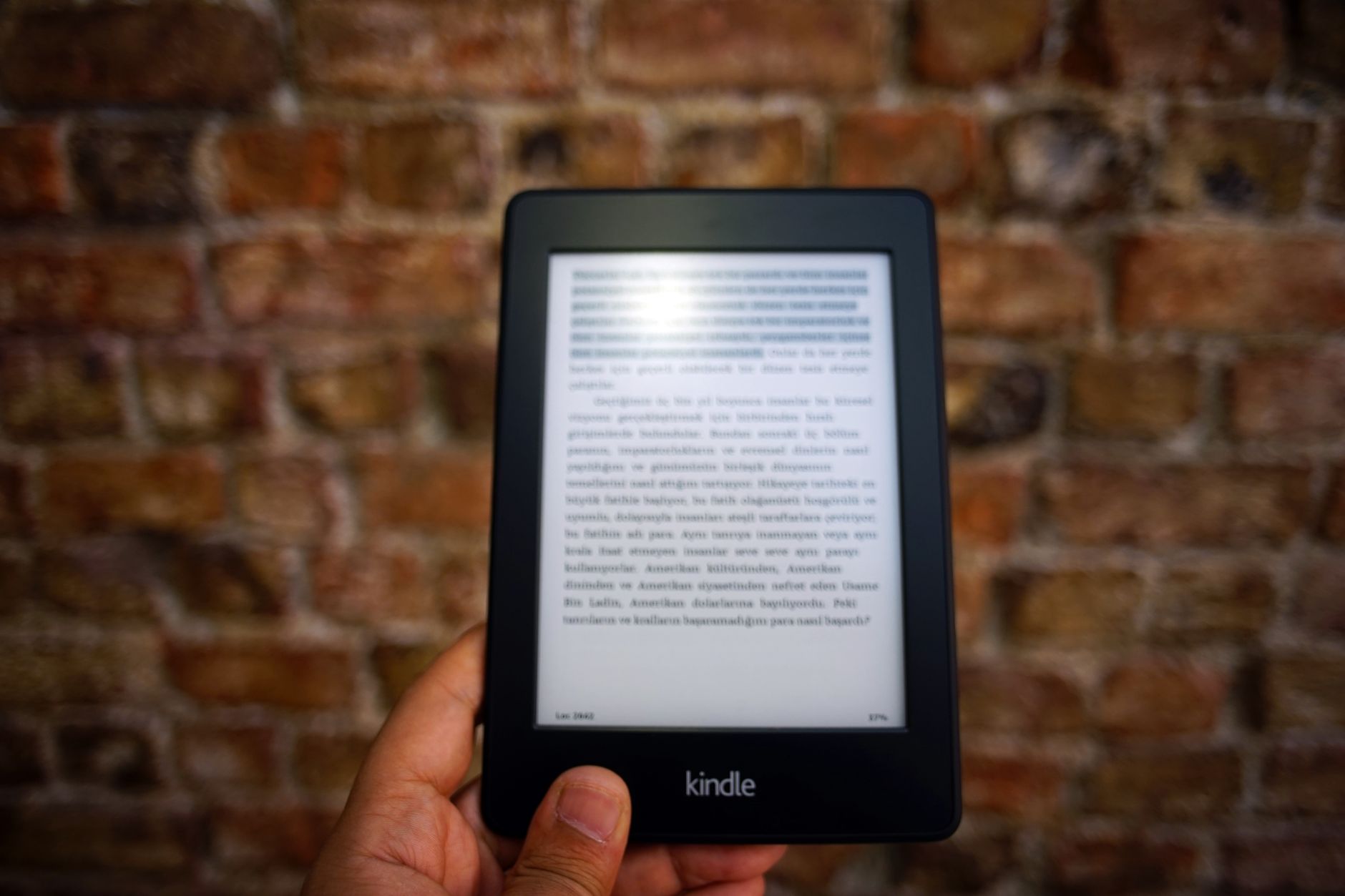
Quick answer: Choose the Kindle Colorsoft if you want the brightest, most vibrant screen for reading color books and comics without page-turn buttons. Choose the Kobo Libra Colour if you want a lighter device with physical buttons, native EPUB support, and note-taking capabilities using a stylus.
Color e-readers have changed how we read digital books. For years, e-ink screens only showed black and white. Now, color screens are the standard for premium reading devices. They make book covers, graphic novels, and children's books look alive.
Two main devices lead the market today: the Amazon Kindle Colorsoft (Signature Edition) and the Rakuten Kobo Libra Colour. Both use 7-inch screens, but they target different kinds of readers. This guide breaks down their features to help you make the right choice.
Key takeaways
- Screen: Kindle Colorsoft is brighter, has richer colors, and has less ghosting than the Kobo.
- Writing: Only the Kobo Libra Colour supports a stylus for handwriting and notes.
- Buttons: The Kobo features physical page-turn buttons; the Kindle is touchscreen-only.
- Ecosystem: Kobo excels at native library integration and sideloading, while Kindle offers a superior store for formatted color content.
Screen Quality: Color Vibrancy and Contrast Compared
Both devices use Kaleido 3 color e-ink screens. This technology displays black-and-white text at a sharp 300 PPI (pixels per inch). Color content displays at 150 PPI. Even though they use the same basic screen technology, they do not look the same in person.
The Kindle Colorsoft has a flush-front screen. Amazon uses custom software and light tuning to make colors pop. It reaches a brightness of 395 nits. It also suffers very little from ghosting, which is the faint image left behind when you turn a page.
The Kobo Libra Colour has an indented screen. It is slightly dimmer, reaching 382 nits. Some users notice a slight yellowish tint when using the cool light setting. However, it still offers a great reading experience for casual color viewing.
| Feature | Kindle Colorsoft (Signature Edition) | Kobo Libra Colour |
|---|---|---|
| Screen Size | 7 inches | 7 inches |
| Color Tech | Kaleido 3 (150 PPI color / 300 PPI B&W) | Kaleido 3 (150 PPI color / 300 PPI B&W) |
| Peak Brightness | 395 nits | 382 nits |
| Physical Buttons | No | Yes (Page-turn) |
| Stylus Support | No | Yes (Kobo Stylus 2 sold separately) |
| Storage | 32 GB | 32 GB |
| Waterproofing | IPX8 | IPX8 |
Design and Ergonomics: Page-Turn Buttons vs. Flush Screen
How a device feels in your hand matters during long reading sessions. The Kobo Libra Colour is lighter, weighing 199 grams (7.04 oz). It features an asymmetrical design with a wider bezel on one side. This side houses physical page-turn buttons. Many readers love these buttons because you can turn pages without touching the screen.
The Kindle Colorsoft is heavier, weighing 217 grams (7.6-7.7 oz). It features a symmetrical, flush-front design. It does not have physical buttons. You must tap or swipe the screen to turn pages. The flush screen looks modern and is easy to clean, but the lack of buttons might disappoint some users.
Kindle Colorsoft Pros
- Brighter screen with more vivid colors
- Less screen ghosting
- Wireless charging built-in
- Automatic light sensor adjusts to your room
Kindle Colorsoft Cons
- No physical page-turn buttons
- No stylus support or note-taking
- Heavier design
Kobo Libra Colour Pros
- Physical page-turn buttons
- Supports handwritten notes and drawings
- Lighter body is easier to hold
- Native support for EPUB and comic files
Kobo Libra Colour Cons
- No automatic brightness sensor
- No wireless charging
- Slightly dimmer screen with a yellow tint at cool settings
Note-Taking and Stylus Support: Writing vs. Reading
This is the biggest functional difference between the two devices. The Kindle Colorsoft is strictly for reading. It does not support a stylus. You cannot write notes, draw, or scribble in the margins of your books. If you want a color Kindle for writing, you must look at the larger, 11-inch Kindle Scribe.
The Kobo Libra Colour supports note-taking. You can use the Kobo Stylus 2 (which is sold separately) to write directly on PDFs, EPUBs, and in dedicated digital notebooks. You can highlight text in different colors and write thoughts in the margins. This makes the Kobo a much better tool for students, researchers, and planners.
Tip: If you buy the Kobo Libra Colour for note-taking, remember to budget for the Kobo Stylus 2, as it does not come in the box.
Ecosystem and Library Books: Kindle Store vs. Kobo and Libby
Your reading habits should dictate which store ecosystem you choose. The Kindle Store has a massive selection of formatted color content. This includes magazines, children's books, and graphic novels. However, Kindle is restrictive with external files. It does not natively support EPUB, CBR, or CBZ formats. You must use the "Send-to-Kindle" tool to convert these files, and color PDFs sometimes require this service to display correctly.
The Kobo ecosystem is much more open. It natively supports EPUB, CBR, and CBZ files. This makes it incredibly easy to drag and drop sideloaded books and comics from your computer. Kobo also integrates directly with Libby, Google Drive, and Dropbox. You can borrow library books directly on the device without using a phone or computer.
Warning: While Kobo supports comic formats beautifully, its official store sometimes downloads lower-resolution versions of comics. Sideloading your own high-quality CBR or CBZ files is often the best way to read comics on Kobo.
Price, Storage, and Value for Money
Both devices offer 32GB of storage. This is enough space for thousands of books or hundreds of graphic novels. Both also feature IPX8 waterproofing, meaning they can survive a drop in the pool or bathtub.The Kindle Colorsoft is the more expensive option. It ranges from $249.99 to $289.99. For this price, you get extra premium features like wireless charging and an automatic light sensor that adjusts the screen brightness for you.
The Kobo Libra Colour is more affordable, ranging from $219.99 to $259.99. However, it lacks wireless charging and an auto-brightness sensor. To change the brightness on the Kobo, you must adjust it manually or set up a schedule based on the time of day.
Common Mistakes to Avoid
- Assuming the Kindle Colorsoft supports writing: Many buyers assume premium e-readers support stylus input. The Kindle Colorsoft does not. Do not buy it expecting to take notes.
- Expecting auto-brightness on the Kobo: The Kobo Libra Colour does not have an ambient light sensor. It cannot automatically dim when you turn off the lights. You must change it yourself.
- Forgetting to use "Send-to-Kindle" for color PDFs: If you copy a color PDF directly to your Kindle via a USB cable, it may not render colors correctly. Always use Amazon's conversion tool for the best results.
Bottom line
Choose the Kindle Colorsoft if: You want the absolute best screen quality, read mostly books purchased directly from Amazon, and want premium extras like wireless charging and automatic brightness adjustment.
Choose the Kobo Libra Colour if: You want to write notes, prefer physical page-turn buttons, borrow books through Libby, or want to easily sideload your own EPUB and comic files.
FAQ
Does the Kindle Colorsoft support a stylus for writing?
No. The Kindle Colorsoft does not support stylus input or handwriting. It is designed only for reading. If you want a color Kindle that supports writing, you will need to look at the larger Kindle Scribe.
Is the screen on the Kobo Libra Colour dimmer than a standard black-and-white e-reader?
Yes. Because of the extra color filter layer, both the Kobo Libra Colour and the Kindle Colorsoft have slightly darker backgrounds than traditional black-and-white e-readers. You will likely need to use the built-in frontlight more often than you did on older devices.
Can I read my existing Kindle books on a Kobo Libra Colour?
Not easily. Books purchased from the Kindle Store are protected by Amazon's digital rights management (DRM) and cannot be opened natively on a Kobo. You would need to convert the files on a computer first.
Which color e-reader is better for sideloading manga and PDFs?
The Kobo Libra Colour is better for sideloading. It natively supports CBR, CBZ, and EPUB files, allowing you to drag and drop files directly from your computer. Kindle requires you to use the "Send-to-Kindle" service to convert these files first.
How does Libby public library integration work on both devices?
Kobo has native Libby integration. You can browse, borrow, and read library books directly on the device. Kindle also supports Libby, but you must find the book on your phone or computer first, then send it to your Kindle device through your Amazon account.
Sources
Facts in this article were checked against these pages on September 27, 2026:
- Kindle Colorsoft vs. Kobo Libra Colour: Here's the Difference (goodhousekeeping.com)
- Which Is Better: Kindle Colorsoft vs. Kobo Libra Colour | Lifehacker (lifehacker.com)
- Kobo Libra Colour vs Kindle Colorsoft vs Paperwhite Review (tiktok.com)
- Kobo - Products, Competitors, Financials, Employees, Headquarters Locations (cbinsights.com)
- Kobo Libra Colour vs Kindle Colorsoft Comparison Review (Video) (blog.the-ebook-reader.com)
- Amazon Kindle Colorsoft Signature Edition Review | PCMag (pcmag.com)
How we researched this: this guide is based on current manufacturer information and reputable sources, listed in the Sources section above, and is updated when things change. Read our editorial policy.
Content Writter


Comments
No comments yet — be the first to share your thoughts.