
6 Common AI Transcriptions Mistakes That Ruin Your Meeting Notes
Learn why AI tools mess up your meeting transcripts and how simple audio and workflow fixes can instantly deliver accurate notes.

Quick answer AI transcription tools fail when they deal with poor audio, unlisted jargon, and overlapping voices. You can fix most errors by recording a 30-second context primer, using custom dictionaries, and reviewing draft notes before sharing them.
Automated meeting assistants like Whisper, Otter, and Fireflies make recording calls effortless. However, turning raw audio into clear summaries often introduces frustrating errors. A single dropped word or swapped name can completely change your team's action items.
Understanding where these automated models fail helps you catch errors before they cause problems. By fixing your setup and auditing the output, you can ensure reliable AI transcription mistakes stay out of your team's workflow.
Key takeaways
- Word-for-word dictation is far more accurate than multi-speaker summarization.
- Adding a 30-second context primer before meetings drastically reduces spelling and jargon errors.
- AI models often drop negations like "not" or "can't" during fast speech.
- Overlapping voices cause models to drop text or attribute decisions to the wrong speaker.
- Never treat automated summaries as final records without a quick human review.
1. Relying on Single-Channel Audio in Multi-Speaker Meetings
Most web conferencing software mixes all voices into a single audio track. When multiple people talk over each other on one track, the speech recognition engine gets confused. The model cannot separate distinct acoustic patterns, leading to missing sentences or mixed-up quotes.
Single-channel audio also makes it hard to pinpoint who said what. If two people have similar voices, the algorithm easily assigns one person's commitments to another. If you struggle with clarity in audio setups, hardware issues like microphone settings play a huge role; for instance, fixing latency issues explained in our guide on Bluetooth headphone audio delay can help keep your audio in sync.
Tip: Record multi-speaker meetings using multi-track audio whenever your software permits. Separate channels for each mic make speaker recognition far more reliable.
2. Skipping Jargon and Name Custom Dictionaries

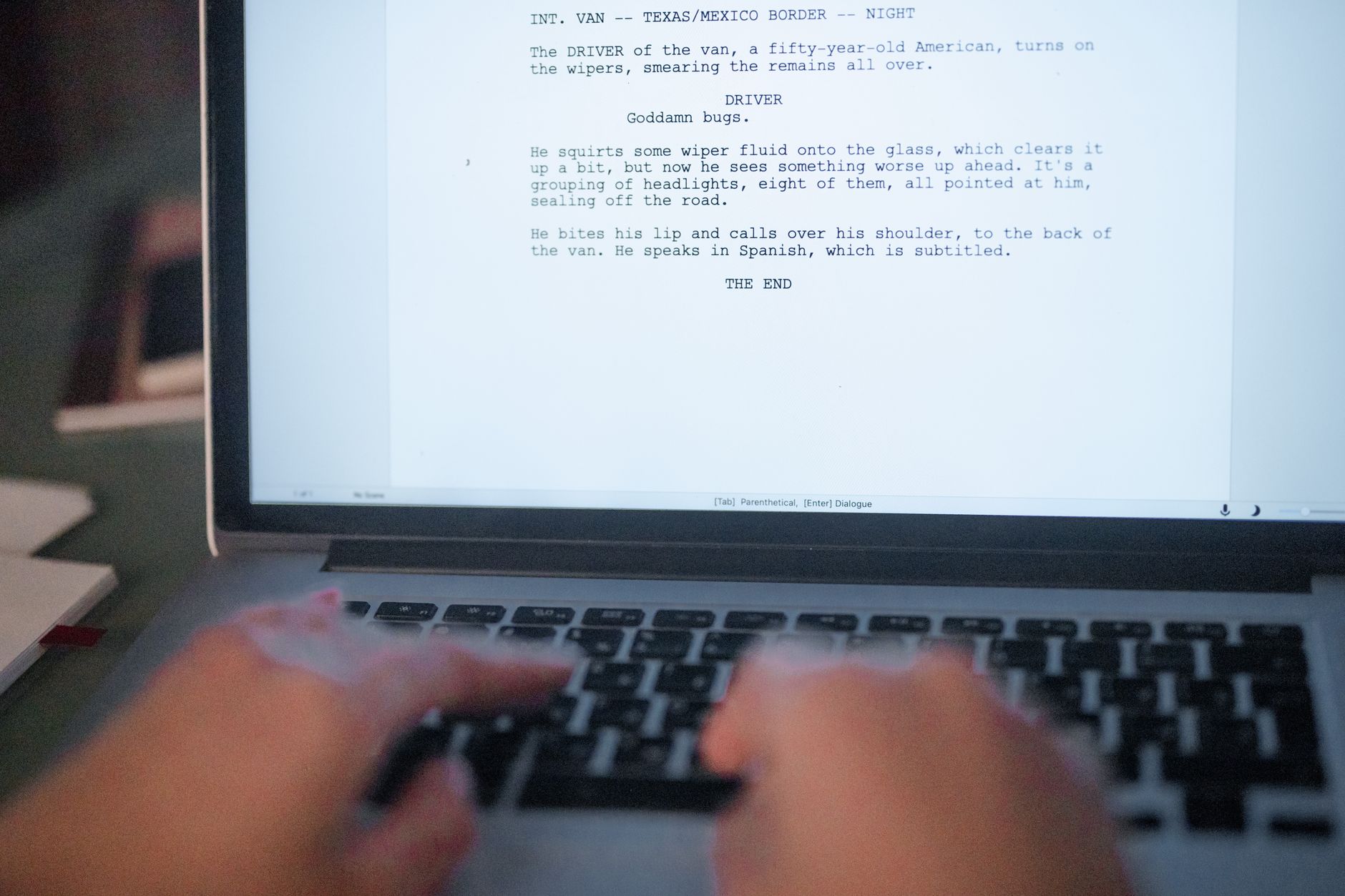
Photo by Werner Pfennig on Pexels
AI tools rely on pattern prediction to guess words. When your team uses rare technical terms, acronyms, or unusual client names, the model swaps them for common words that sound similar. For example, a team discussing "ROI analysis" might end up with meeting notes that read "Roy analysis."
This failure occurs because the model lacks background context. If you give the tool a list of key names and industry terms before processing, accuracy improves immediately.
| Spoken Term | What AI Hears (Without Context) | Correction Strategy |
|---|---|---|
| ROI Analysis | Roy analysis | Add acronyms to custom dictionary |
| Agile Sprint | A child sprint | Record a 30-second context primer |
| Cache clear | Cash clear | Provide project keyword list |
3. Letting Cross-Talk and Background Noise Overwhelm the Model
Background noise lowers recognition accuracy quickly. Constant sounds like air conditioners, typing, or side conversations force the AI engine to guess missing audio. In heavy noise, accuracy can drop below 80%, rendering the transcript useless.
Cross-talk is equally destructive. When two speakers speak at the same time, the model usually drops words or combines two separate thoughts into one confusing sentence. This issue connects directly to how search engines and AI models process unclear input; see our guide on AI search mistakes to learn how noisy input distorts automated answers.
Warning: Crosstalk often causes the software to drop negative words like "not" or "can't." A sentence like "We cannot launch tomorrow" can easily become "We can launch tomorrow."
4. Prompting for Summaries Without Specifying Output Formats
Generating meeting summaries requires a separate processing step from initial dictation. Dictation models copy words directly, but summarization models condense the text. Without strict guidelines, summarization models tend to turn casual ideas into firm decisions.
If a team member says, "We could consider shifting the deadline," an unguided AI tool might list "Shifted the deadline" under final decisions. To prevent this, your prompts must ask the model to separate tentative discussions from confirmed action items.
5. Ignoring Speaker Diarization Settings Before Recording
Diarization is the process of partitioning an audio stream into segments based on who is speaking. Disabling or misconfiguring speaker diarization leads to wall-of-text transcripts where speaker labels vanish or change constantly.
Without correct speaker tags, automated tools routinely assign tasks to the wrong team member. Check your software settings before launching a meeting to verify that speaker identification is enabled for all attendees.
6. Treating AI Transcripts as Perfect Records Without Verifying Key Facts
Even with advanced updates, such as the OpenAI transcription models released on July 28, 2026 that reduced error rates down to 19%, automated drafts are not foolproof. Plausible inventions, missed negations, and scrambled project timelines still occur in raw drafts.
In legal, medical, or corporate environments, relying on an unedited draft creates liability. A quick human audit is essential for catching critical errors before notes go to clients or executives. This process mirrors document processing in long-form research, as covered in our article on how AI reads documents without hallucinating.
Common Verification Mistakes to Avoid
- Reading only the summary: Skimming the summary without checking high-stakes figures lets false action items pass through.
- Skipping the negation check: Failing to search for words like "no," "not," or "never" can reverse key decisions.
- Ignoring numbers and units: AI often mishears spoken numbers, such as confusing "fifteen" with "fifty."
Bottom line AI transcription saves hours of manual note-taking, but it requires human oversight. It is ideal for teams wanting fast draft summaries, but organizations handling legal, compliance, or medical records should always use a trained human reviewer to verify key facts.
FAQ
Why does AI transcription keep confusing speaker names?
AI models struggle with speaker names when voices overlap or sound similar on a single audio track. Adding names to your software's custom dictionary or recording individual audio tracks solves this issue.
How can I make AI meeting summaries more accurate?
Record a 30-second context primer at the start of the meeting to state speaker names and key topics. Also, supply a clear prompt that asks the tool to separate tentative ideas from finalized decisions.
Does background noise affect AI transcription accuracy?
Yes. Background noise distorts speech patterns, causing the software to drop words or mishear homophones. Using directional microphones or noise suppression software prevents this drop in quality.
How do I set up custom vocabulary in AI transcription software?
Look for the settings menu labeled Custom Dictionary or Vocabulary in your app. Enter technical terms, acronyms, and client names so the language model recognizes them during recording.
Why does my AI meeting assistant miss action items?
Action items get lost when multiple people talk at once or when speech is indirect. Training attendees to state tasks clearly and explicitly naming the owner helps the tool capture every assignment.
Sources
Facts in this article were checked against these pages on November 5, 2026:
- The Most Common AI Transcription Mistakes (And How to Catch Them) | GoTranscript (gotranscript.com)
- AI Transcription Errors: Legal Risks & Safer Meeting Notes (umevo.ai)
- The Risks Of AI Meeting Notetakers: Evaluating Accuracy (kitces.com)
- Common Errors in AI Transcription (and How to Fix Them) (preferredtranscriptions.com)
- AI Meeting Notes at Work: Consent and Accuracy (learnsignal.com)
- Nine risks caused by AI notetakers — Careful Industries (careful.industries)
How we researched this: this guide is based on current manufacturer information and reputable sources, listed in the Sources section above, and is updated when things change. Read our editorial policy.
Content Writter


Comments
No comments yet — be the first to share your thoughts.