
6 Common AI Writing Mistakes That Sound Robotic
Avoid robotic AI text by learning how to fix rigid phrasing, cliché buzzwords, uniform paragraph shapes, and missing real-world details.
Quick answer: AI text sounds robotic when it relies on formulaic transitions, cliché vocabulary, flat sentence structures, and abstract generalities. To fix it, delete rigid conclusions, break up monotonous sentences, replace abstract points with concrete details, and do a manual editing pass.
Large language models like ChatGPT, Claude, and Gemini produce fluent drafts in seconds, but their output often carries unmistakable mechanical tells. Relying heavily on default AI text can lower search visibility and alienate readers who quickly recognize generic phrasing.
Cleaning up these drafts requires looking beyond simple grammar checks. By understanding the specific structural habits of generative tools, you can transform flat outputs into engaging, natural text.
Key takeaways
- AI models default to low "burstiness," creating uniform sentence lengths and predictable paragraph shapes.
- Automated rephrasers often distort facts or weaken claims without adding true human depth.
- Removing cliché buzzwords like "delve" or "tapestry" is helpful, but fixing sentence rhythm matters more.
- Inserting specific real-world examples immediately breaks up mechanical abstraction.
Overusing Overly Formal and Dramatic Transitions
AI text frequently relies on rigid framing phrases to introduce ideas or end sections. Instead of moving smoothly from point to point, the model throws in formal signposts that sound out of place in modern writing.
Why it happens
Generative models predict words based on high-probability patterns found in formal training sets, academic papers, and online essays. This causes them to default to predictable transitional markers like "In conclusion," "Ultimately," "In essence," or "As we've explored." They also lean heavily on dramatic verbs like "dive into" or "navigating the landscape."
How to fix it
Delete the formal transitional phrases entirely. Start the sentence with the core subject or action. When wrapping up an article, avoid summary phrases and end with a direct next step or forward-looking thought.
| AI Text | Human Rewrite |
|---|---|
| In conclusion, navigating the landscape of remote work requires clear communication. | Remote teams work best when clear communication rules are in place. |
| It is important to note that battery life varies by setting. | Battery life depends on screen brightness and wireless usage. |
Relying on Cliché Metaphors and Buzzwords

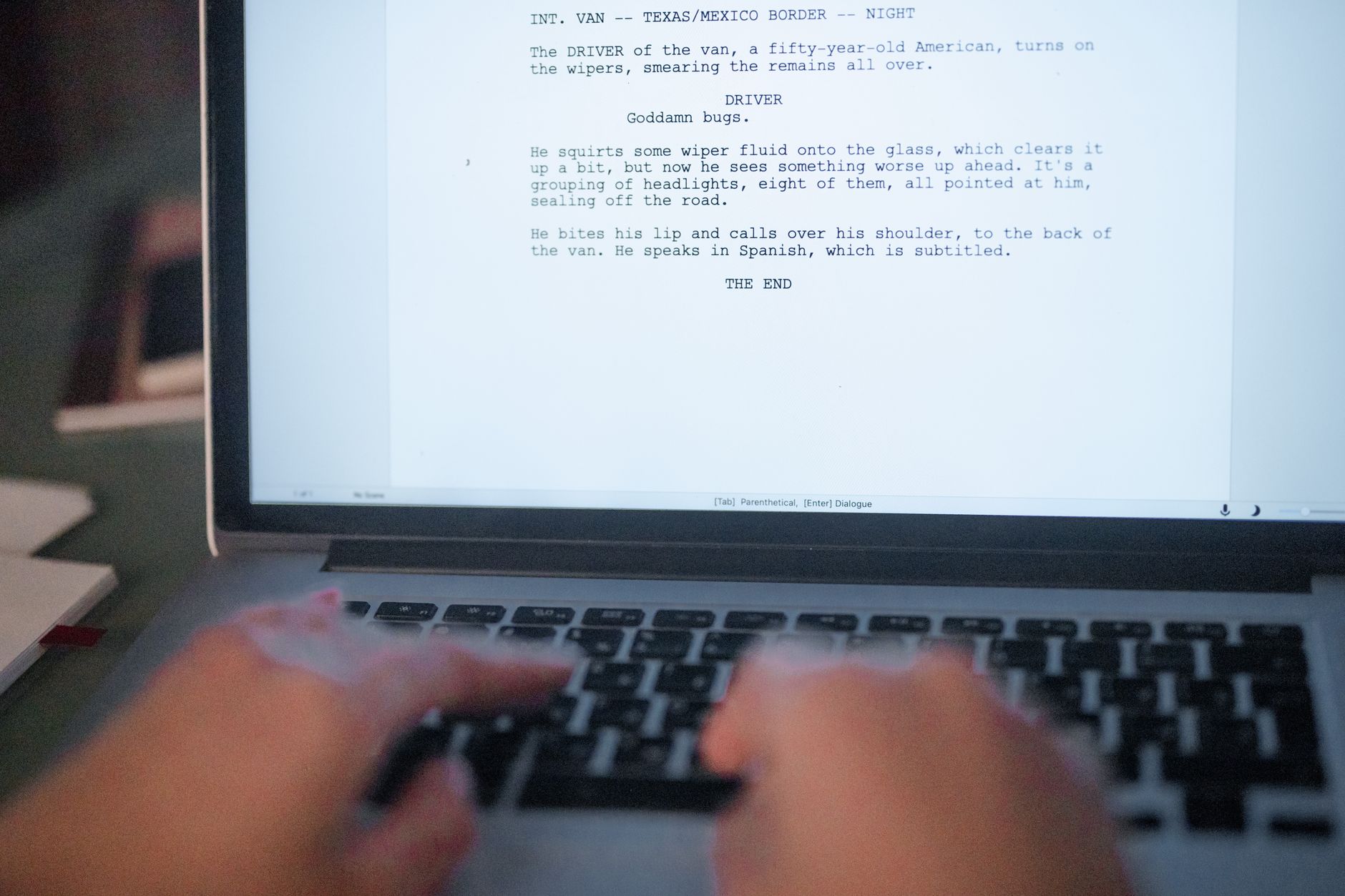
Photo by MART PRODUCTION on Pexels
Specific vocabulary choices instantly give away that a piece of text was generated by software rather than a person.
Why it happens
Models repeatedly select specific terms that bridge broad concepts smoothly. Words like "delve," "intricate," "meticulously," "tapestry," and "beacon" appear constantly. AI also overuses signature rhetorical templates, such as parallel contrast ("It's not just about X, it's about Y") or dense em dashes across consecutive sentences.
How to fix it
Run a search for known AI buzzwords and substitute them with standard, everyday language. Swap inflated verbs for direct actions. Rewrite rigid parallel structures into conversational statements.
Tip: Read your text aloud. If you hit a sentence with two em dashes and three multi-syllable adjectives in a row, break it into two short, simple sentences.
Writing in Monotonous, Predictable Sentence Lengths
Even when the vocabulary is clean, the physical layout of AI writing can still feel off. The overall rhythm lacks natural flow.
Why it happens
AI output suffers from low "burstiness"—the technical term for variation in sentence length and sentence structure. Human writers naturally mix punchy four-word sentences with longer, compound thoughts. AI text usually settles into mid-length Subject-Verb-Object sentences (15 to 20 words each). This creates uniform, rectangle-shaped paragraphs that bore readers.
How to fix it
Vary sentence length deliberately. Follow a long explanatory sentence with a short statement. Merge two choppy ideas or trim an overlong line. If you are using text tools for meeting records, similar structural issues can happen; check our guide on AI transcription mistakes to fix automated outputs elsewhere.
Varying Sentence Structure
- Creates a natural, engaging rhythm
- Holds reader attention longer
- Makes text easier to skim
Uniform AI Pattern
- Creates monotonous, flat paragraphs
- Signals automated generation
- Causes readers to drop off early
Failing to Inject Personal Anecdotes or Specific Examples
AI tools talk about concepts in broad, general terms because they do not have real-world experiences or physical senses.
Why it happens
An AI model can state that a workflow tool saves time, but it cannot mention staying up until 2 a.m. fixing a broken spreadsheet or feeling sand stuck in a sandal. Lacking personal memory, the system defaults to abstract generalizations.
How to fix it
Replace broad claims with concrete numbers, exact software names, or brief personal observations. Show the exact situation rather than describing the general idea.
- Abstract (AI): AI tools help manage daily email communication efficiently.
- Grounded (Human): I use a pre-saved prompt every Tuesday morning to clean out my inbox before team check-ins.
Ignoring Context-Specific Voice and Nuance
AI text tends to hedge every statement to remain neutral, which strips away strong opinions and unique brand voice.
Why it happens
Safety training and RLHF (Reinforcement Learning from Human Feedback) train models to avoid taking extreme stances. As a result, the software produces balanced, non-committal phrasing like "While there are pros and cons to both sides..." It also defaults to repetitive formatting, such as lists made entirely of **Bold Header:** followed by one explanatory sentence.
How to fix it
Take a clear stance. Delete neutral hedging and state what actually works best for your specific audience. Reformat rigid lists into narrative paragraphs or mix up bullet structures. If you use AI assistants for technical work, applying a firm voice matters; read our article on AI coding assistant mistakes for more workflow advice.
Skipping the Crucial Human Editing Pass
Publishing raw text directly out of a generator leaves factual errors and mechanical tone intact.
Why it happens
Because AI outputs feature flawless spelling and grammar, it is easy to assume the content is ready to publish. However, research shows that AI chatbots can repeat false claims or hallucinate details. Automated humanizer software tools often compound this problem by altering sentence order or shifting cautious claims into inaccurate absolute statements without adding real facts.
Warning: Automated humanizer tools cannot supply genuine human experience. They often rewrite cautious phrases like "may help" into factual errors like "will help," increasing the risk of false information.
How to fix it
Always perform a manual pass. Verify every fact, link, and numerical value. Trim superfluous words, add personal context, and ensure all claims are accurate.
Common Mistakes When Fixing AI Text
Fixing robotic text requires the right approach. Here are frequent mistakes creators make during the rewrite process:
- Relying on automated rephrasers: Paraphrasing software cannot add lived details or real facts. It usually distorts subtle nuances.
- Leaving generic closing sentences: Retaining summary conclusions signals an unedited draft. End on an actionable point instead.
- Keeping neutral stances: Leaving hedged statements intact makes your content feel generic. State your view clearly.
- Ignoring fact checks: Perfect grammar does not mean perfect accuracy. Always double-check names, dates, and claims.
Bottom line: Generative tools are great for building rough outlines and first drafts, but they should never write the final draft alone. Content creators, students, and professionals should use AI for structure, then manually edit the draft to adjust rhythm, fix robotic vocabulary, and add real-world details. Skip pure automated humanizers if your topic requires precise facts.
FAQ
Why does AI writing sound so fake?
AI writing sounds fake because language models select high-probability word combinations, resulting in low sentence length variation, abstract generalizations, and repetitive transitional phrases that lack personal human style.
What words do AI tools use too often?
Common AI words and phrases include "delve," "tapestry," "intricate," "meticulously," "beacon," "dive into," "navigating the landscape," and "it's important to note."
How can I make ChatGPT sound more like me?
Provide specific background context, set clear target sentence lengths, specify a direct tone, and instruct the tool to avoid generic transitional phrases and buzzwords in your prompt.
Are there prompts to stop AI from sounding robotic?
Yes. Ask the model to avoid buzzwords like "delve," write with varied sentence lengths, refrain from summary conclusions, and include specific concrete examples rather than general abstractions.
How do I edit AI text effectively?
Read the text aloud to catch flat rhythms, remove formal summary endings, delete cliché words, add real-world details, and check all claims for factual accuracy.
```Sources
Facts in this article were checked against these pages on November 19, 2026:
- How to Spot AI-Generated Writing (and Avoid Sounding Like a Robot) | Jason Thatcher (linkedin.com)
- Common AI Writing Mistakes That Make Text Sound Robotic (humanizeaitext.app)
- Why Does AI-Rewritten Text Still Sound Robotic? (anangsha.me)
- Common AI Content Mistakes and How to Fix Them - ProEdit (proedit.com)
- AI 101: Common Mistakes to Avoid When Using AI | UL Lafayette (louisiana.edu)
- Why AI Writing Sounds Robotic and How Humanizer Tools Try to Fix It - Daily Emerald (dailyemerald.com)
How we researched this: this guide is based on current manufacturer information and reputable sources, listed in the Sources section above, and is updated when things change. Read our editorial policy.
Content Writter




Comments
No comments yet — be the first to share your thoughts.